
The full detail stock list is used to display as a large amount of vehicle detail to
a user. When this option is selected, enter reporting criteria in the top section of the screen:
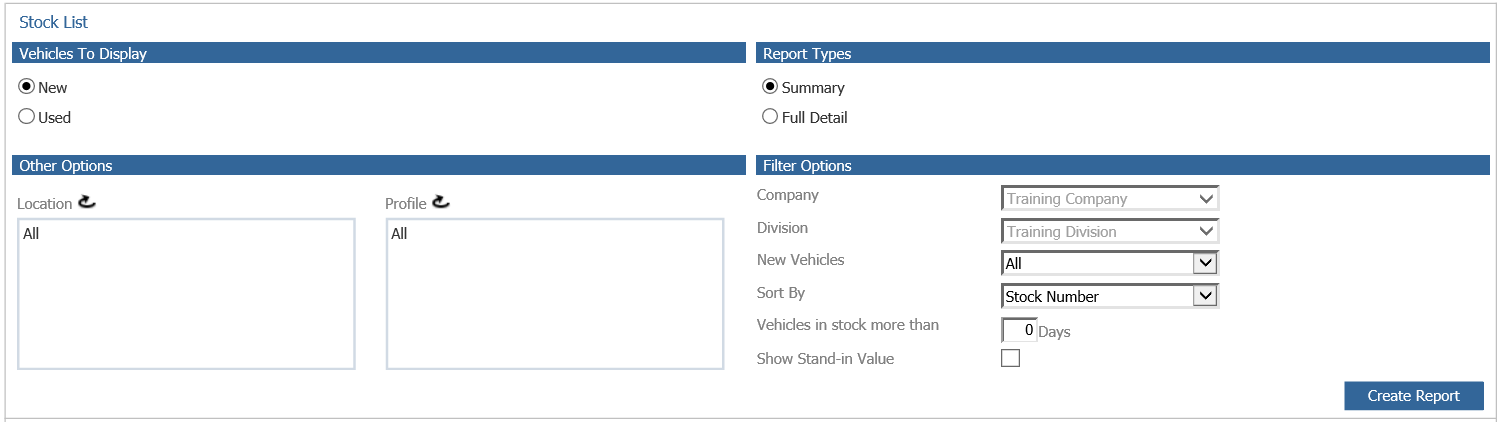
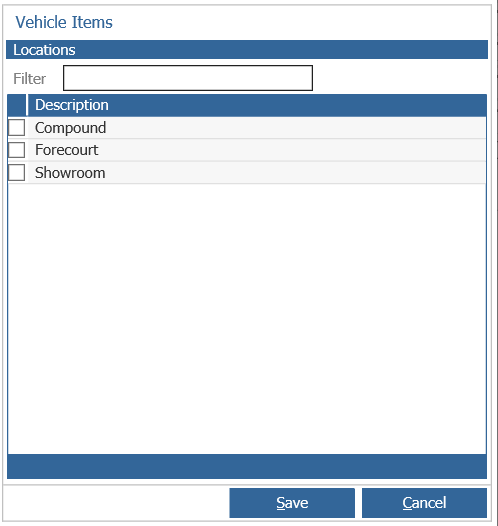
The stock list can be filtered by New or Used vehicles – Locations or Profiles can also be
specified by clicking on the relevant link field and selecting the items to be displayed:
The report type selected dictates the appearance of the report when it is generated in the lower
half of the screen.
A Summary report displays a breakdown including the number of vehicles in stock and the stock
value. A Full Detail report displays each vehicle individually, accompanied by pieces of key
information held on the stock card.
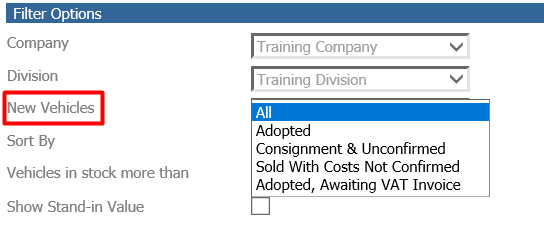
Filter Options can be applied to narrow the display further – new vehicles can be further
categorised by status, as shown below:
The report can also be set to display vehicles in stock number order, in order of age (by days
in stock) and in order of vehicle detail. Selecting the Show Stand In Value option will display
the SIV of the vehicle on the report.
Once the criteria have been specified as required, select ‘Create Report’.
If a report type of Full Detail has been selected, each vehicle displays as a line – indicated
below:
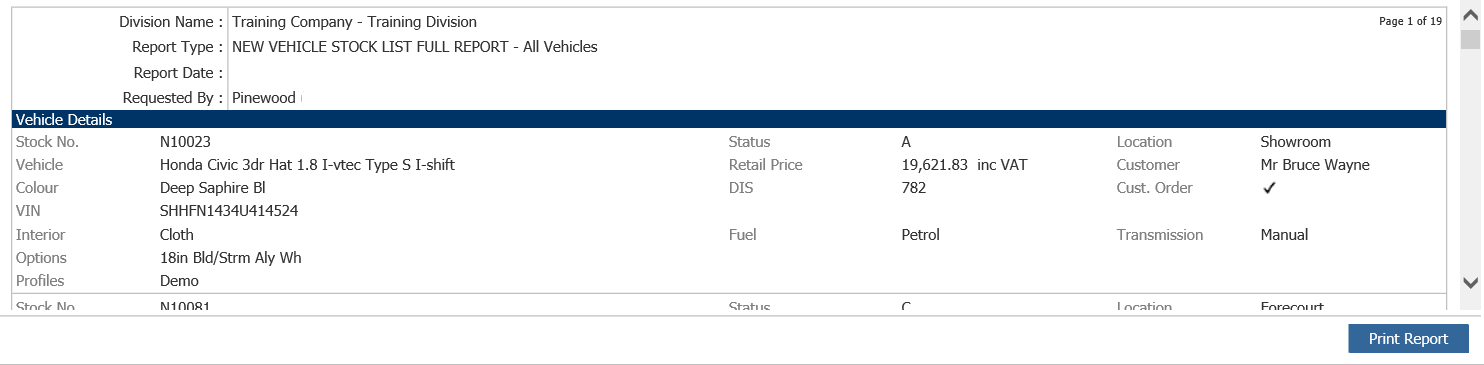
Information included in the display is taken from the stock card, as shown above. Each vehicle
in stock is displayed in this way, subject to it fitting the search criteria specified.
Click in the display box to access the vehicle stock card from this screen. This report can
also be printed.