
Within CRM > Parameters > Dealer Parameters – Enterprise tab there is now the option to choose at which level sales opportunities are visible.
The three levels are Enterprise, Division or Branch.
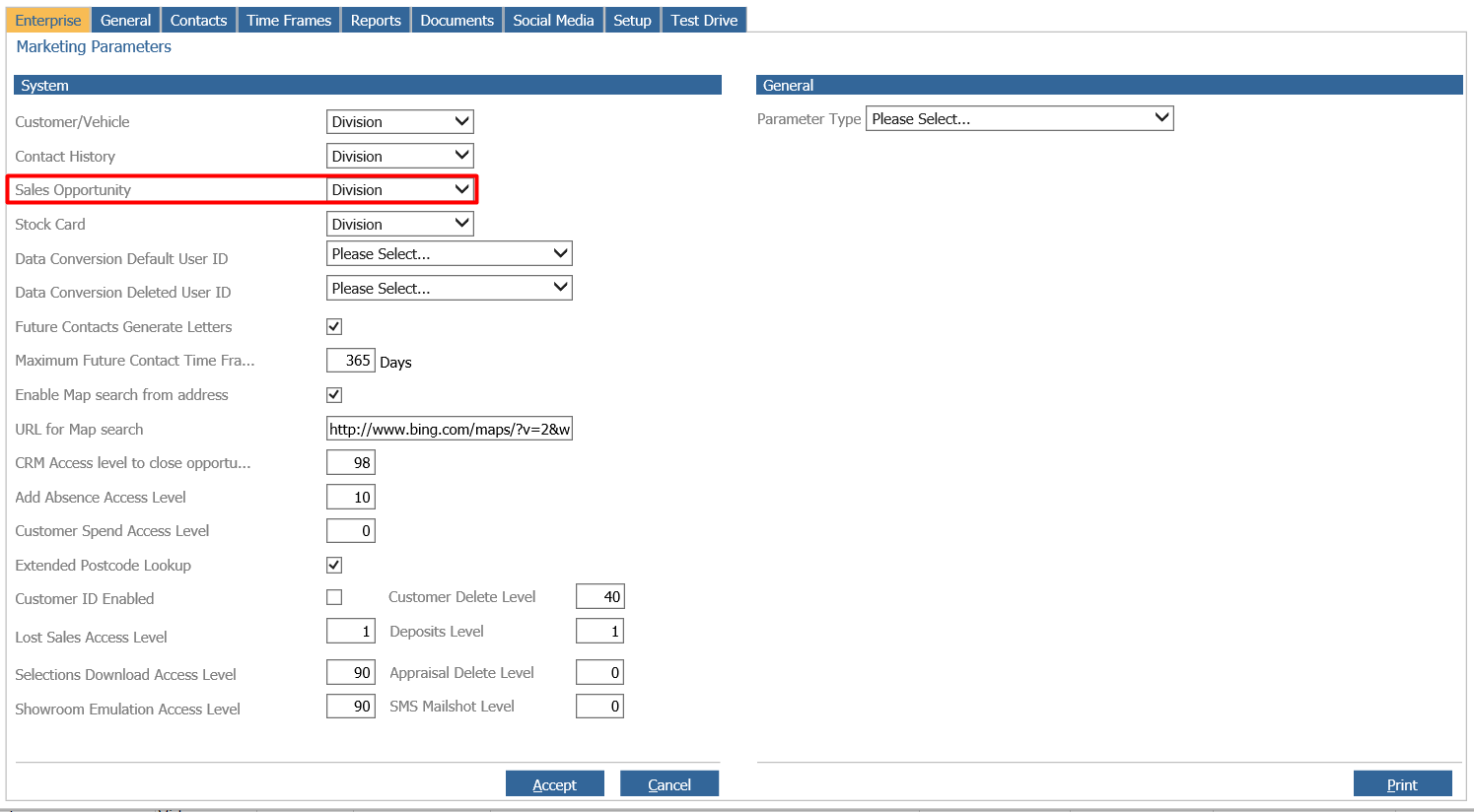
Branch : This will only allow the branch to view the sales opportunity.
Divisional : The default parameter, this will keep the view for sales opportunities the same and only visible with in the division.
Enterprise : All sales opportunities for the customer across all branches are visible.
This parameter can bet set equal or lower than the level set for ‘Customer/Vehicle’. This means that using the Sales Opportunity Icon, Button or Contact Menu to view Open Opportunities for a customer, will restrict the information displayed based on this visibility level.