Question
Where can I access the documents attached to a Customer, from the Customer Order screen in Pinewood DMS?
Answer
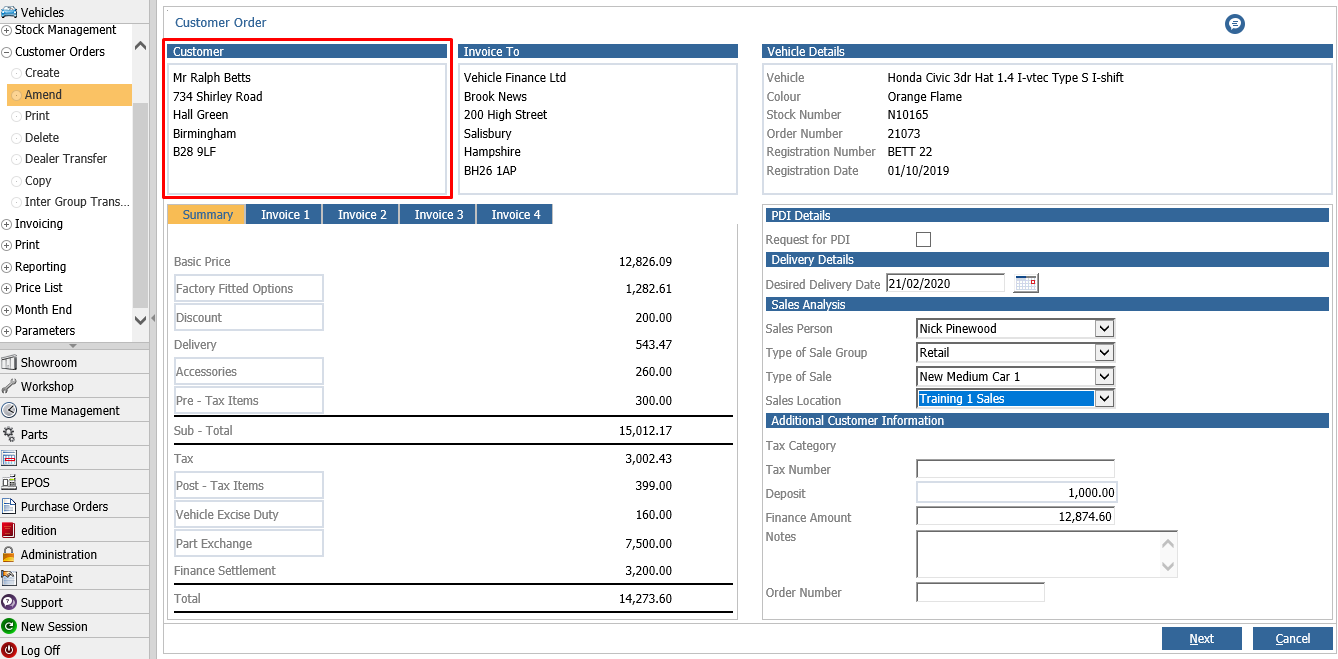
These can be found by clicking into the customer box of the customer order, through Vehicles > Customer Orders > Amend.
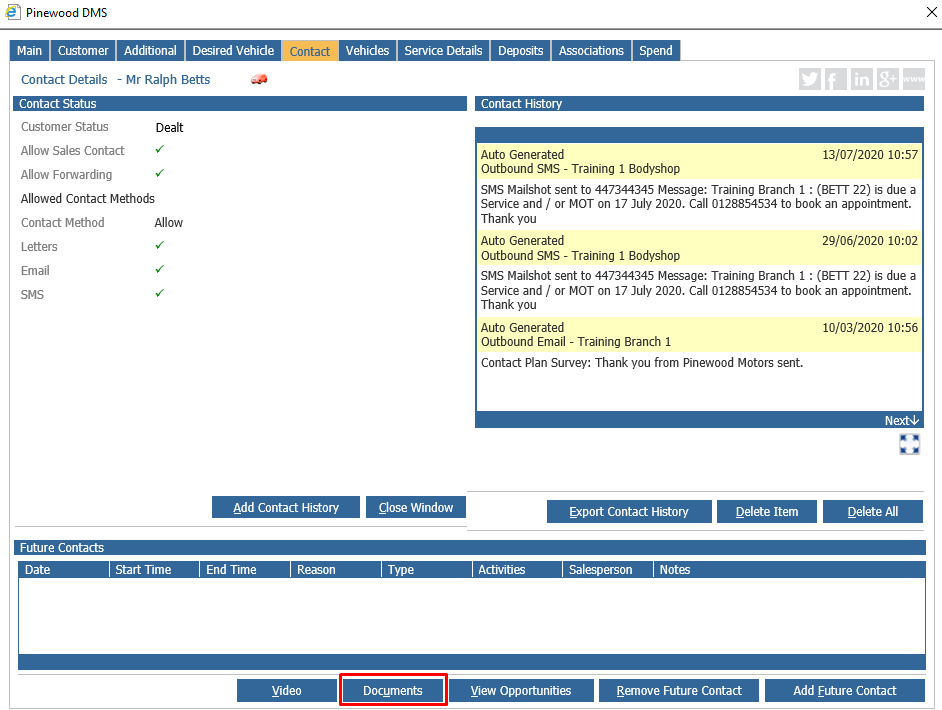
From here, the CRM record for the customer will display. We can then click the Contact tab, and click on the 'Documents' button at the bottom of the page.
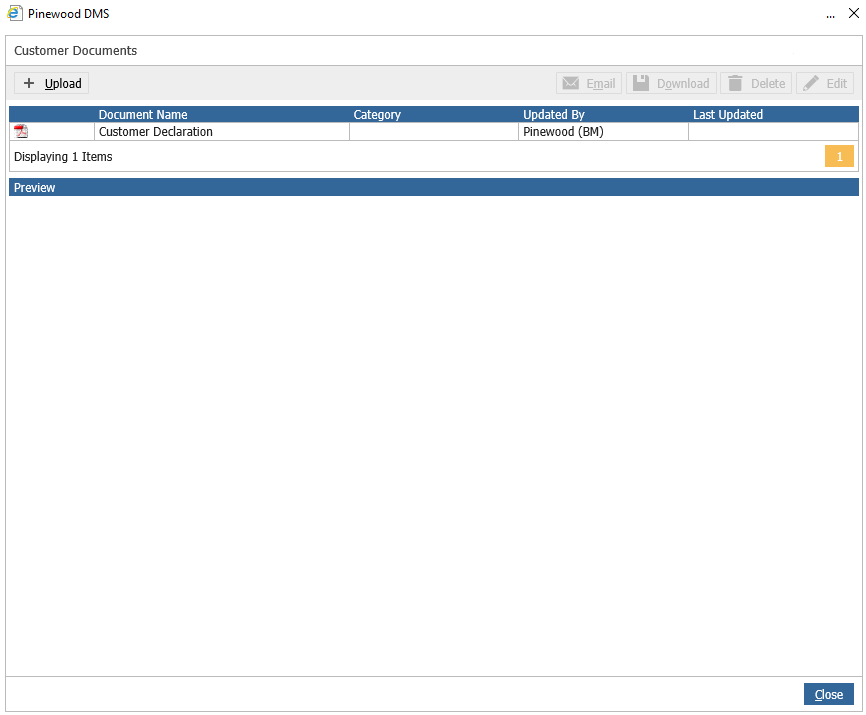
This will open a window with a list of any documents attached to this Customer. From here we can email, download, delete or edit the files.