
Question
How to resolve the error message: Failed to Finalise Vehicle!!!"
Answer
When doing the Vehicles month-end process, one aspect of this is to finalise the invoiced vehicles within the period to be closed. You can do this in Vehicles > Month End > Finalise Transactions.
At the bottom of the page, you can click to view the Exceptions report which will need to be dealt with first. Once these are all cleared you can continue to finalise the vehicles. To do this click Finalise All, a pop up will usually display to say if all vehicles have been closed down successfully.
If a vehicle has failed this error may be displayed:
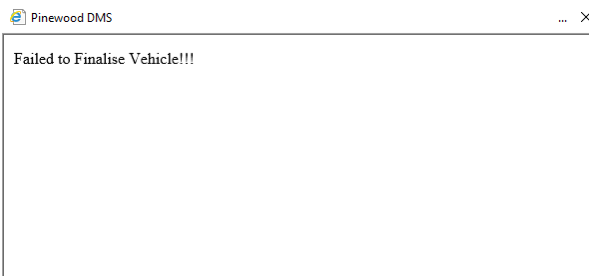
Firstly try and Finalise this vehicle individually, you can do this clicking the line of one vehicle within the Finalise Transaction screen, and then click Finalise Individually which is the button on the bottom right of the page.
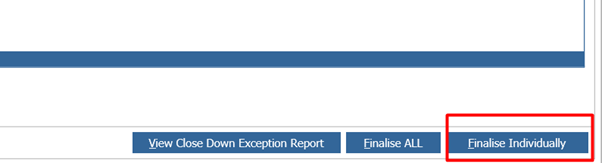
If this error occurs again you will need to ensure you have set up an INTER transaction account. To check this you can go to Accounts > Sales Ledger > Transaction Account and search within the Enquiry tab for INTER account code.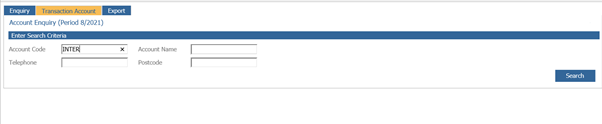
If you are not directed to the transaction account then an INTER Account will need to be set up, steps for this can be seen in the Article: Creation of a new Transaction Account where the Master Account already exists. Once the INTER Account has been set up you should then be able to finalise these vehicles.