Question
How can I lost sale an opportunity in Showroom?
Answer
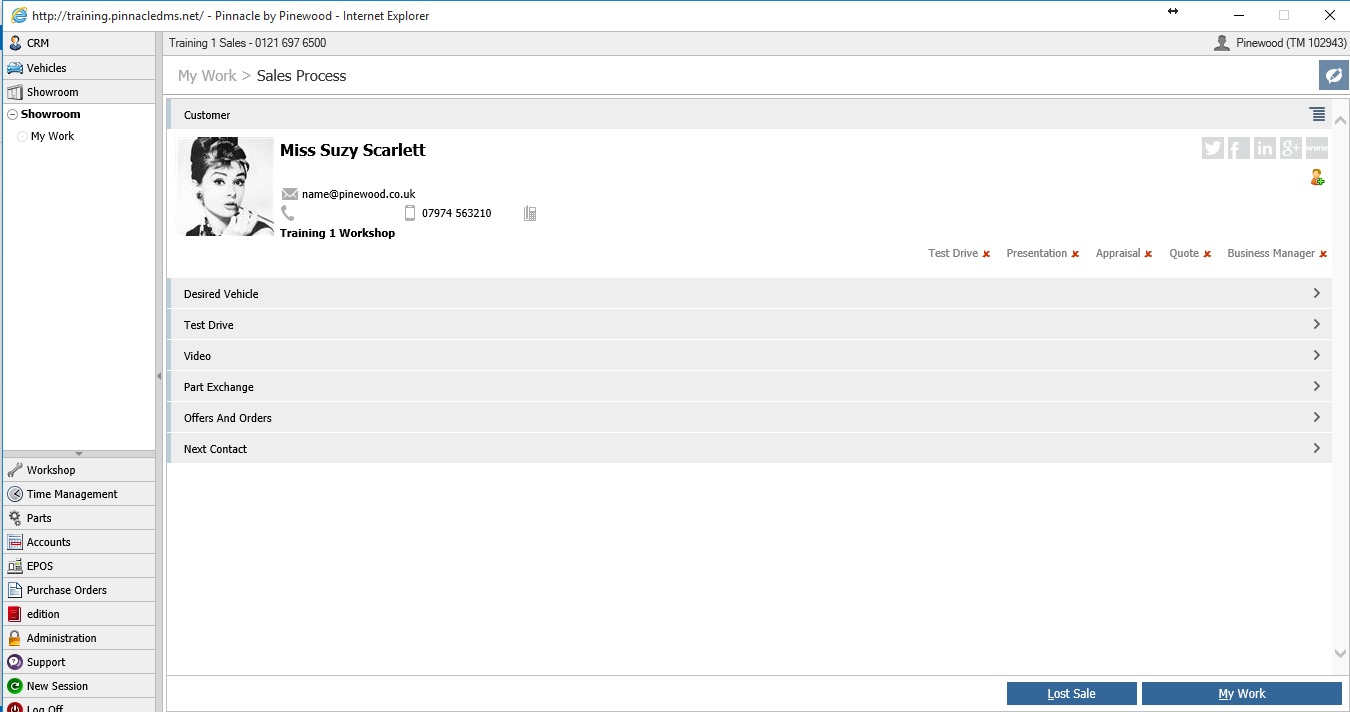
The lost sale button will only become available after you have created or continue on from a sales opportunity. You can get to this by either going through the walk in tile.
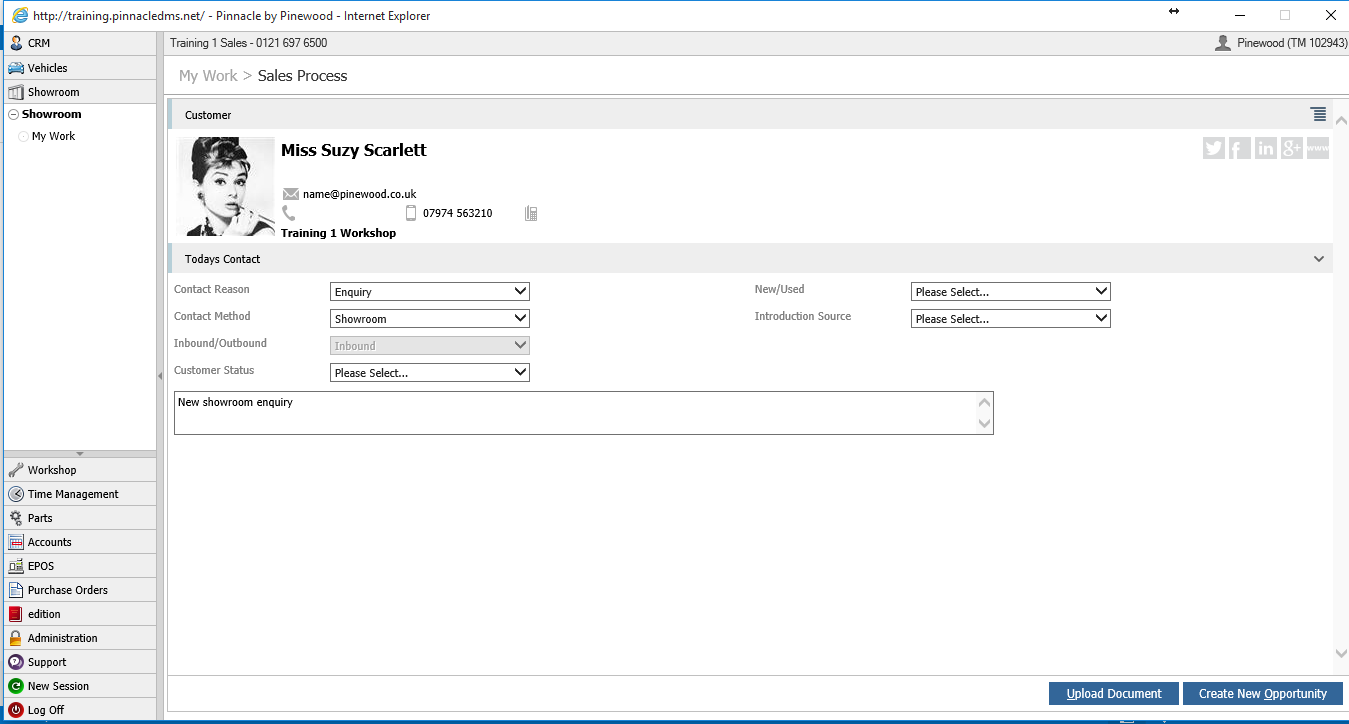
This then gives you the option to create a new opportunity. Once the details are filled in and you press the create new opportunity button the lost sale button will come up.
Alternatively you can continue from an opportunity by going into open opportunities, finding your customer. Choose add customer contact from contents menu.
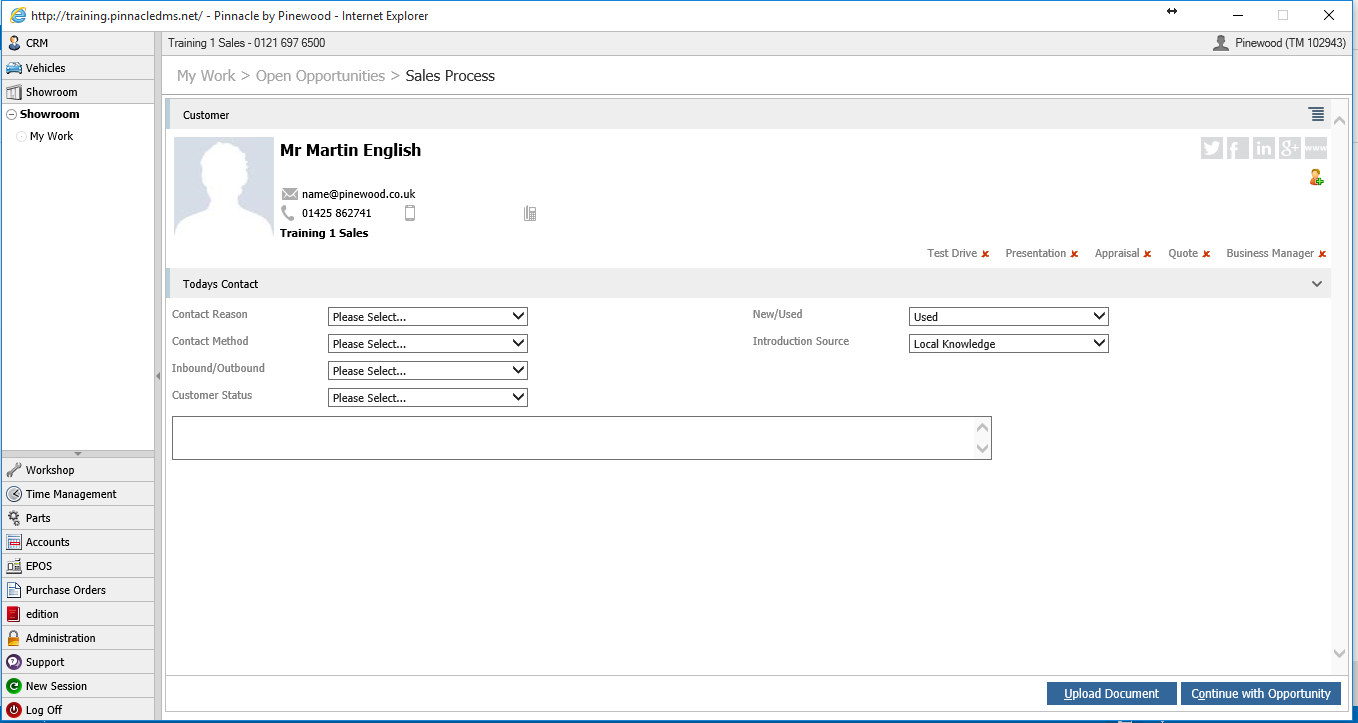
You can then fill in the details and press continue with opportunity.
You will then be presented with the lost sale button.