
Question
How to do a Lost Sale in Showroom?
Answer
If you need to mark an opportunity as a Lost Sale or clear down the Open Opportunities in Showroom, please follow the below steps:
To complete a lost sale within Showroom go to Showroom > Showroom > My Work and then click into the Open Opportunities tile:
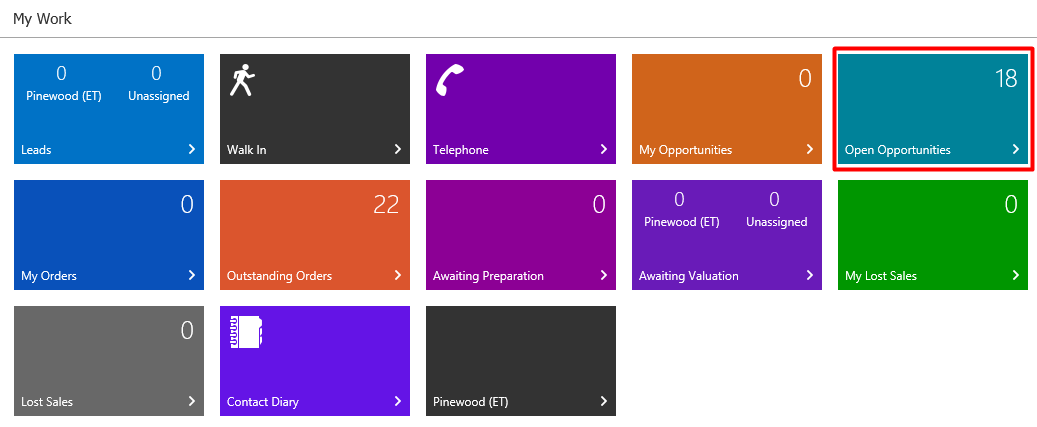
Select the Opportunity that needs to be marked as a Lost Sale and click the 
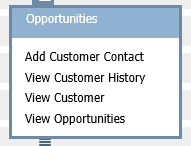
From the drop down, select Add Customer Contact
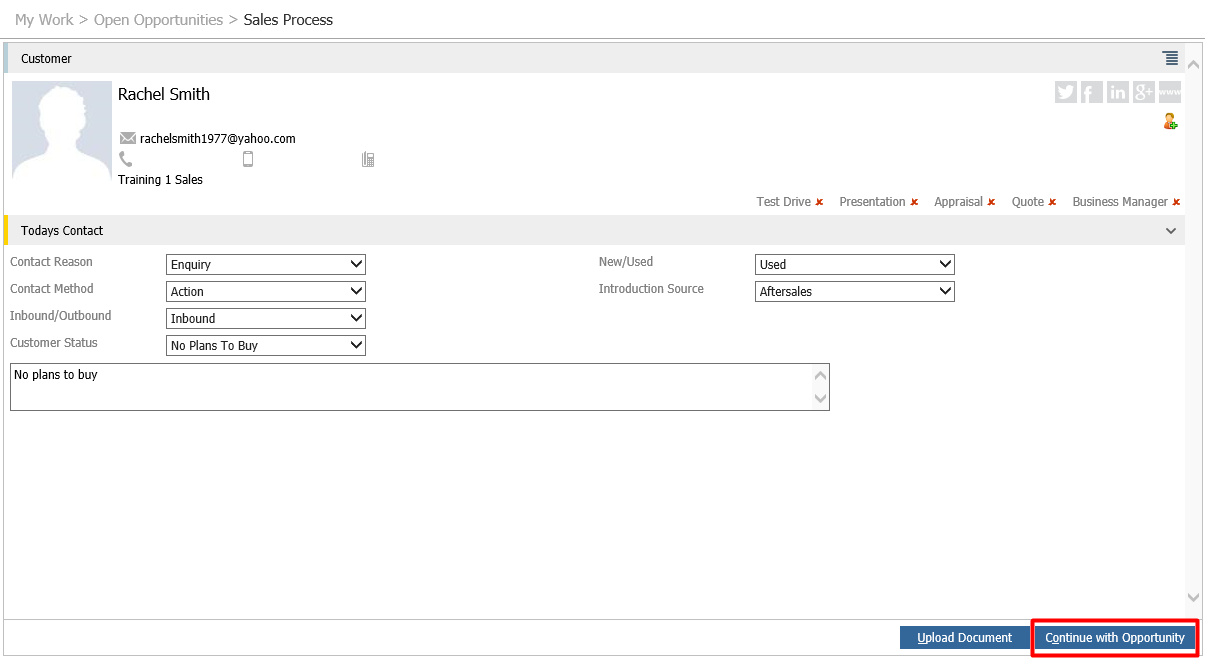
Fill out Today's contact information and then click Continue with Opportunity
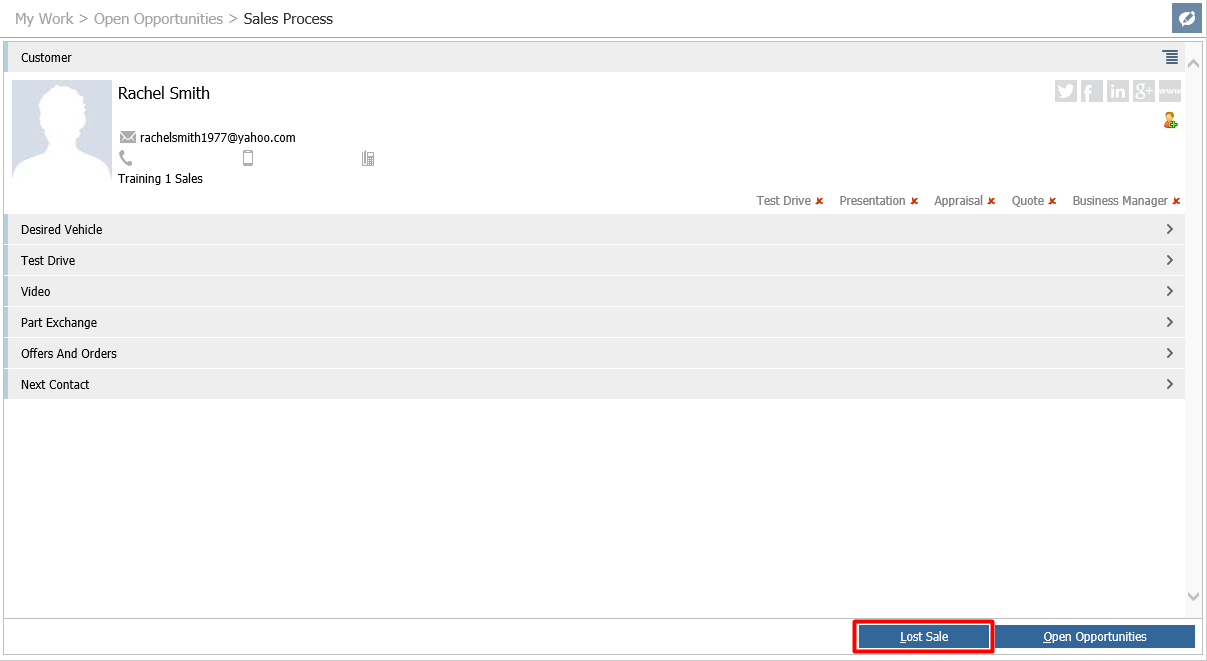
Then click Lost Sale
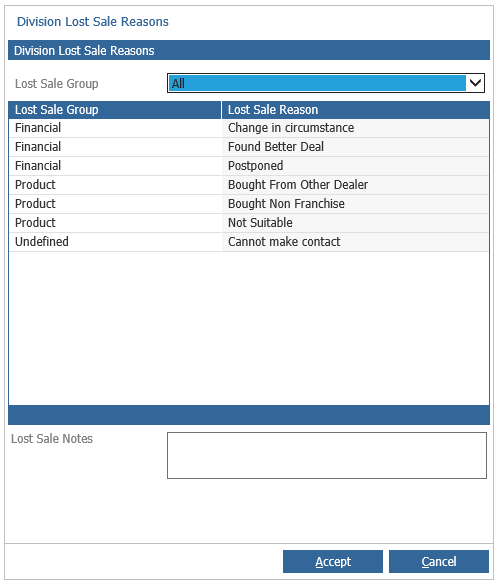
Select a Lost Sale reason and enter Lost Sale notes, then click Accept.
This will then clear the open opportunity