Question
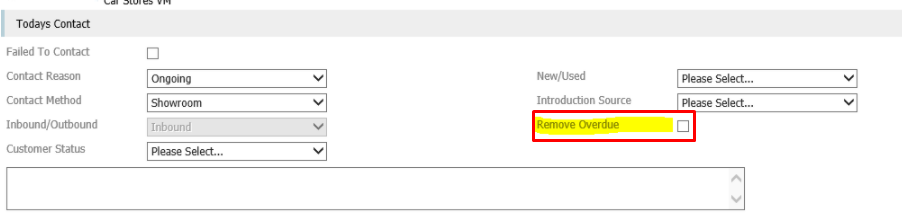
Some user profiles are not able to see the Remove Overdue tick box within the Showroom overdue appointment processing screen. How do I get this to show?
Answer
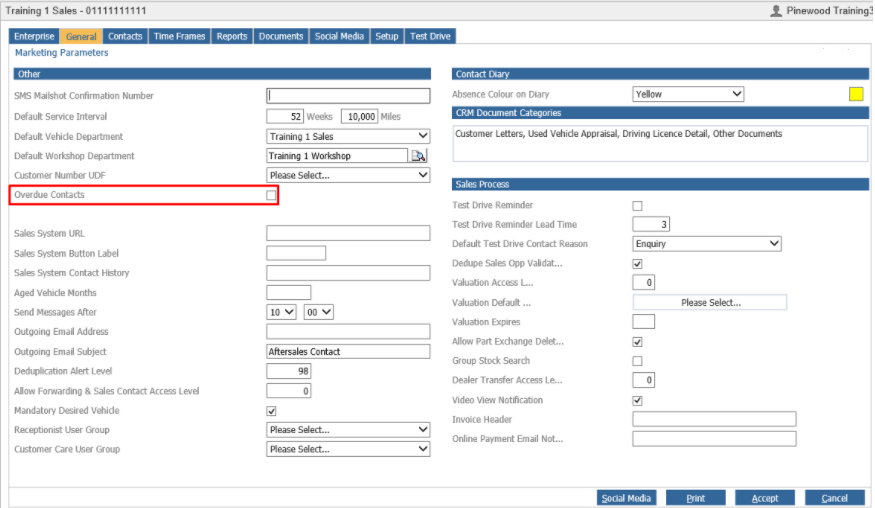
This option will show for a user when the option 'Overdue Contacts' has been ticked within CRM > Parameters > Dealer Parameters - General Tab:
If you create a contact and then it has become overdue, this option should appear to remove Overdue Contact as shown below within Showroom > My Appointments > Sales Process: