
Question
How can I change a user's access, so that they can access multiple departments?
Answer
As shown below the user only has access to one department.
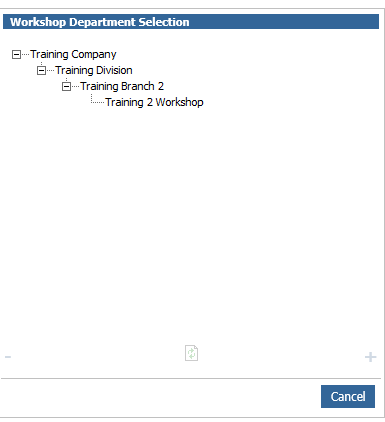
To amend this you will firstly have to go to Administration > User Admin and click the Users tab.
If you then search for the user and double click into this it will load a pop up window with all of their details.
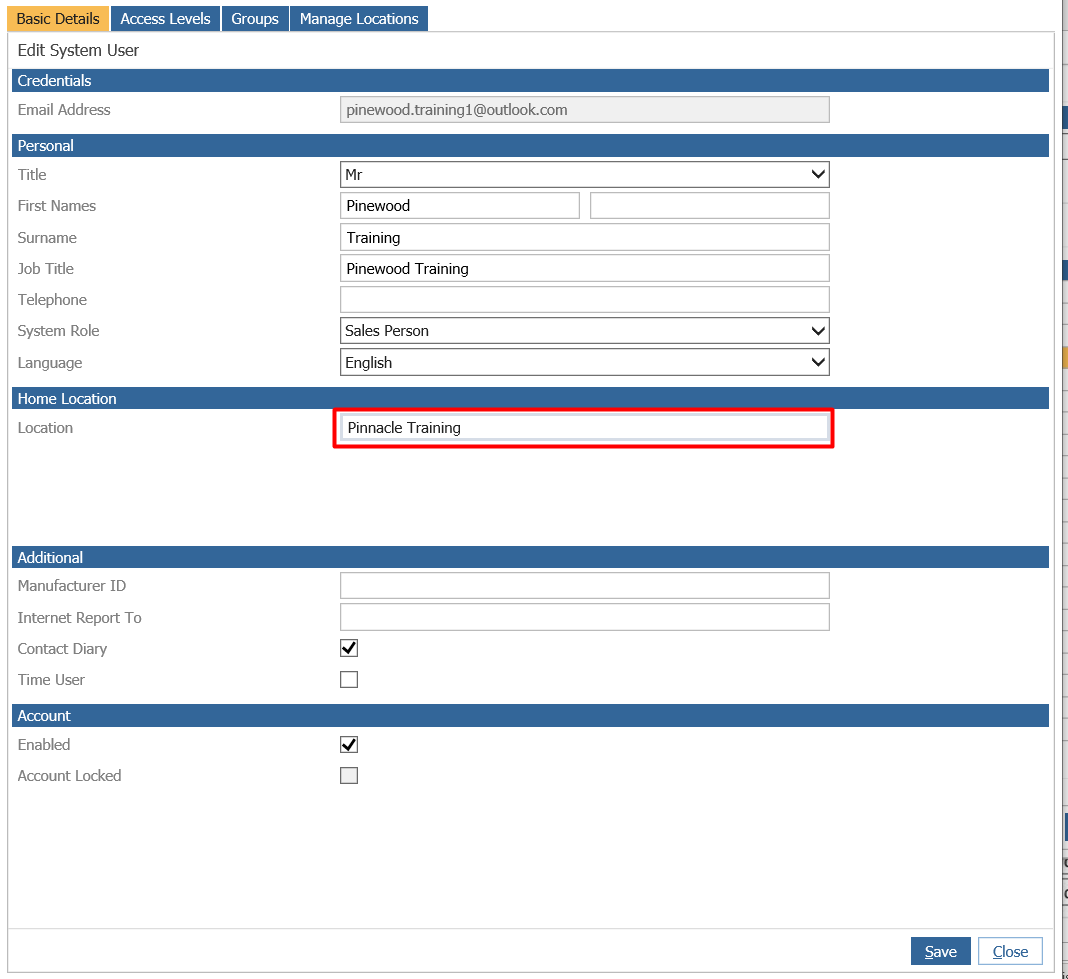
As you can see the home location of the user is set to a specific department restricting access to any others.
Click Edit.
If you now click the button located next to Home Location it will load a company structure.
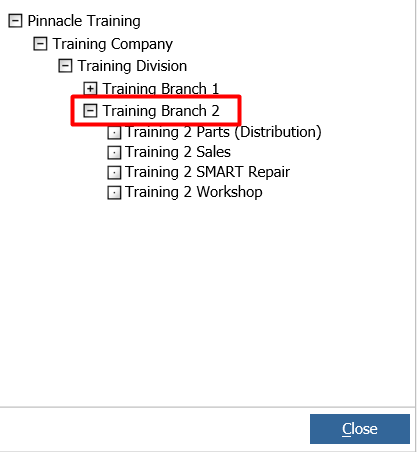
If you double click the Branch and then click save this will give the user access to all departments located in the branch, as well as the Branch itself.

Click Save and upon launching a new session of Pinewood DMS the user will now have access to the branch and any departments under it.