
You can set a User Groups Nominal Code access by first going to Accounts > Purchase Ledger > Ledger Parameters.
Then select the Coding Permissions tab and select Group from the Type drop down menu.
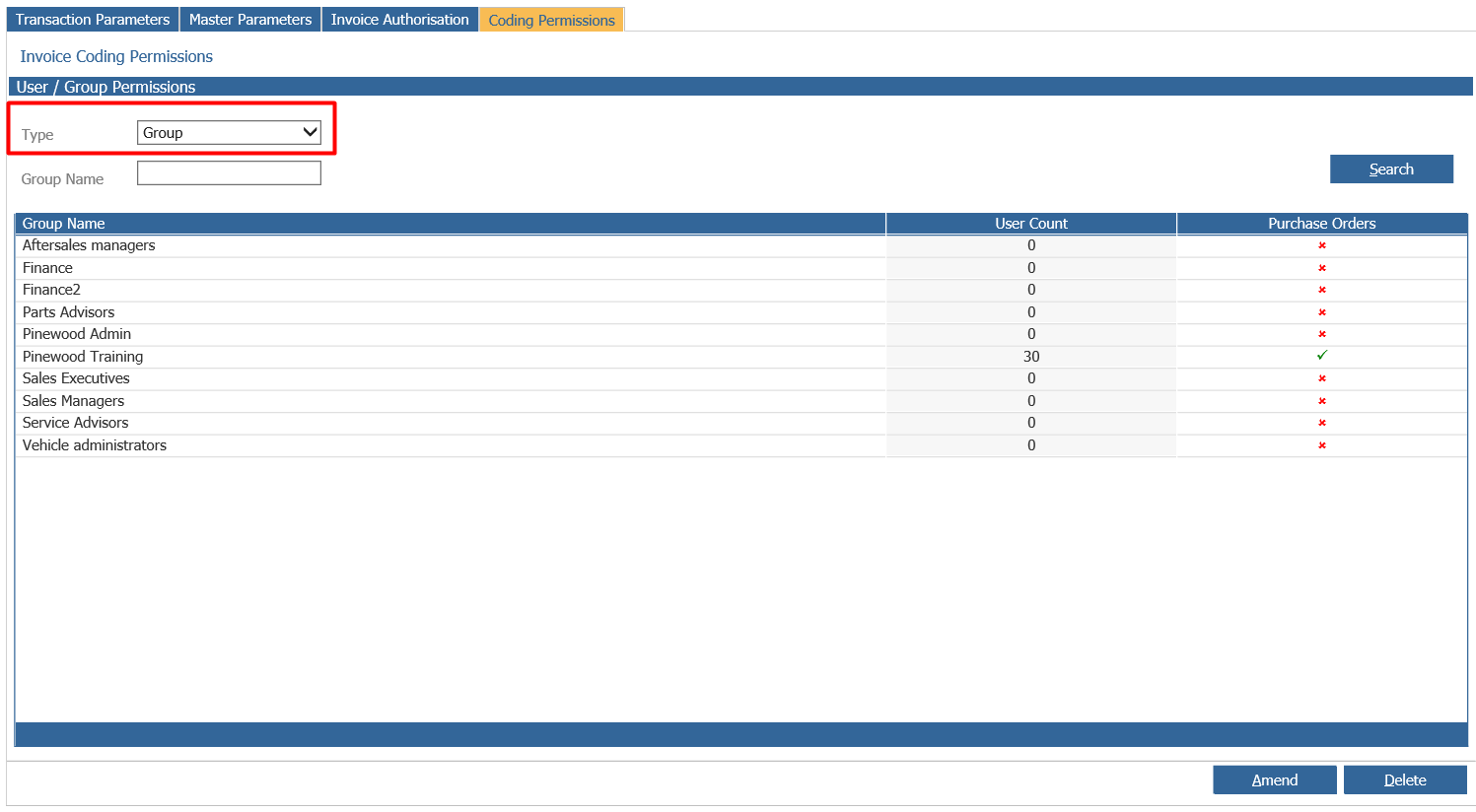
Double click onto the group and it will pop up with a Nominal Code Range box.
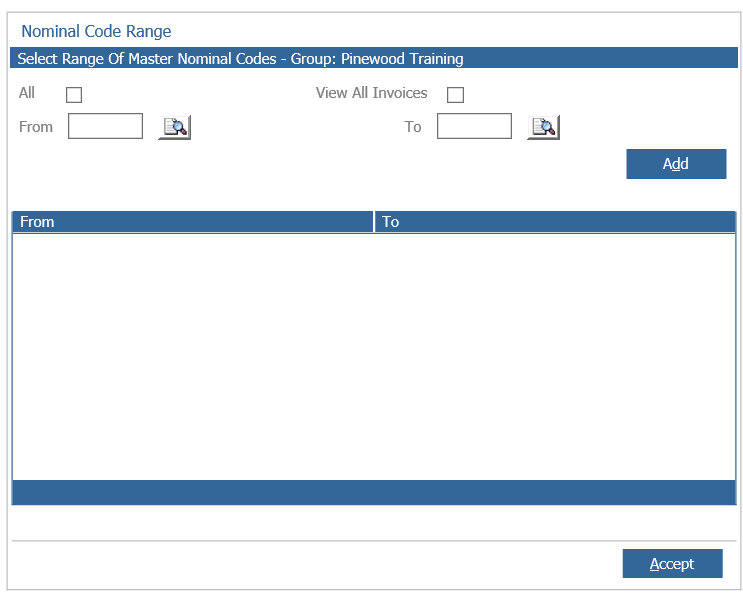
Now set the either access to all codes or individually codes and then click accept.
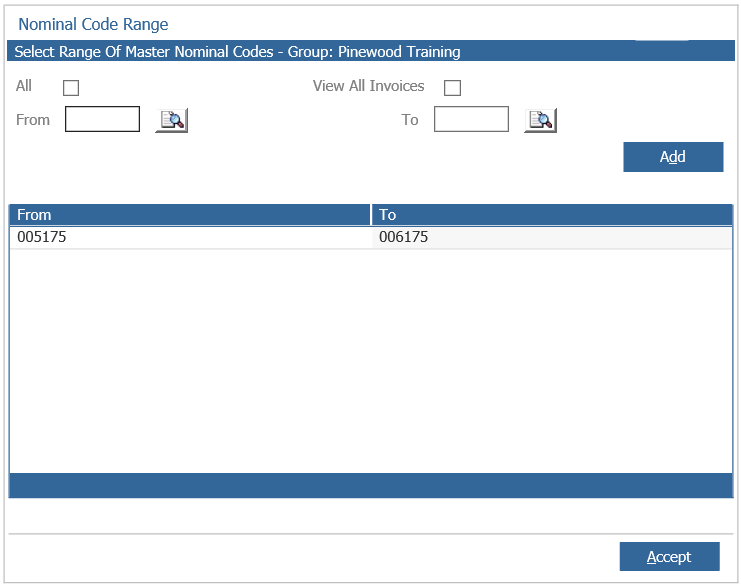
This will set the access to all users added into this group.