
Question
How can I create a user group?
Answer
To create a user group you will have to go to the Administration > User Admin and click on the Groups tab.
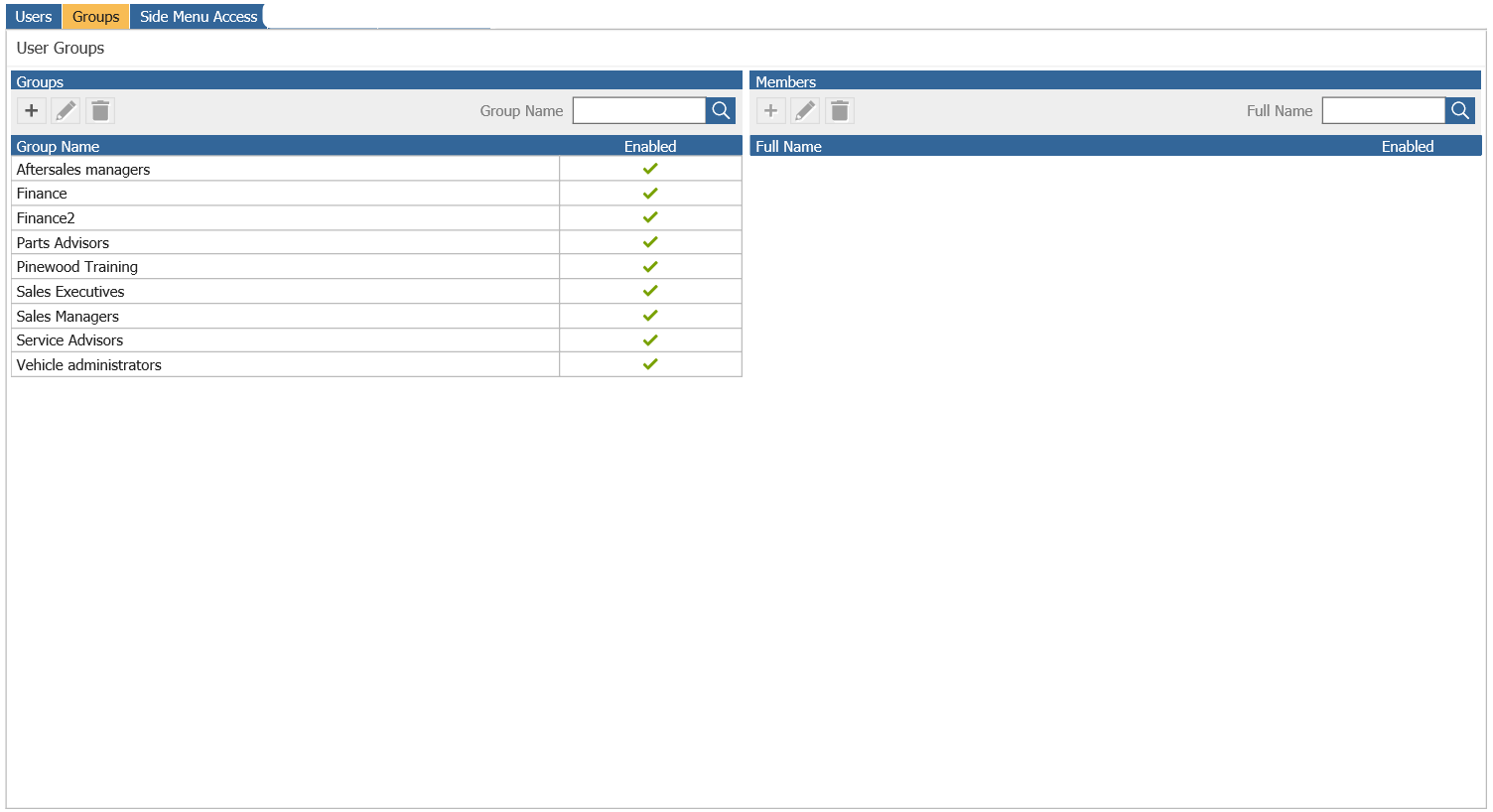
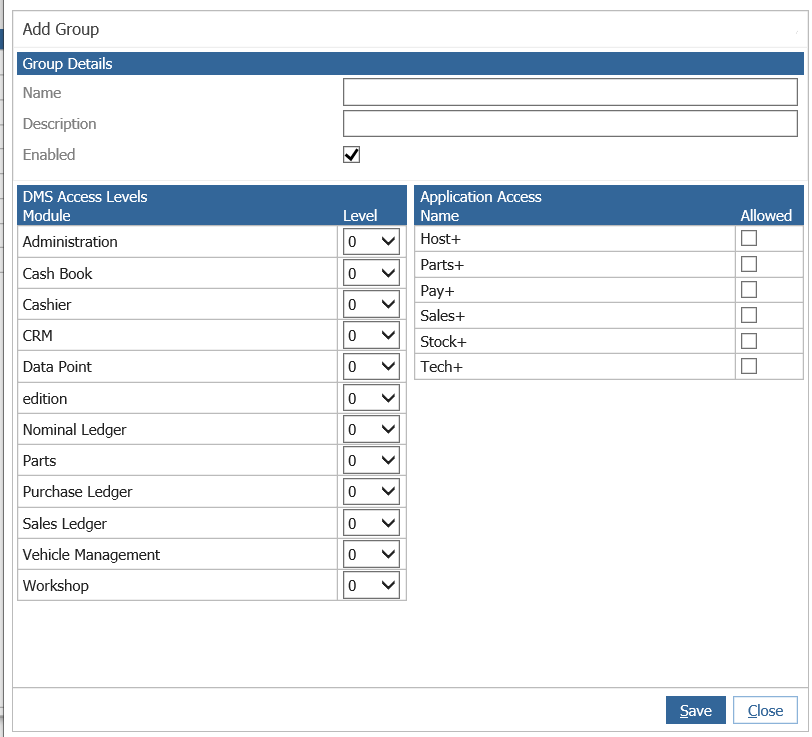
On the left hand side you will see the + Symbol. Enter the name you would like the group to be called, enter a description, tick enabled, enter some access levels and click Add to create the group.
If you then double click the group, and click Add you can search for users to add to the group.
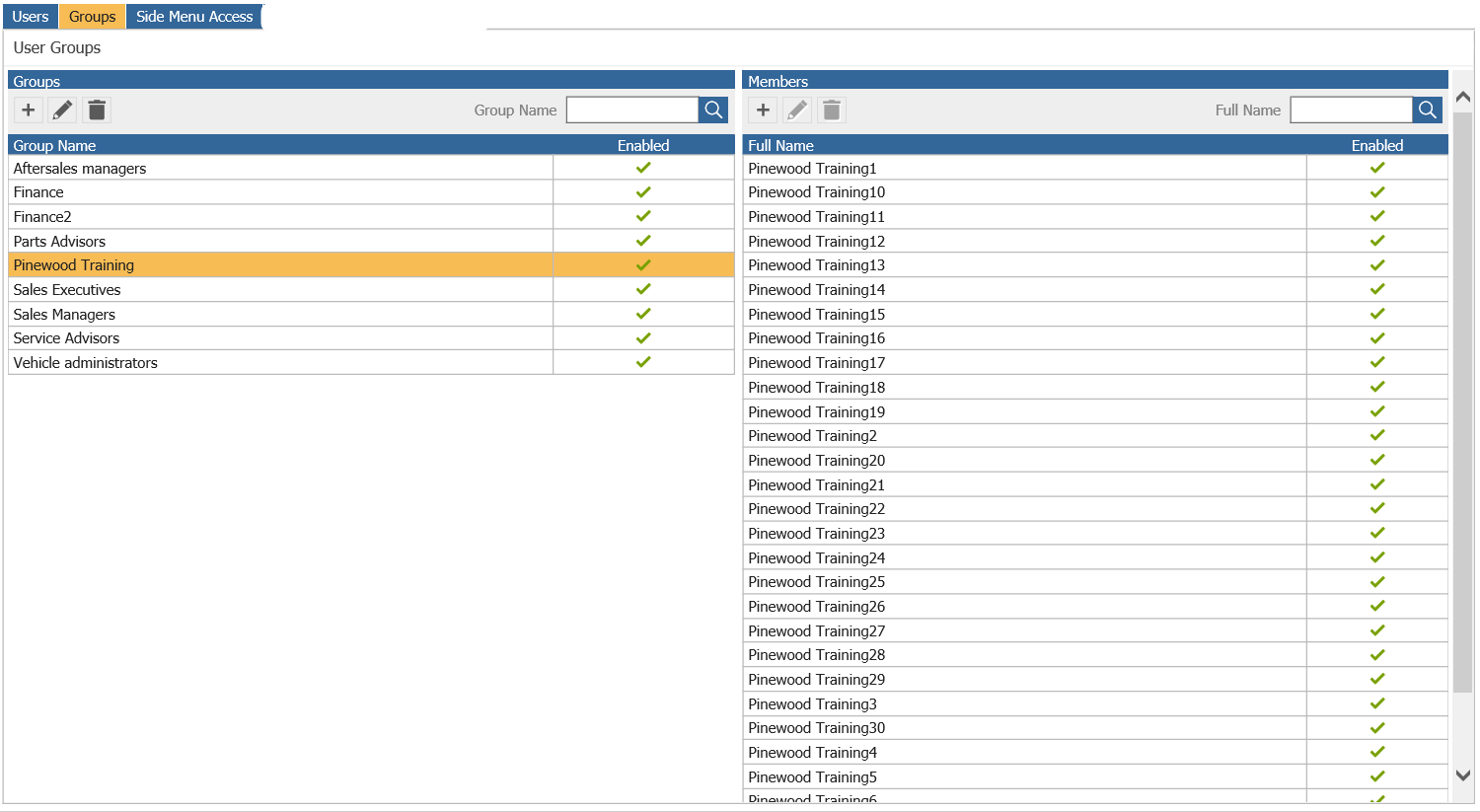
If you then double click the group it will show you the users who are in that group.