
The Amendments Audit report is used to display any changes that have been made to purchase ledger accounts – at either the Master or Transaction level – within the date range specified.
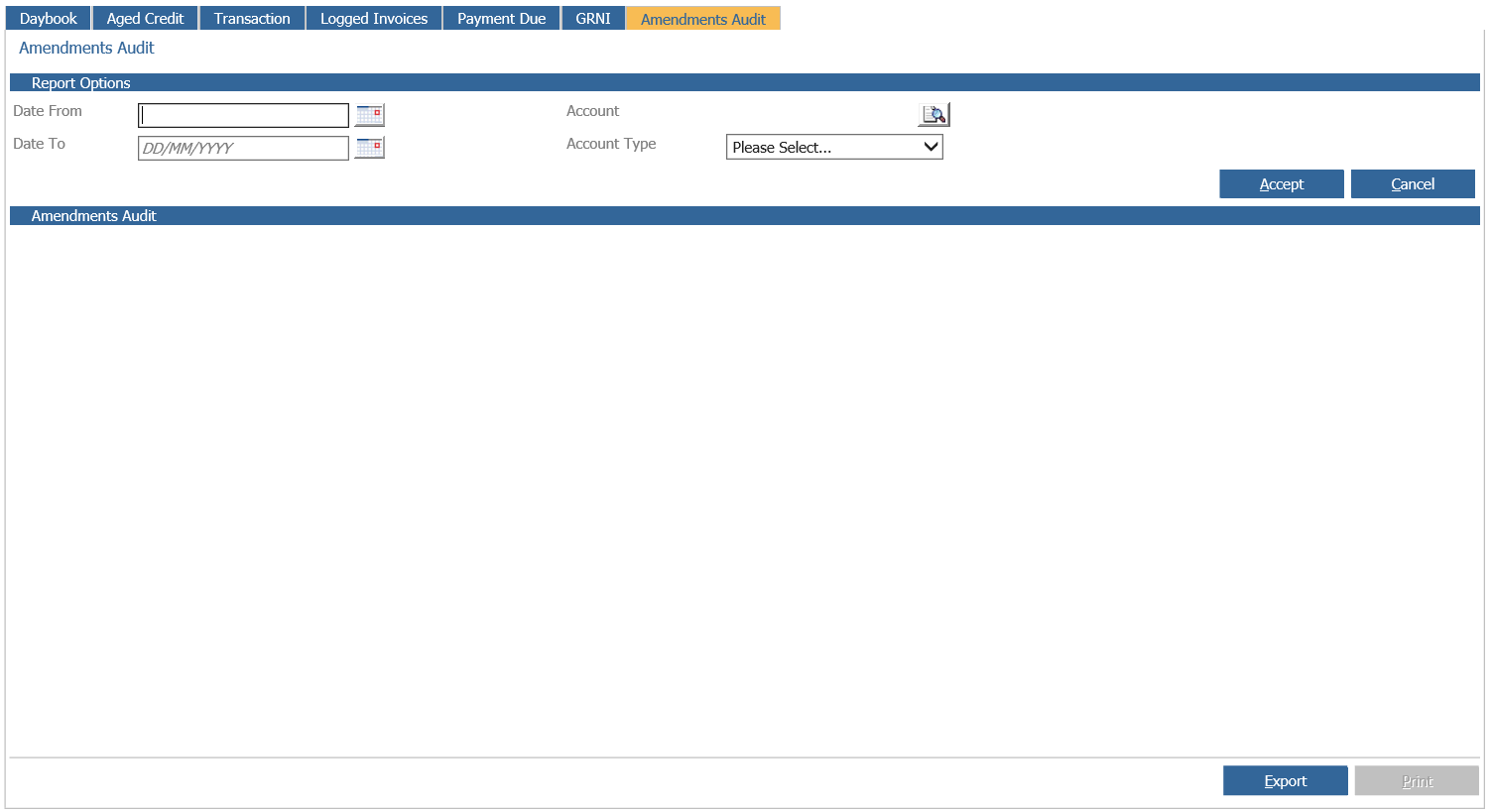
The ‘Date From’ and ‘Date To’ are mandatory fields and must be populated with the date range required. Amendments for a particular purchase ledger account made via Account Maintenance are interrogated by selecting the accounts via the ‘Account’ field. Finally, select an ‘Account Type’ from the drop down menu – either Transaction or Master account. Once the criteria is selected, click on ’Create Report’.
The report is display as follows:
The amendments audit report displays the account code, the field description, the date of the amendment and the name of the person who produced the amendment. The old value and new value are also displayed – the old value being the information held before the field was changed and the new value being the information that was entered when the field was amended.
The amendments audit report can be printed or exported if required.