
This option is used to view the outstanding logged invoices that have not been returned for posting or posted via the ‘Authorise Invoice’ routine. Details relating to the invoice, including the supplier reference, date, supplier name, authoriser name, date of initial posting and an indication of whether there is a narrative or scanned document attached are displayed.
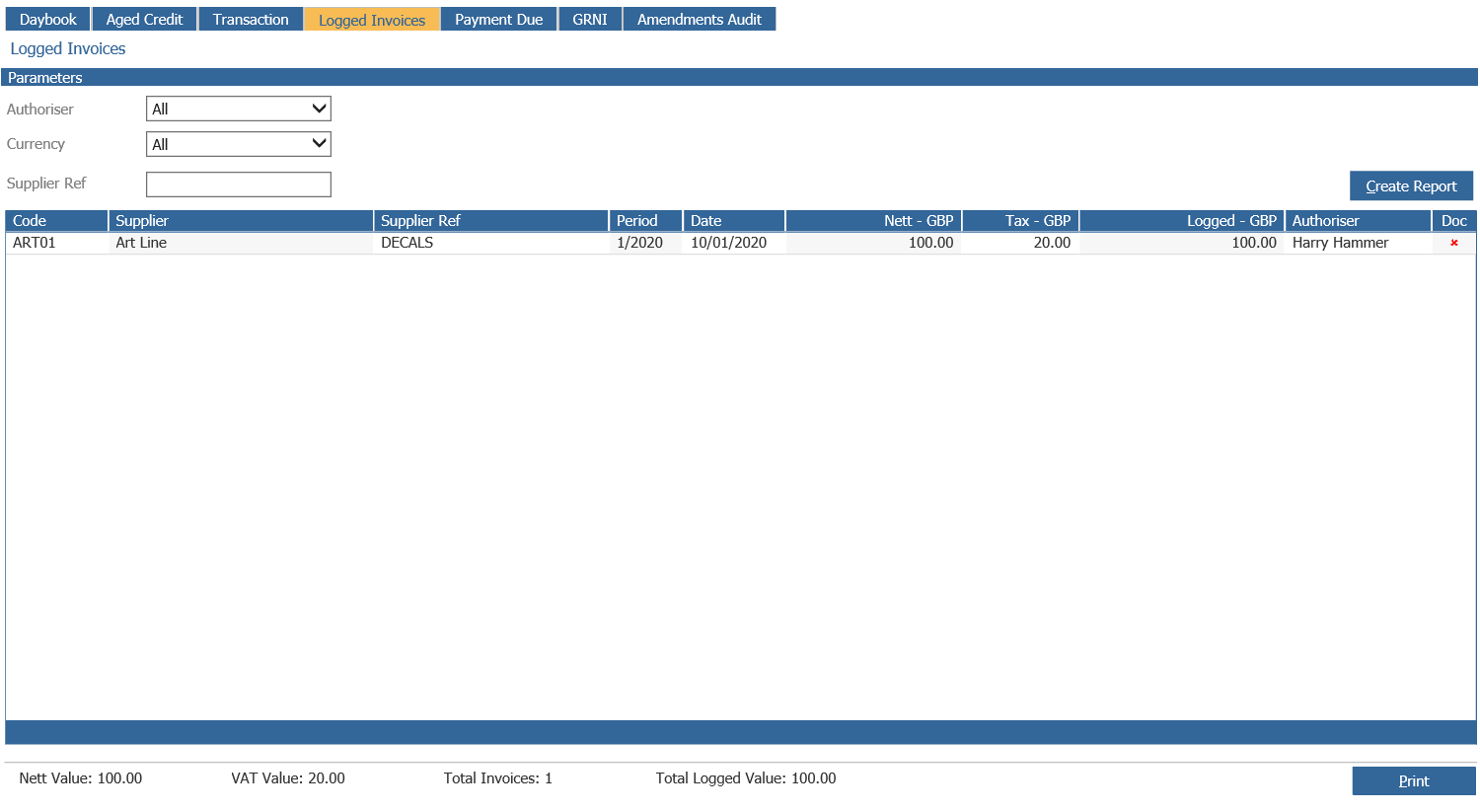
Double click on the selected logged invoice line, to view the narrative details and on the document column on the selected logged invoice line to display a preview of the scanned document.
A report can be created for individual authoriser. Choose the ‘Print Report’ option to print this report.