Question
Is it possible to amend a customer order once it has been raised?
Answer
Once a customer order has been raised on the system, it cannot be accessed from the CRM module. To make any amendments select Vehicles > Customer Orders > Amend from the left hand menu.
Customer
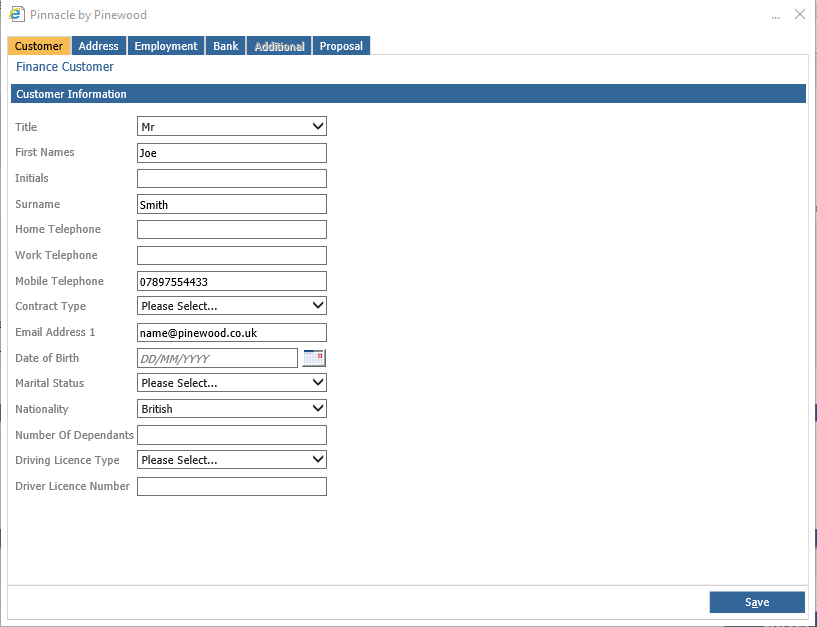
Once you create a customer order you will have the opportunity to fill out the customer details. This will include essential information such as date of birth, driver licence number, an email address.
Address
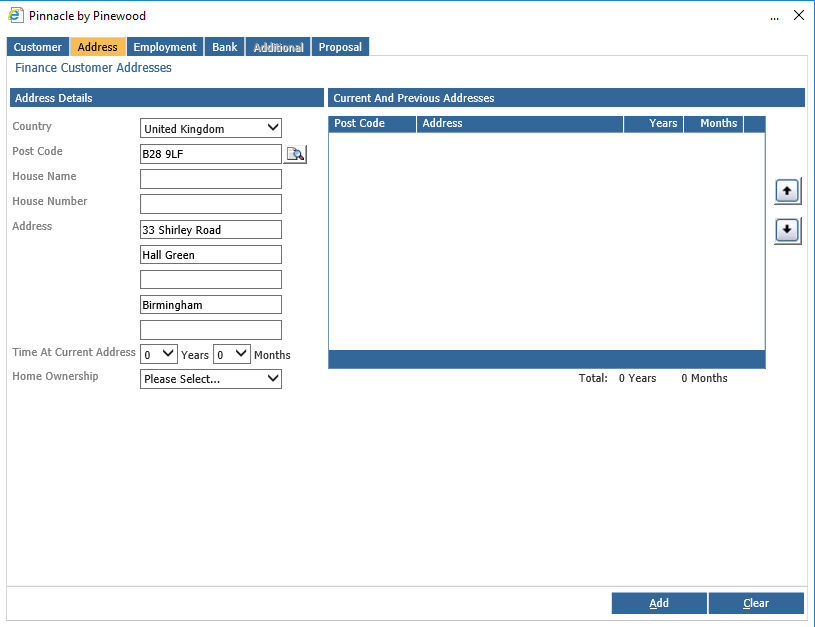
The address tab will allow you to add the finance customer address. This will include post code and home ownership. There is a post code look up function which will allow a search for the post code and input the address details.
Employment
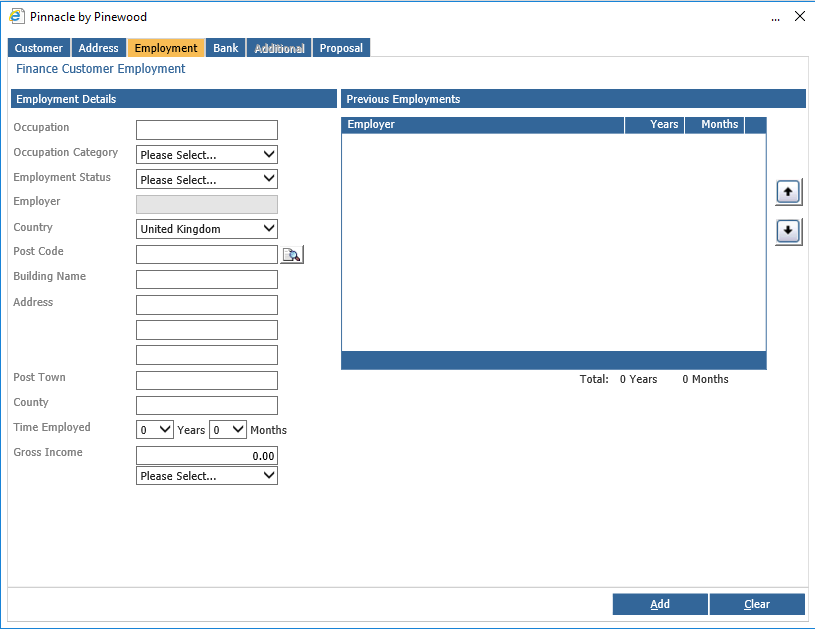
Next tab along you will be able to fill out the employment detail. This includes occupation, employment status and address.
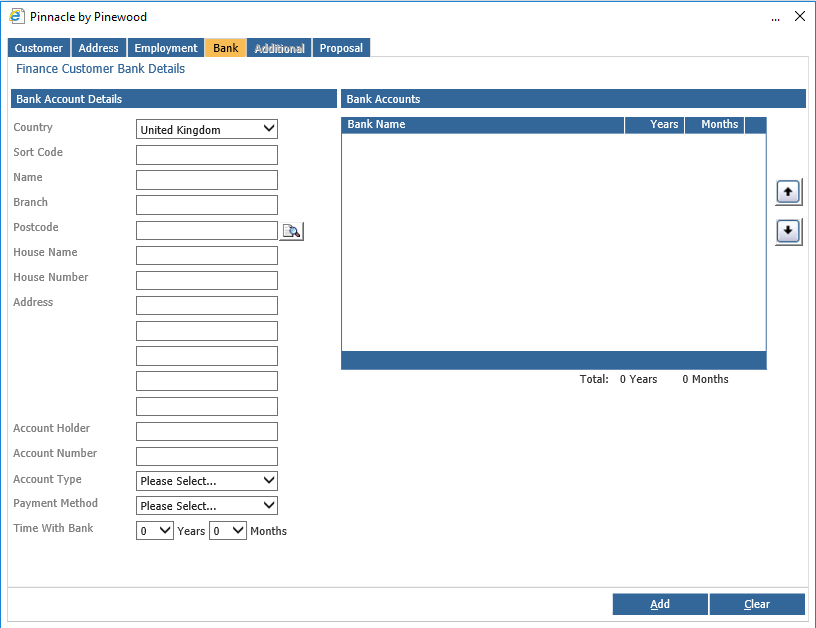
Bank
This page will allow you to add the bank details such as account holder and account number.
Employment
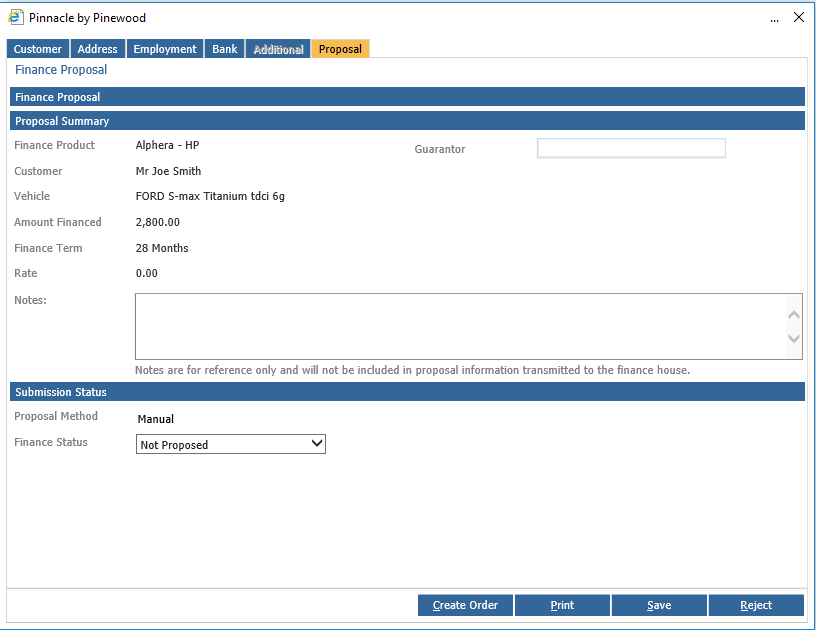
The proposal tab will then show the finance proposal, which will give the proposal summary.