
Question
How can I view the showroom panel of another salesperson?
Answer
If you are a Sales Manager and are wanting to look at another sales persons showroom 'My Work' panel follow the below steps.
Go to Showroom > Showroom > My Work
Click into the tile with your name on it
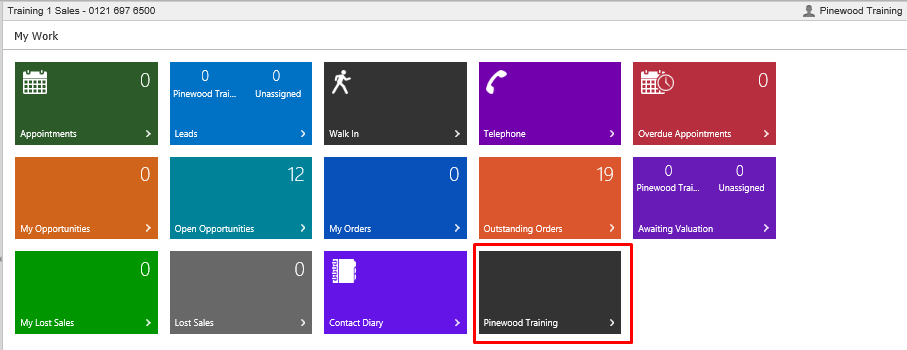
You will see the following pop up
Search the user of which you want to see what they see on showroom i.e their ‘my work’
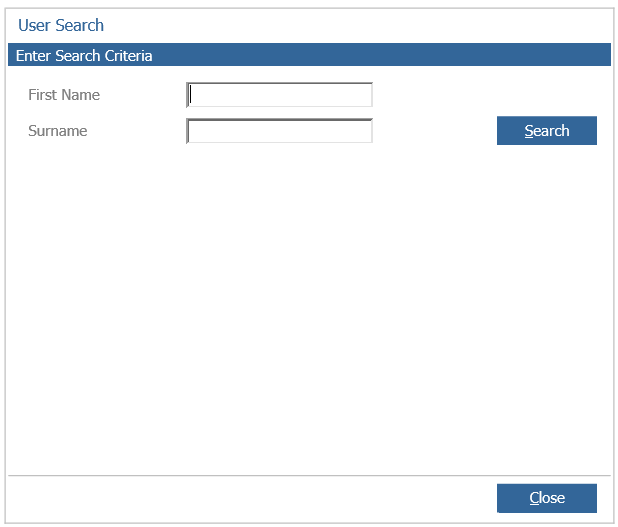
Double click on the user you wish to see
You are now presented with their ‘my work’ showroom tiles.
To go back to your own 'my work' screen simply click on my work in the side bar of the system.
You can also do this if you click into any showroom tile then at the top click 'my work', this will also return you to the original my work screen.
