
Question
How do I change the language, short date format, decimal symbol or digit grouping symbol for myself within Pinewood DMS?
Answer
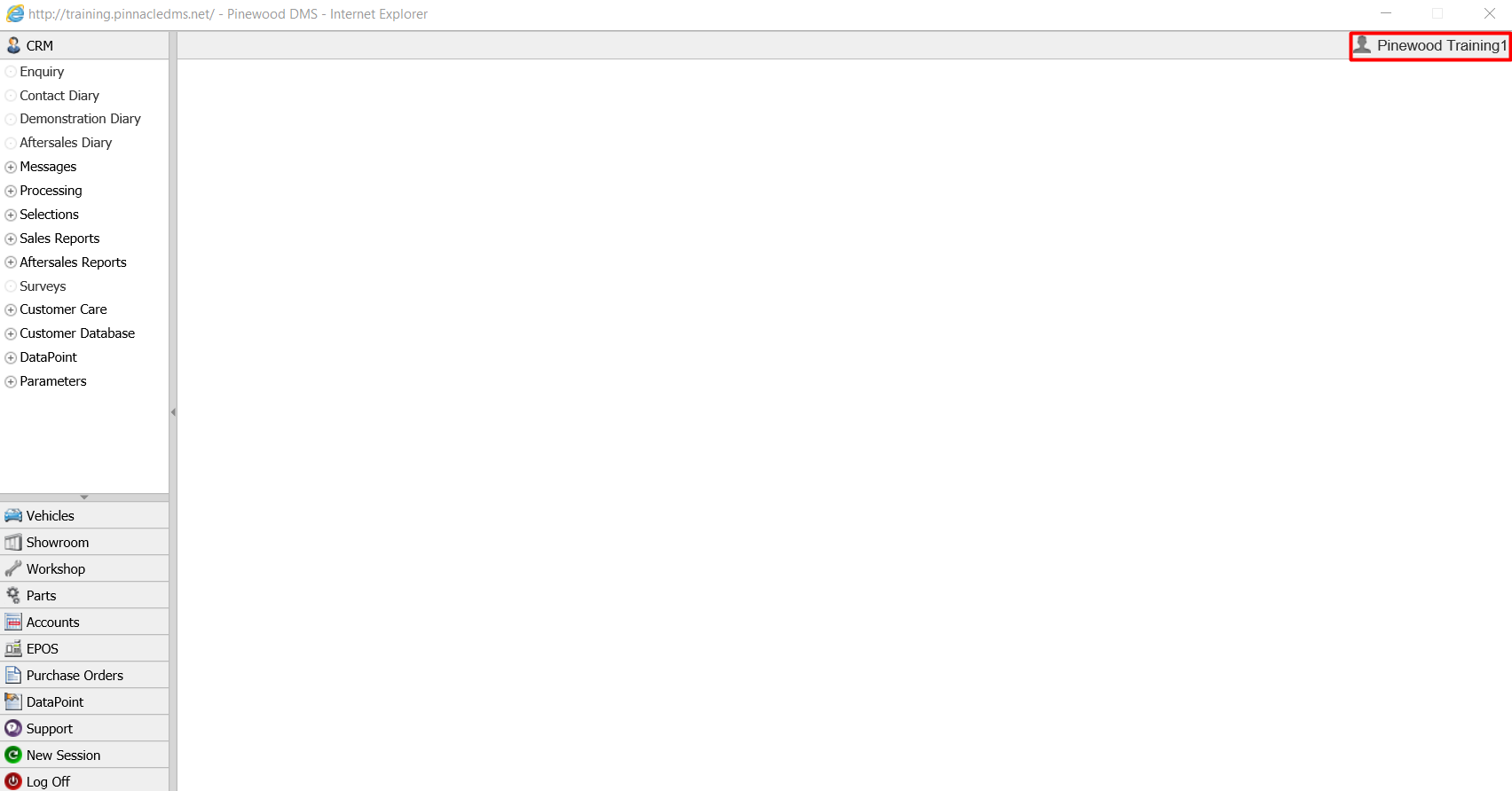
User's have the ability to change the language, short date format, decimal symbol or digit grouping symbol on their own personal logon, to do this click the highlighted box below in the top right hand corner of the DMS:
This will then open the following window:
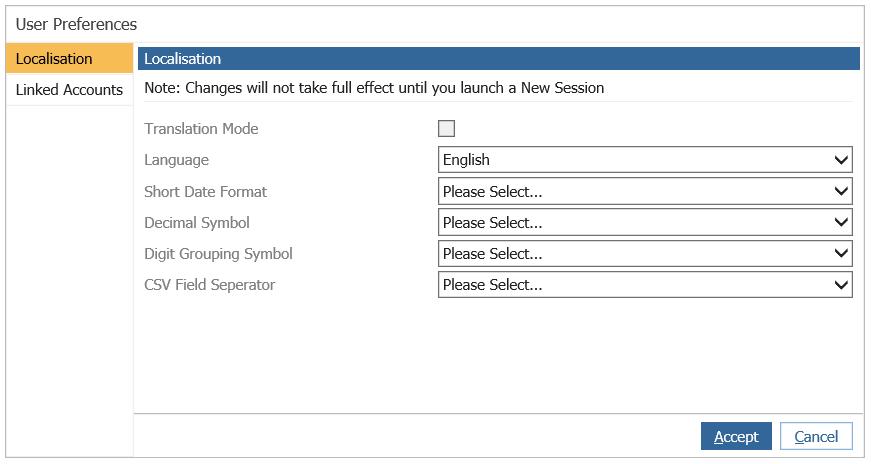
Users can then update the language, short date format, decimal symbol and digit grouping symbol to their own personal preference.
Upon launching a new window after clicking accept on the changes, user's will then be able to use the system with their new preferences. Please Note: this will only affect the user who has changed these settings, to change any of these settings across the DMS you will need to contact your Site Administrator.