
Question
I am getting the message 'Invalid Credentials' when trying to log into Host+/Tech+/Pay+/Stock+/Parts+/Sales+. How do I resolve this?
Answer
If you are trying to log in on a Pinewood App and receiving the below error:
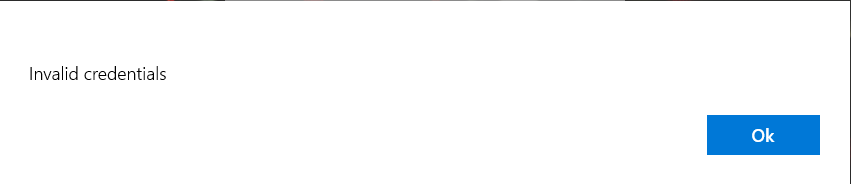
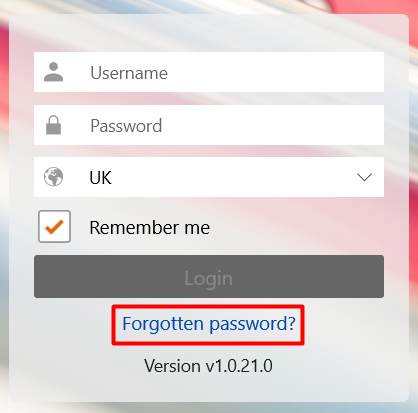
You will need to reset your password by clicking the Forgotten Password? link:
Enter your username which will be the email address you log in with:
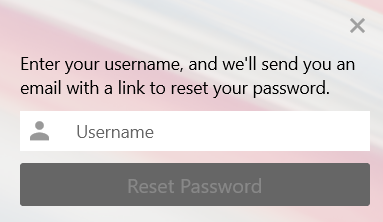
Then an email will be sent to you to reset your password.
Once done, log back into the app and you will now be able to successfully log in.