Question
Why is Pay+ not showing my location?
Answer
When entering in your username and password to sign in to Pay+, it will show your location selector screen. This will display your location within the branch search.
Not showing location within the branch search will show 0 out of 0 locations.

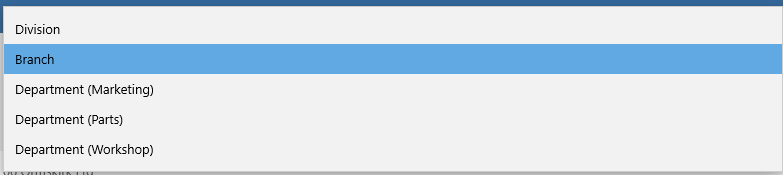
On the drop down branch box, make sure you click onto the different filters and one of these should show your location in there. This will be due to what your home location is set as.
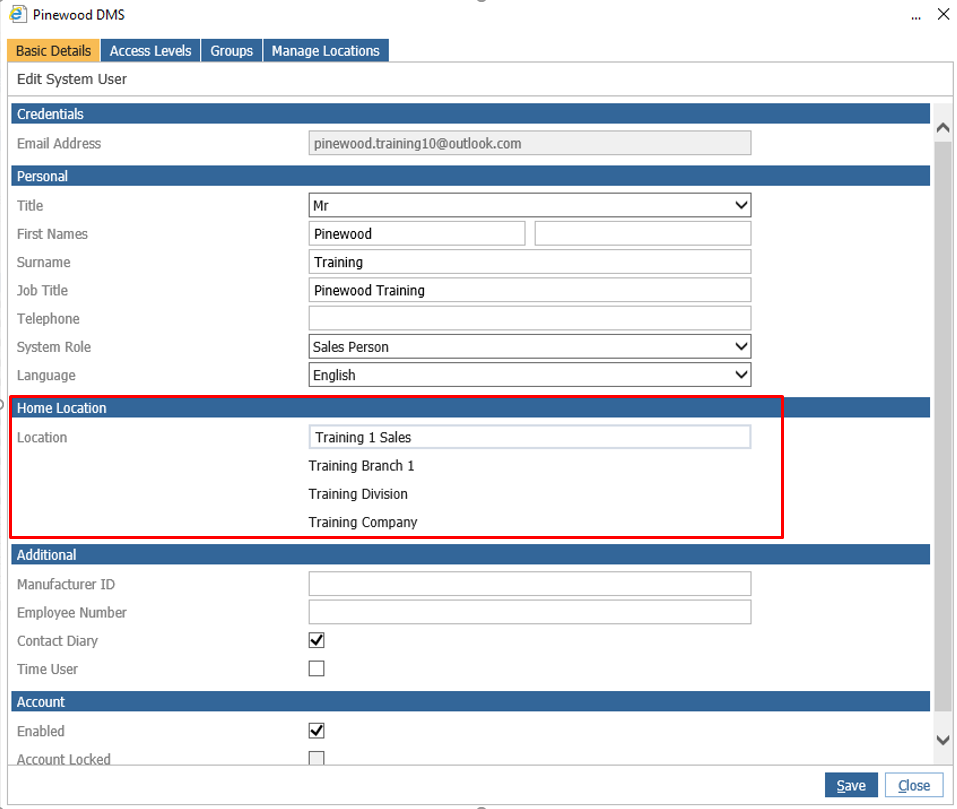
To check the home location go to
Administration > User Admin > Users.
Enter your first name and surname and click search. Drill into the name and it will bring up the home location page.
Check the home location is set correctly.
To rectify this you will need to get the onsite admin to edit and set the correct location on the user admin page for it to be pulled through on Pay+.