
Question
I am unable to amend or add vehicle reminder dates, how do I fix this?
Answer
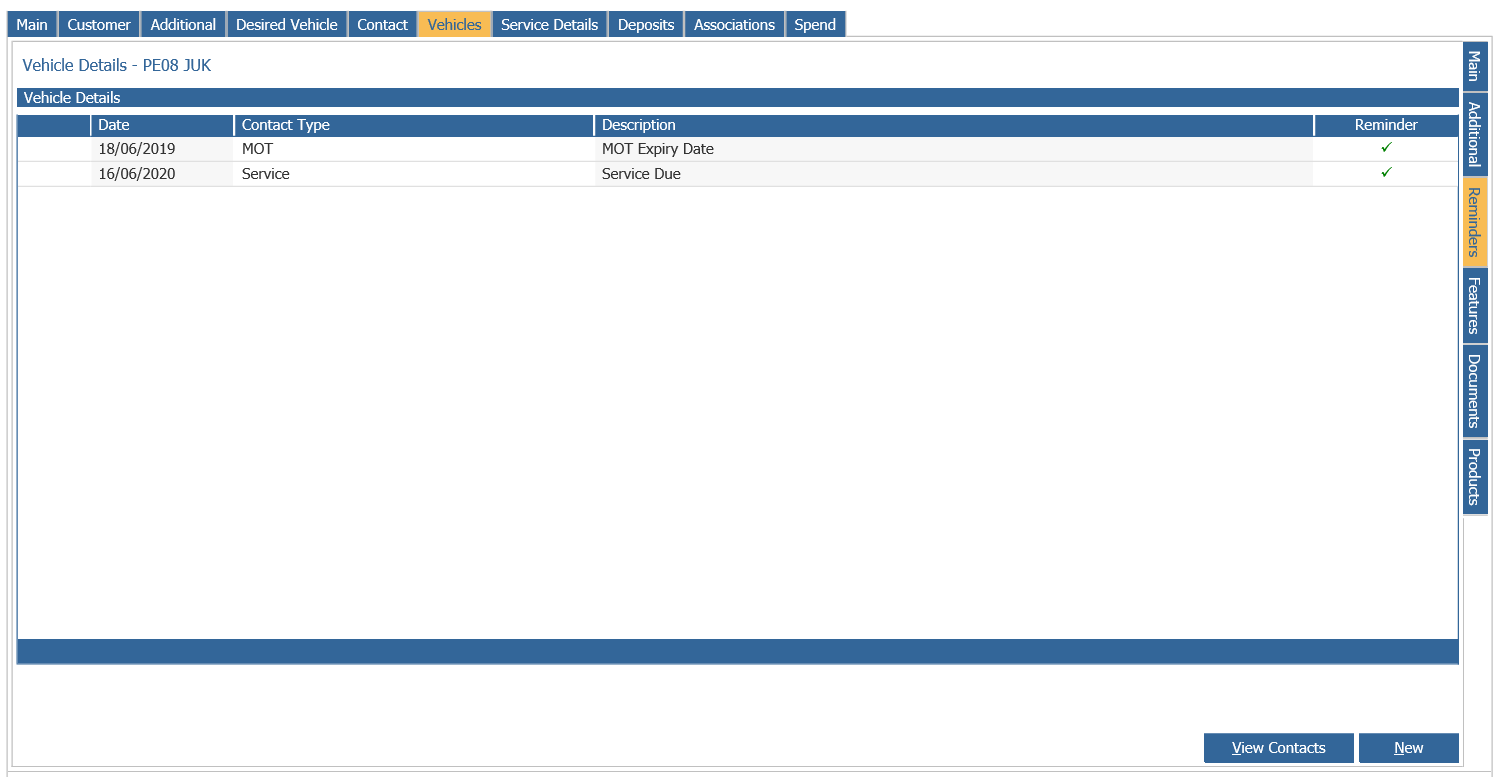
If when trying to amend an event date such as an MOT and when you attempt to add a new event in the below page you get a page error and this is happening for all vehicles it will be caused by there being no user-defined dates set up.
This can be rectified by going to CRM > Parameters > Aftersales Reminders.
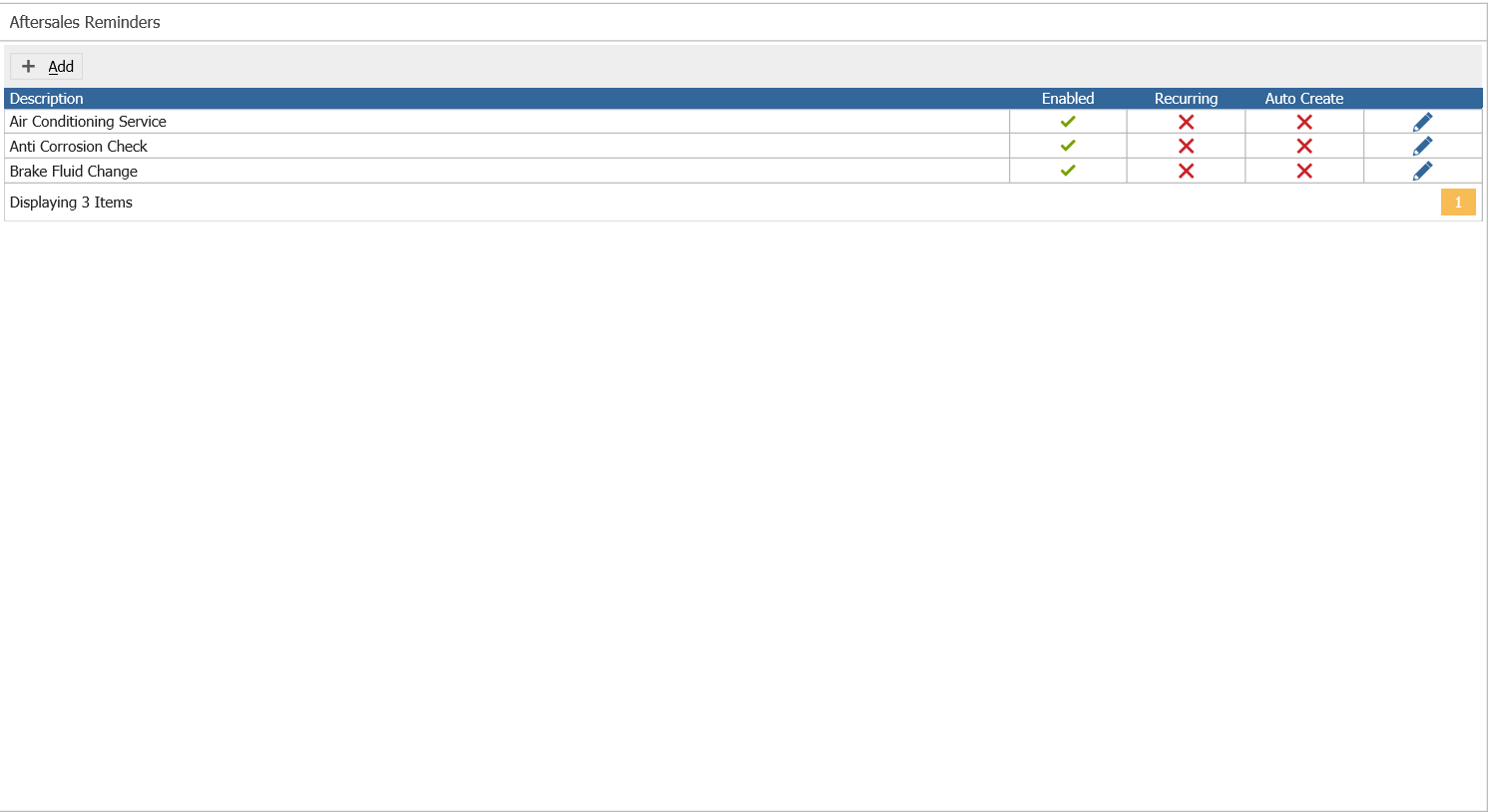
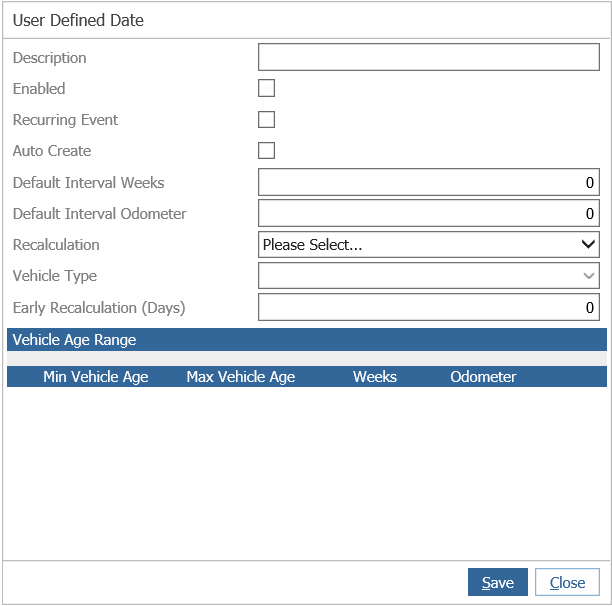
In here, click Add and add the User Defined Date you need and click Save:
This will then allow you to add or amend a date in the Reminders tab on the Vehicle's CRM record.