
Question
How to create a used vehicle quote against a customer CRM record?
Answer
Firstly you would go to CRM - Enquiry. Search for your customer and navigate to the desired vehicle tab.
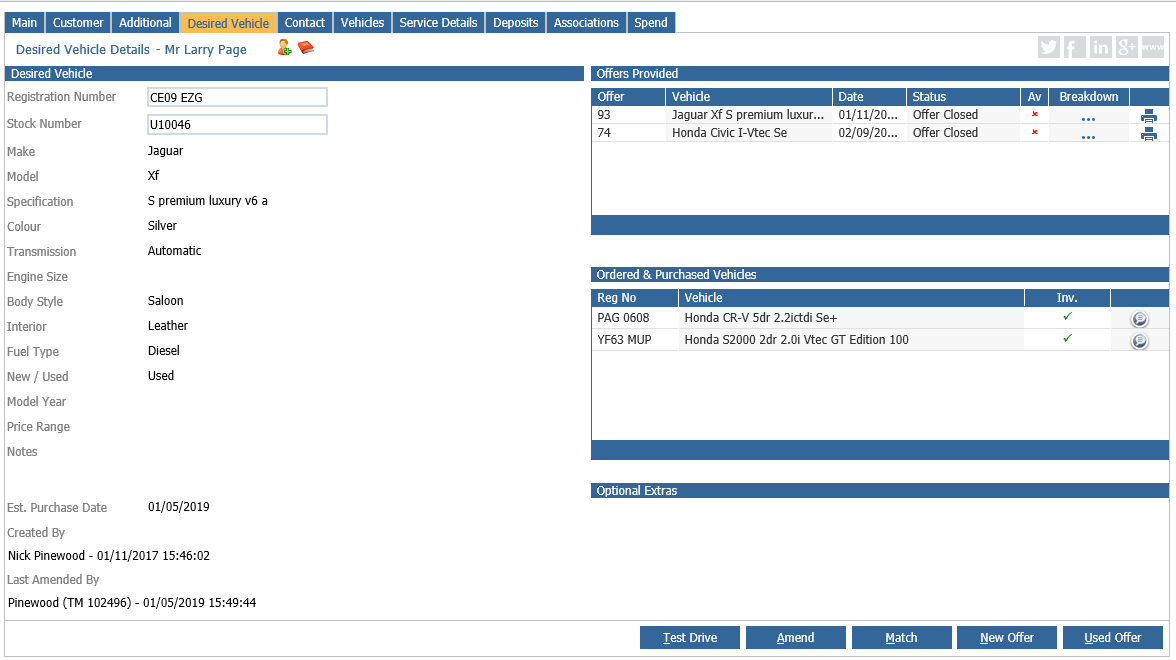
You then need to press the used offer button. You can then choose a vehicle from your stock or you can use the used vehicle configurator.
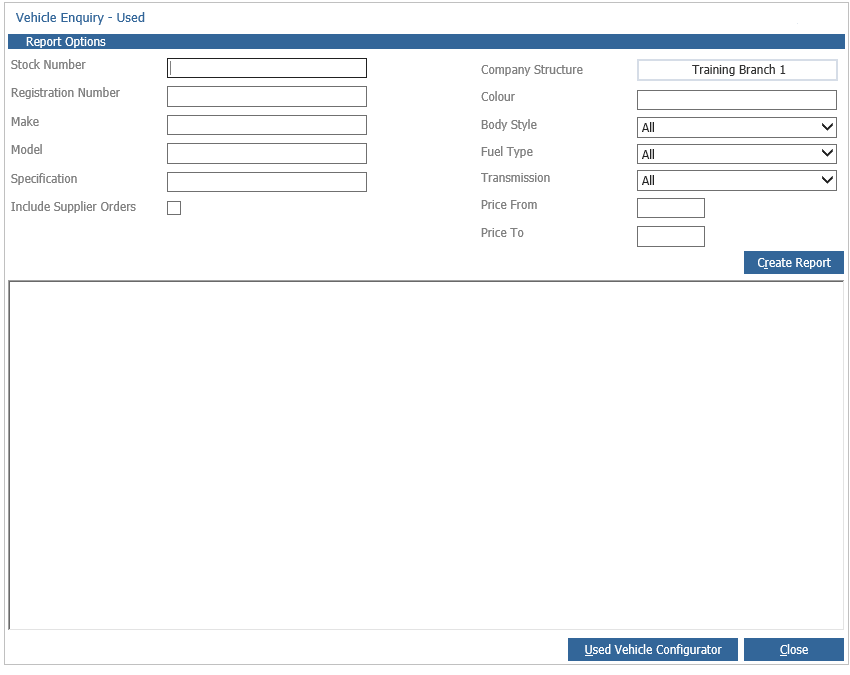
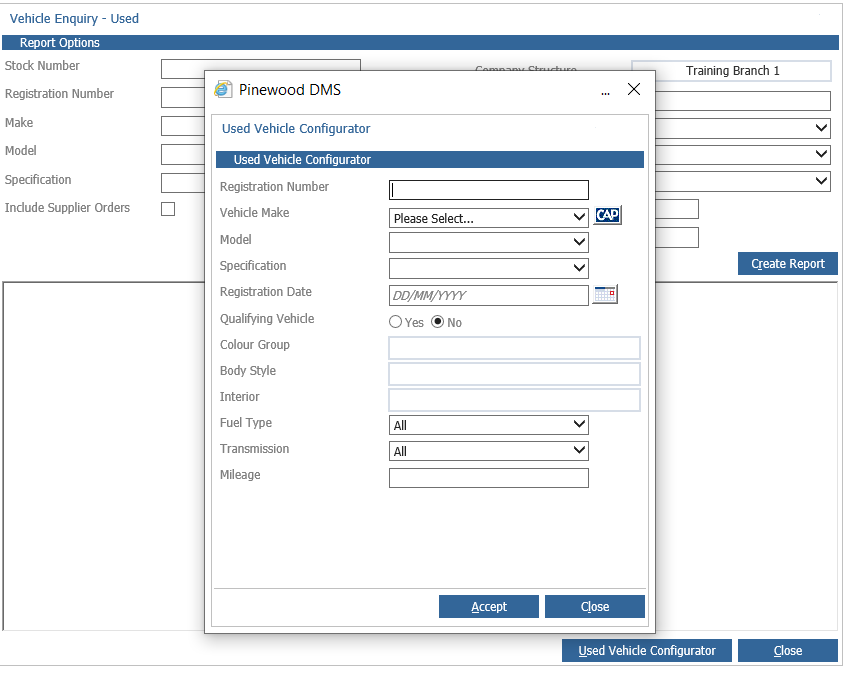
You will then have a pop up box where you can enter the vehicle details.
Once these details have been filled in it will take you to a page for you to build the quote and put in your prices.
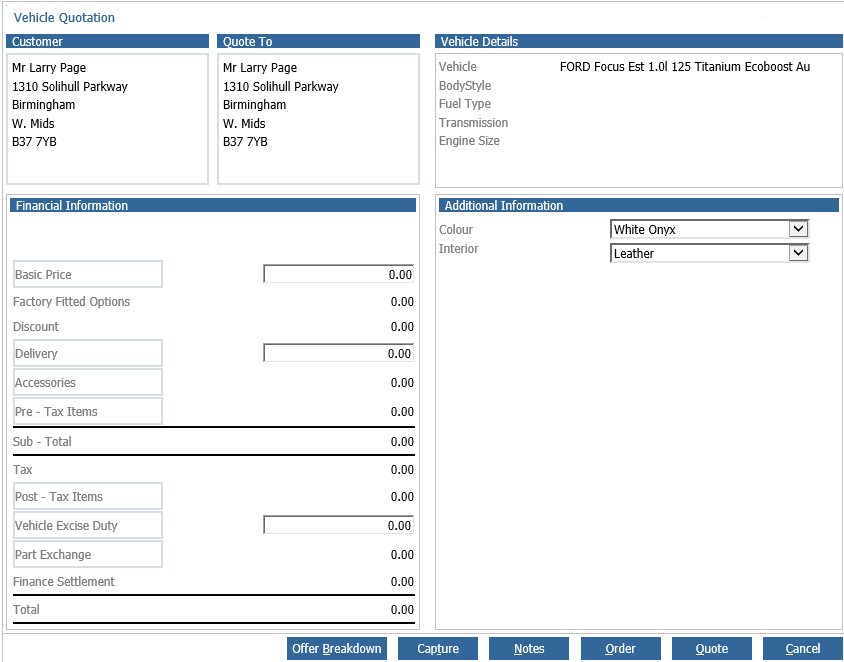
Once you have filled these in press the quote button at the bottom of the page. This will then give you a document you can print and give to the customer.