Question
How do I filter by trade or retail customers in selections?
Answer
Being able to do this depends heavily on whether you have the correct set up and if you fill the information in on the CRM record. Firstly you need to make sure you have customer types set up.
You can do this by going to CRM - Parameters - Dealer parameters. Staying on the enterprise tab choose Customer Type Descriptions from the Parameter Type drop down.
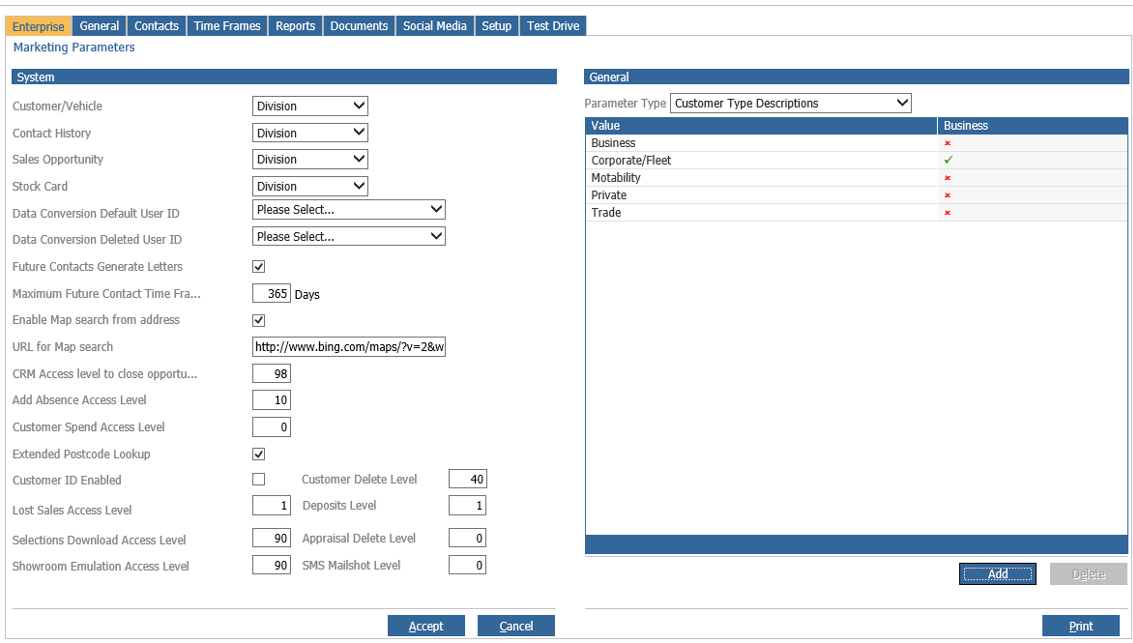
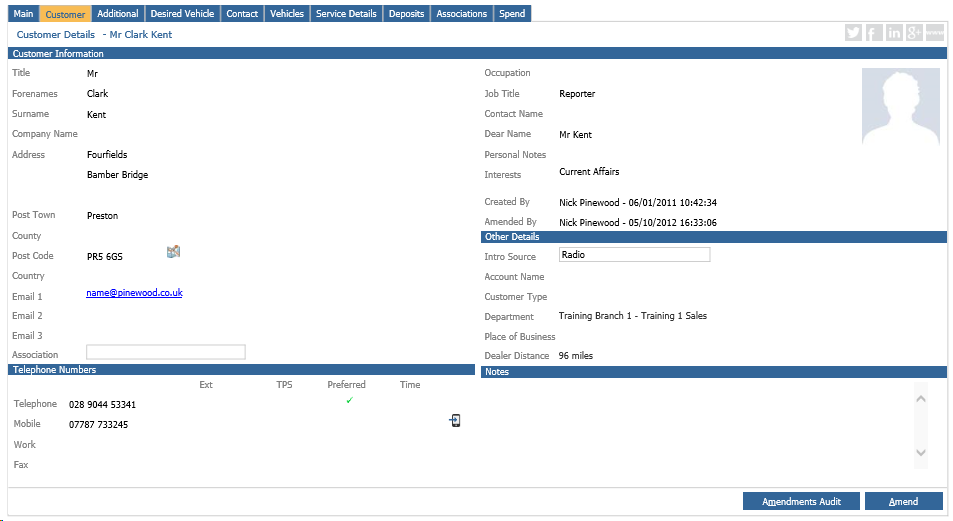
You can add these in here by pressing the add button. This allows you to distinguish what kind of customer they will be. So long as this information is filled in on the CRM record. This is filled in on the customer tab under other details.
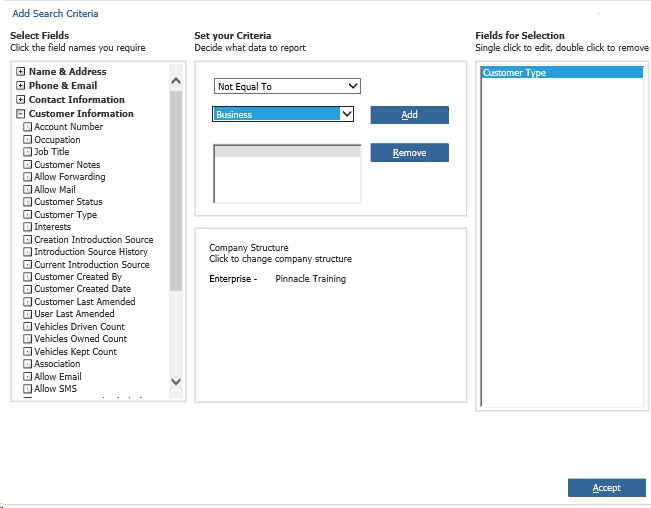
Once this information has been set up you can then use this in your selections to filter out any customer types you do not want. If you go into your choose fields to search box in selections, under customer information you can choose customer type. You can then do something like not equal to private or equal to trade if you wish.