Question
How do I enable Aftersales Diary Contact Plans?
Answers
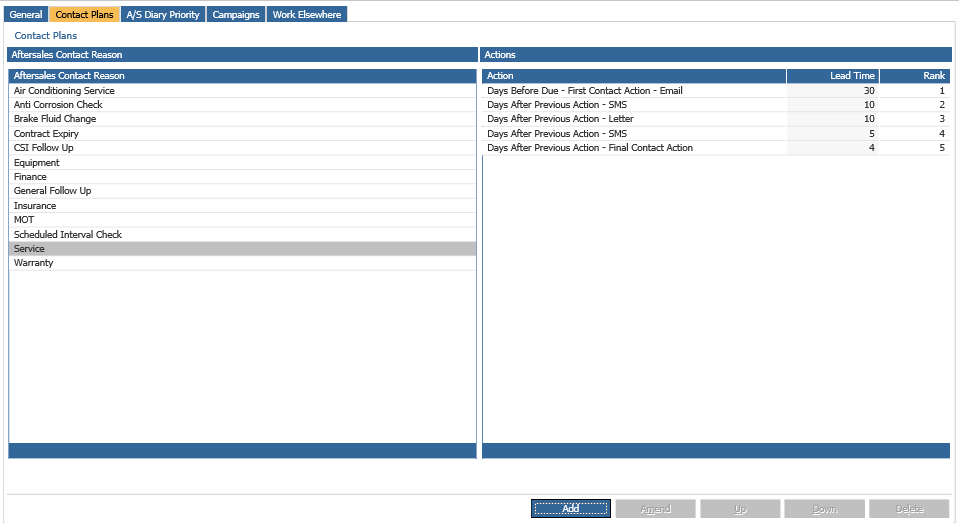
In order to enable the Contact Plans navigate to,
CRM > Parameters > Aftersales Parameters.
However, you can see that the tab for the Contact plans is not clickabe at the moment:
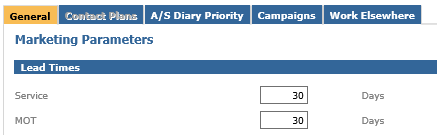
In order to activate it, you will need to put a check box on the respective option which is located on the same page (top right of the screen):

Once you tick it off and click Accept, the Contact Plans will become available for you to access.