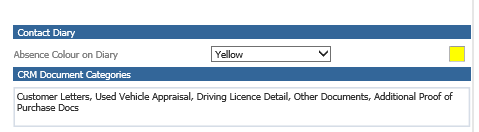
Question
How can I add CRM document categories?
Answer
To add a new CRM Document Category you will firstly need to go to CRM > Parameters > Dealer Parameters and click on the General Tab.
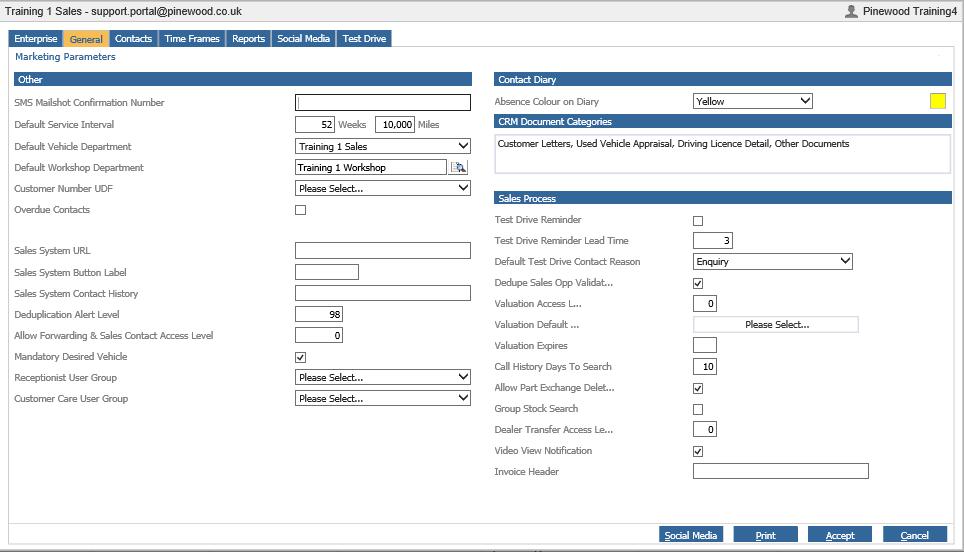
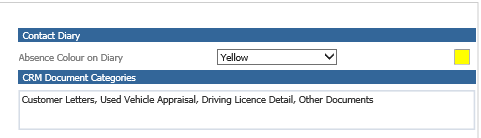
Click on CRM Document Categories.
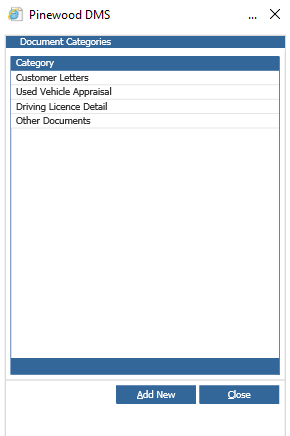
Click Add New and then type the description of the Category.
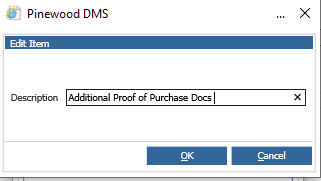
Click OK and then Close and this will be saved in list.