
This can be viewed via:
Parts > Reporting > Stock > Negative Stock
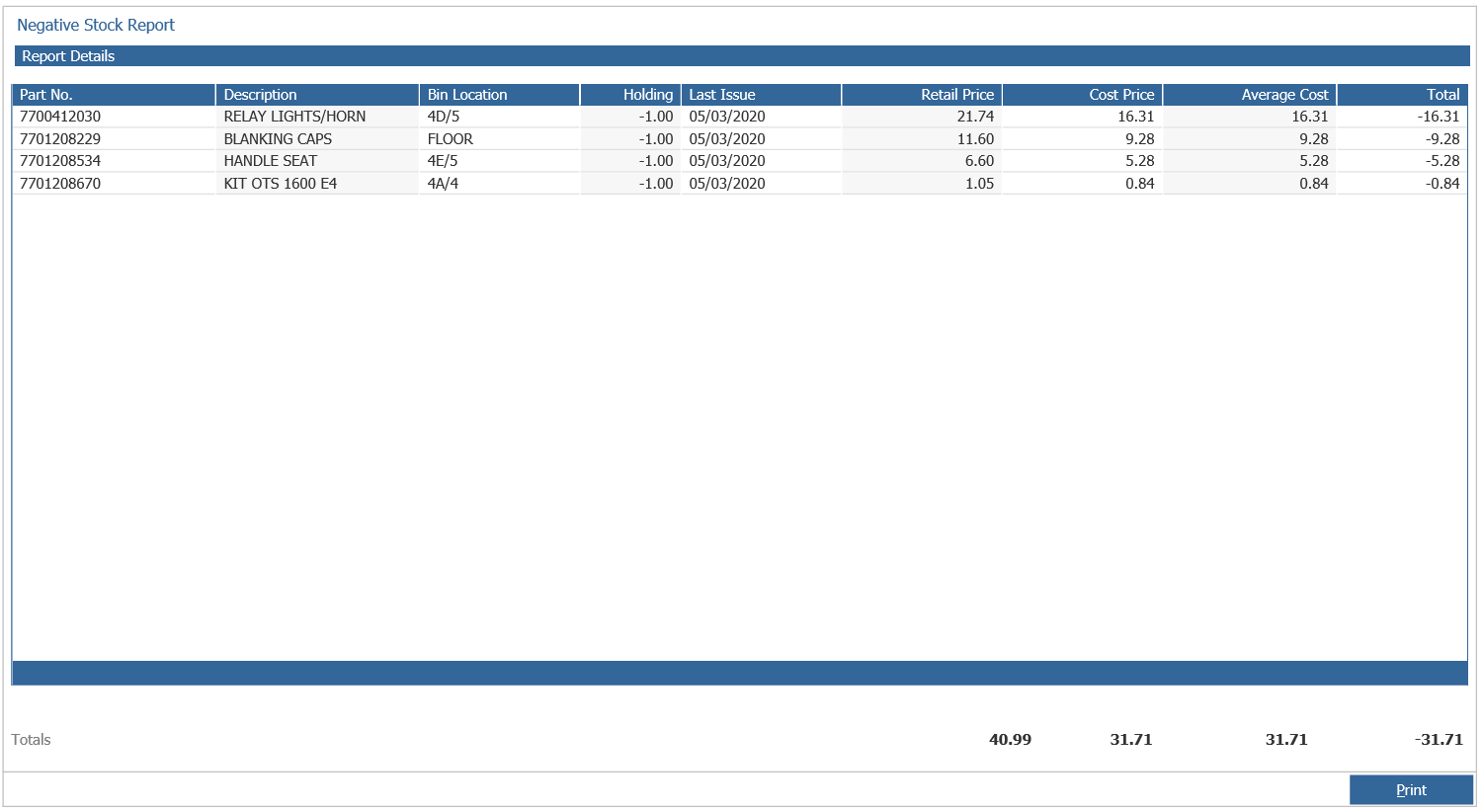
The Negative Stock report will detail any parts that are at a negative value.
This allows for the verification of these parts, should they actually have a stock holding, but the receipt has not yet been processed. This is important as a negative holding cannot be entered when inputting sheets, any negative holdings can only be entered as zero or above.
This should be viewed and actioned prior to completing a stock take to keep the process as simple and as straight-forward as possible.