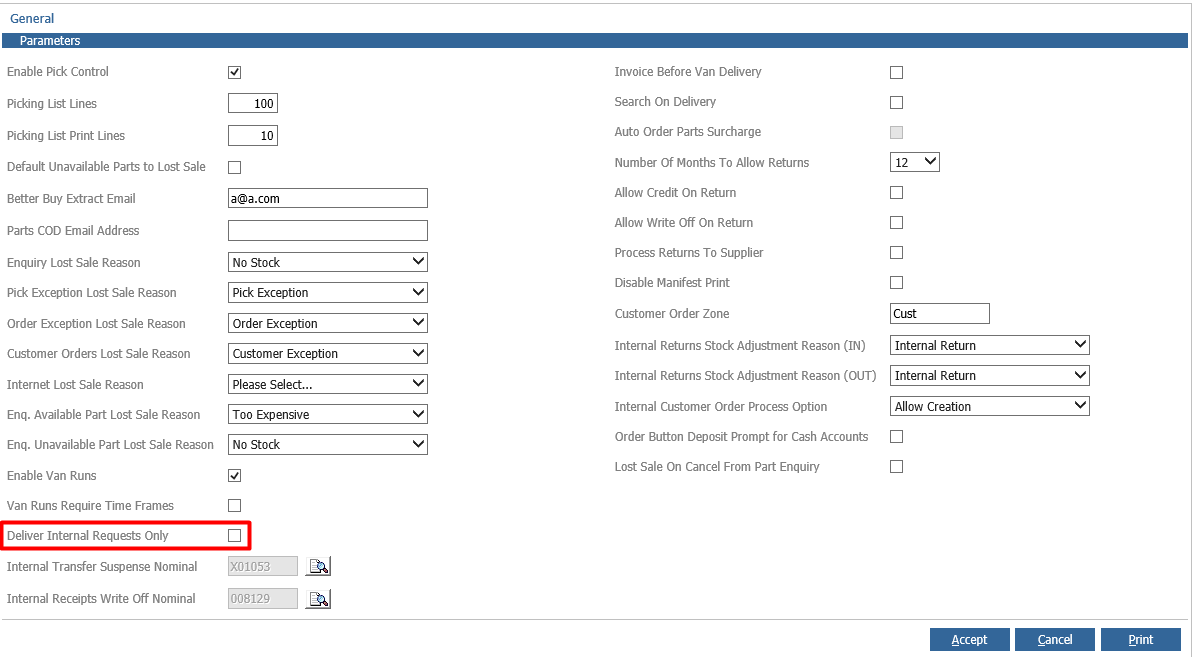
With Distribution enabled and Van runs active, you will get the 'Deliver' Option within Parts > Sales > Invoice.
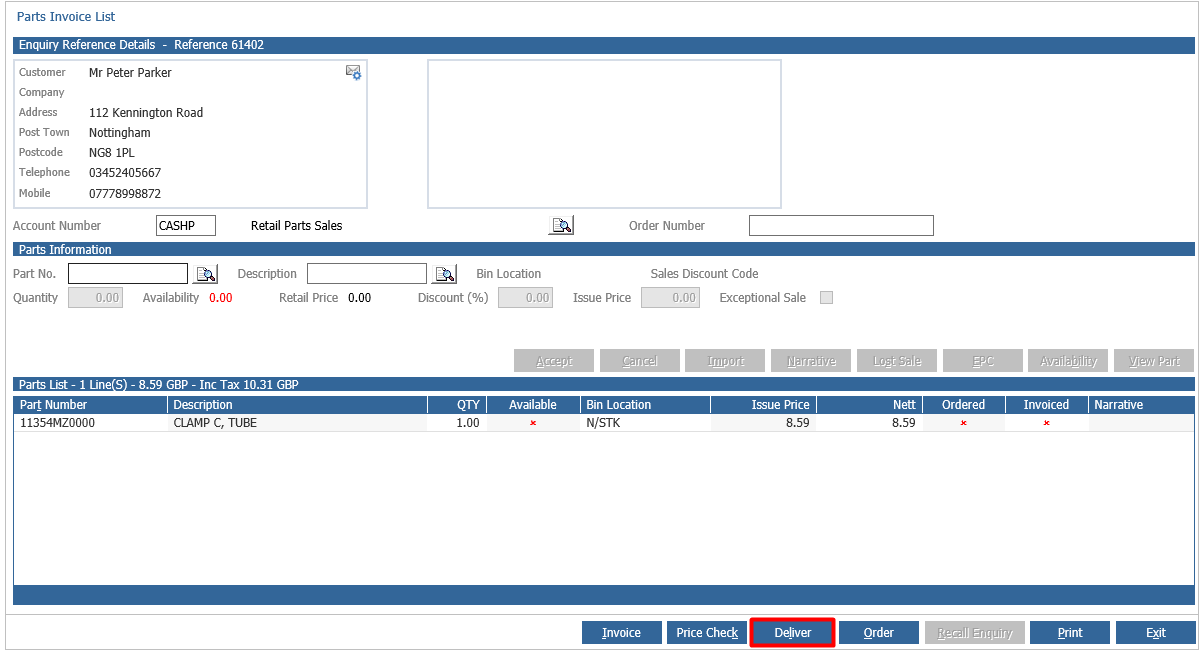
The Deliver option allows you to process the order as a Cash on Delivery sale.
Once you have selected the route for this, you will be prompted 'Is the customer paying now or on delivery?'
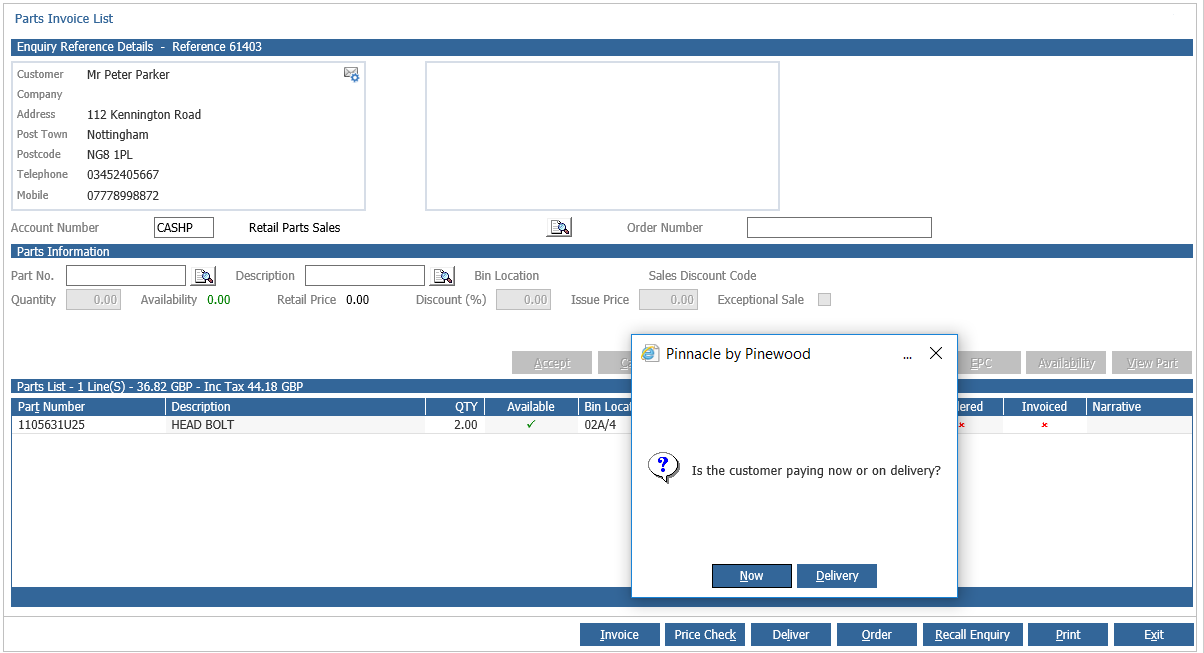
Here you can select Delivery for customers paying at the point the part is delivered.
If the Delivery button is not appearing on the screen, but Distribution is enabled, then please review Parameters within Parts > Distribution > Parameters > General. If the Parameter for 'Deliver Internal Requests Only' is ticked, then accounts that are not classed as Internal will not get the option for Delivery. If you remove the option and then select Accept on this page, you will then have the option to Deliver to other accounts.