
If you go to; Parts > Parameters > Department Details
Click Department Details 1 tab
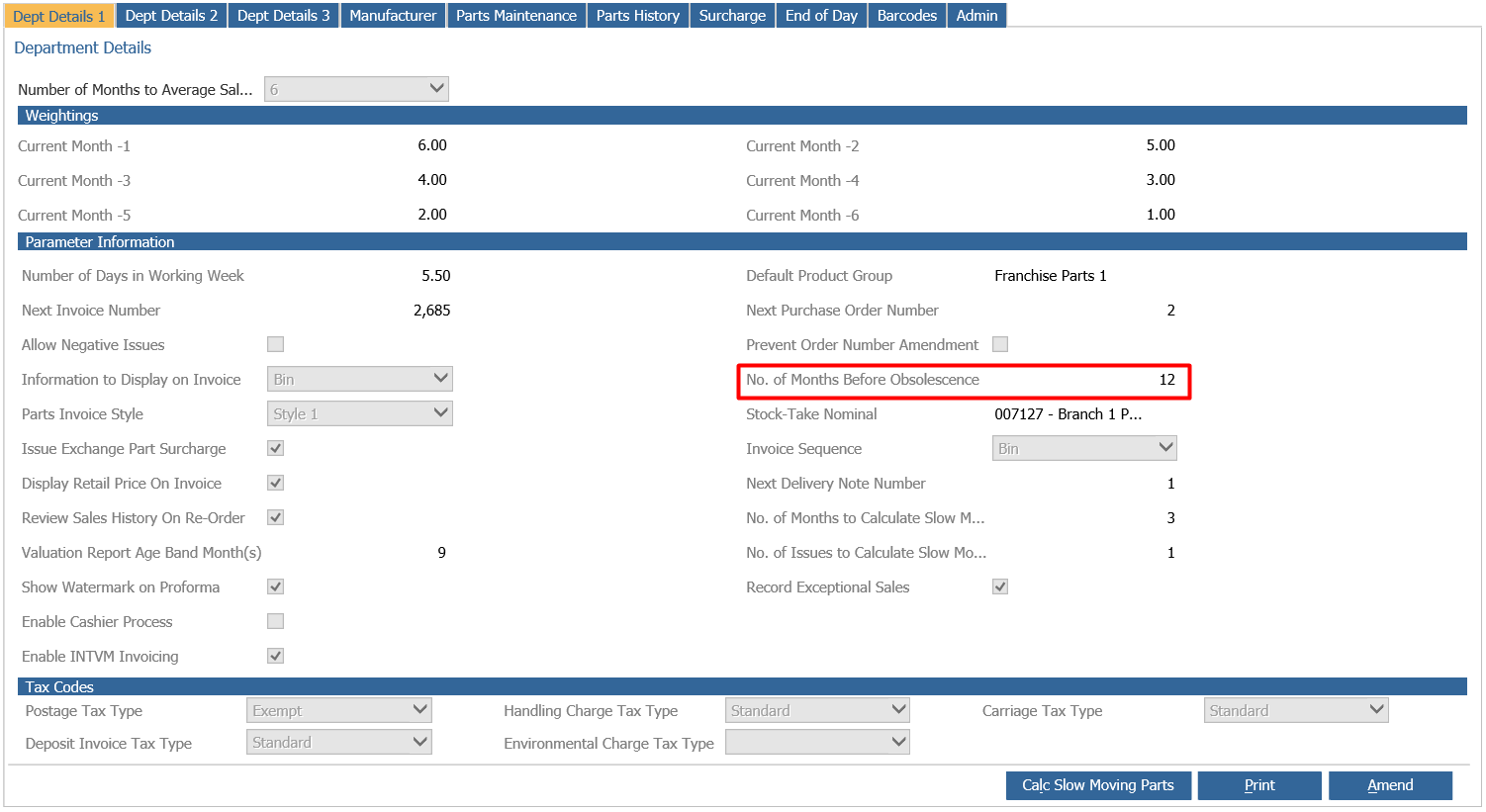
Here on the right hand side, you will see a parameter titled ‘No of Months Before Obsolescence’.
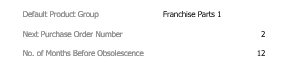
This parameter drives the number of months following the date a part is first stocked prior to a part qualifying to be included in the obsolescence report.
This report can then be viewed via;
Parts > Reporting > Stock > Parts Obsolescence
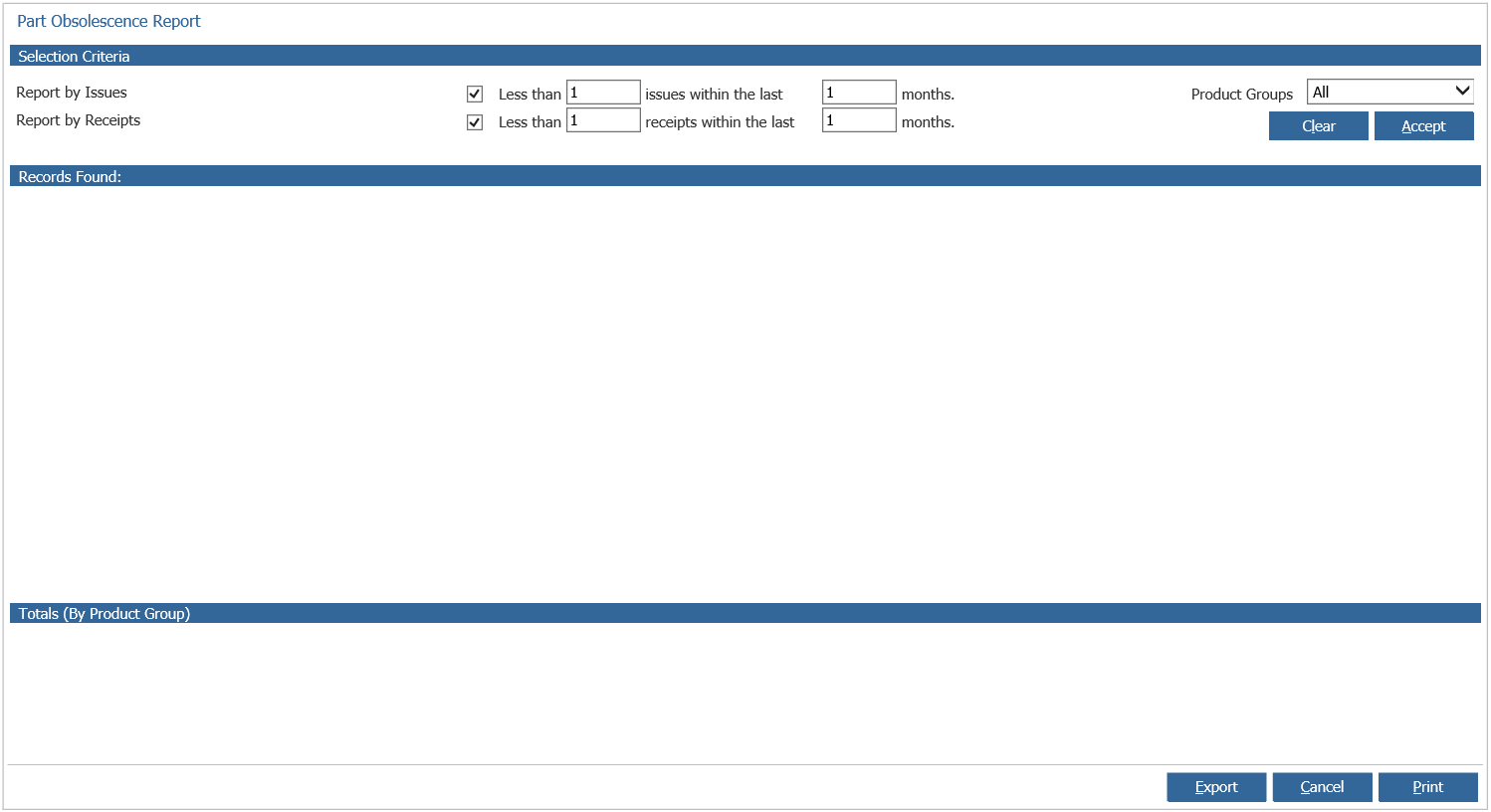
This parameter is something that needs to be bared in mind with data conversion parts, as if they have never originally been receipted, they will not prompt the calculation to begin against these records. Once set up by a dealership will drive the obsolescence report.
If a part with a stock holding has no movement and no sales history against it for this period of time since it was first receipted in (i.e. 12 months). Then it will appear on the obsolescence report.
Parts without a stock holding will not appear as they are not deemed obsolete if you do not have any of that part at your dealership.