Question
How do I add a country onto a CRM Record?
Answer
To set a country on a CRM record you will need to go to the CRM record and from here you can select the country from the drop down menu.
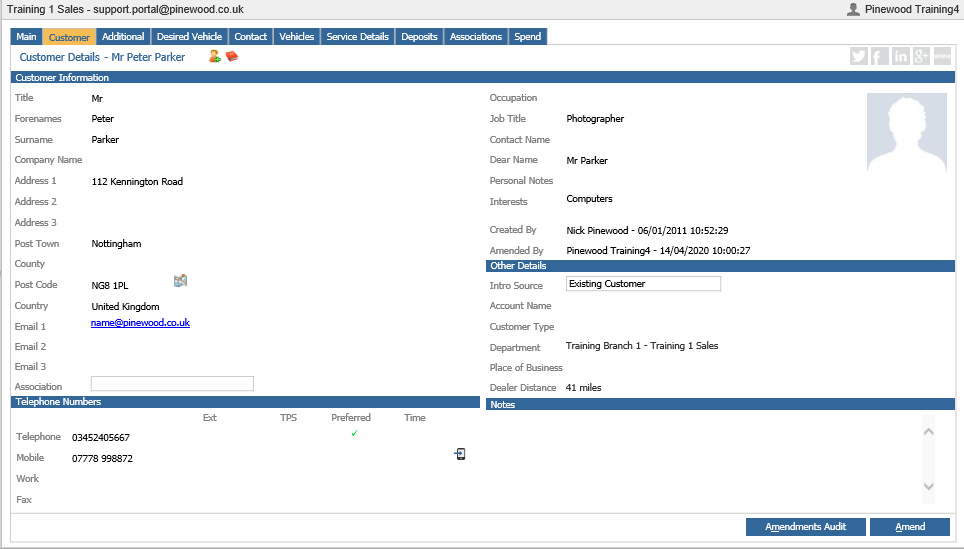
Firstly you will need to go to CRM > Enquiry and search for the customer.
Select the 'Customer' Tab, click Amend and select the drop down menu located next to Country on the left hand side.
This will display a drop down menu with a list of countries.
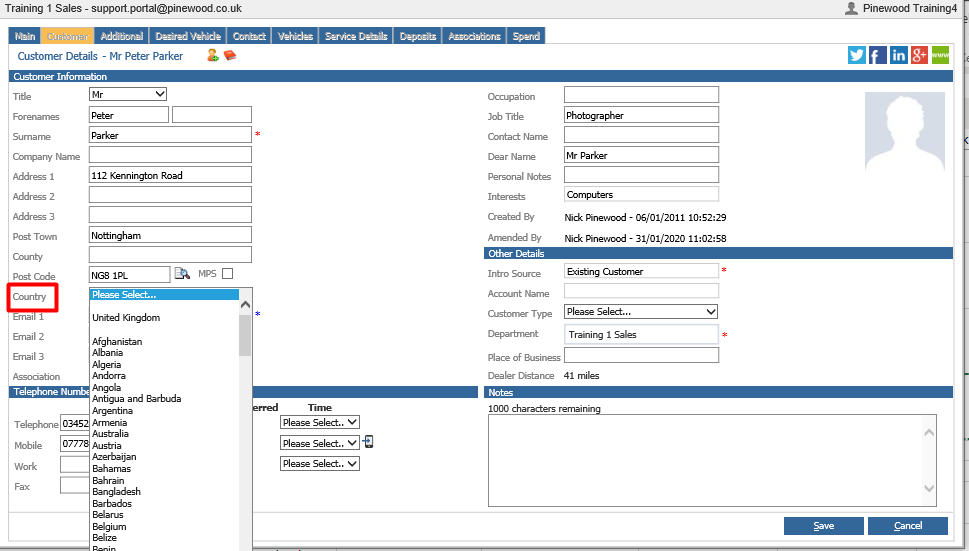
From here you can select your desired country and after doing so click Save. Now the CRM record will show the country.