
Question
How to amend the ASD Service Date?
Answer
If you go to the CRM module then click into Enquiry.
Once there you want to search for the vehicle by its Reg No, VIN or Fleet No.
When you have searched for a vehicle go into details and click on the "Service Details Tab".
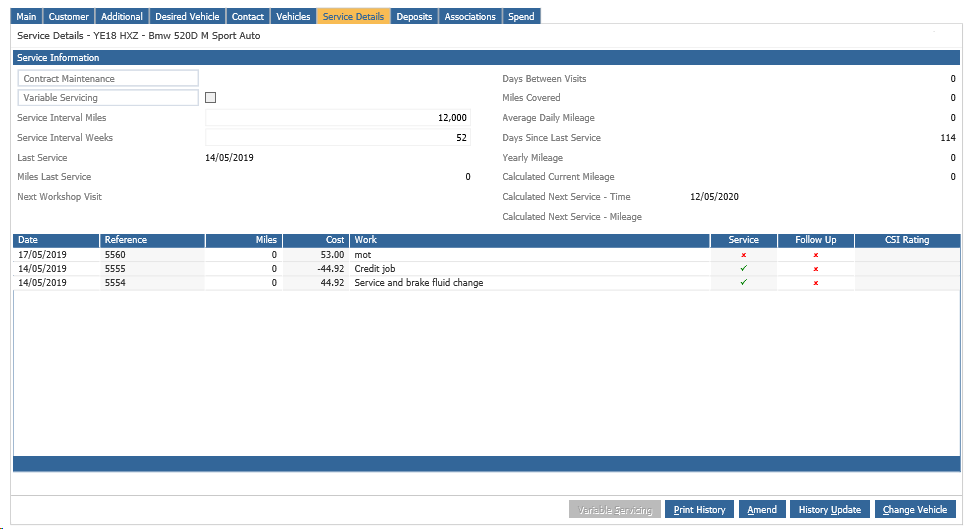
From here select the Amend button at the bottom of the page.
Then tick Variable Servicing as an Option and click Save.
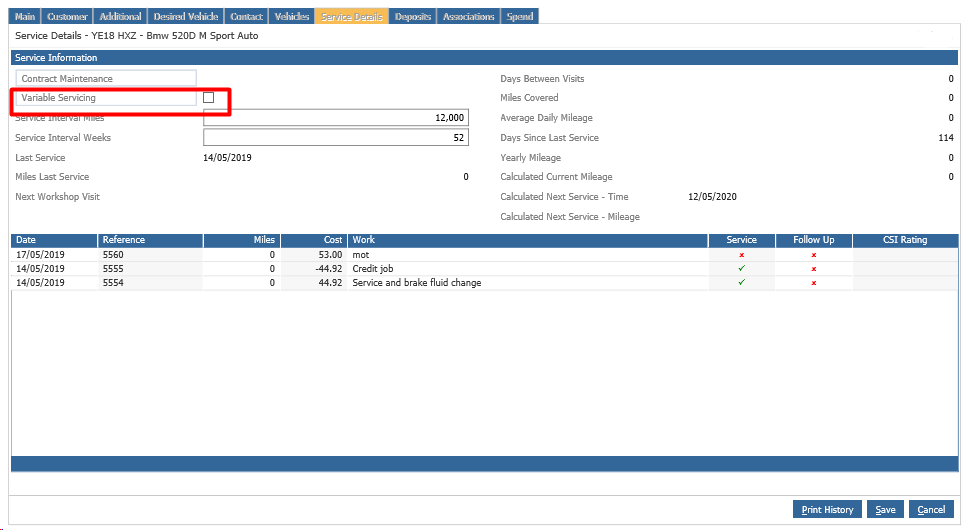
This will then give you the option to edit the "Next Service Millage" and the "Calculated Next Service Date"
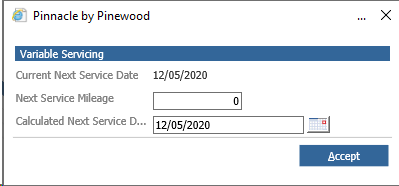
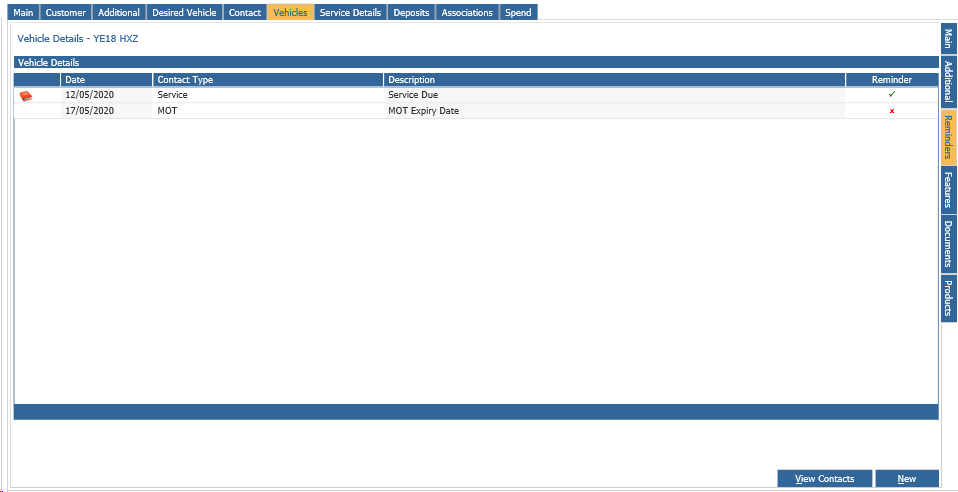
Once you Press Accept it will then save this and update the Calculated Next Service Time and Mileage Dates, as well as on the Vehicle Details tab it will update the Reminders dates for the Aftersales Diary Contact Plans to work from.
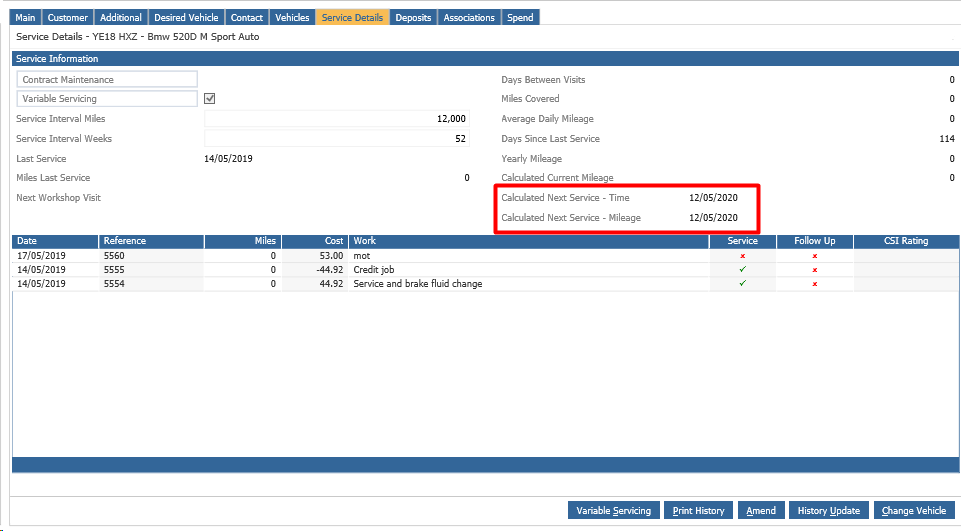
You can then click Amend on the Service Details tab and go back in and un-tick "Variable Servicing" and press Save.