
Pinewood DMS takes into account if the cost price of a part has been updated by the Parts Price Update between the time the part was ordered and when is being received.
If there has been a Parts Price Update after the Supplier Order was created and the price has changed, at the point of selecting the order within the receive orders screen the popup below will be displayed.
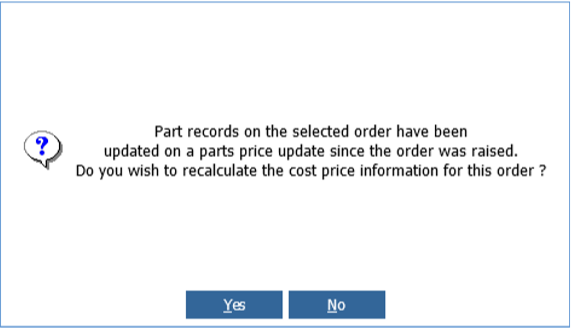
Selecting ‘Yes’ will update parts on the order with the updated cost price based on order type and discount terms.
Selecting ‘No’ will leave the cost price as it was when the order was created.
**Please Note: This check only occurs when the supplier is the main parts supplier on the part record. Also parts must be set to Retail [-] for this validation.**