Question
How do I delete an absence from the Contact Diary?
Answer
At times it may be useful to delete a staff members absence from the Contact Diary. To do this go to CRM > Sales Reports > Management > Contact Report as you would when adding absence to the diary.
Once you are within the Diary, select the correct salesperson from the drop down box
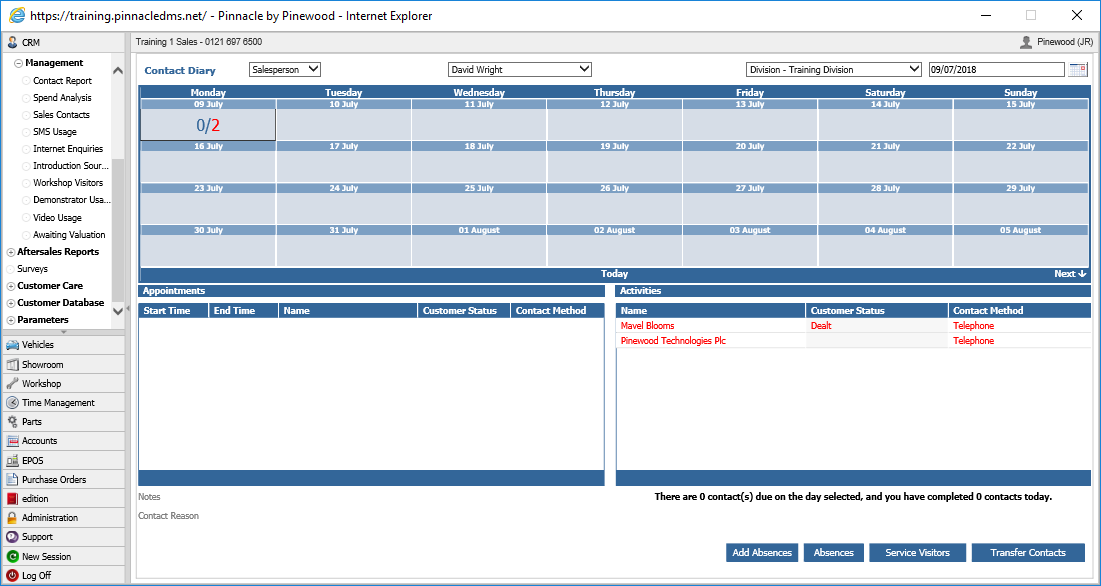
Once you have selected the the correct salesperson, click on the 'Add Absences' button and the following popup will appear.
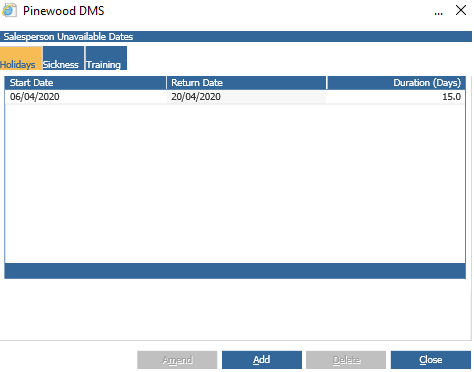
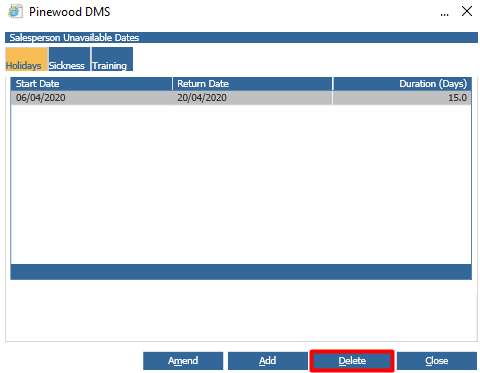
Select the relevant absence to remove and the 'Delete' button will no longer be greyed out. Click delete and then either yes or no depending if you have selected the right absence to delete. This will remove the absence from the contact diary and allow you to schedule contacts on that date for the salesperson.