
Question
I have received a mailshot could not be created message, what does this mean?
Answer
If when in CRM > Processing > Letters in The Mailshot tab you get the below message when trying to create a mailshot it means the selection needs to be adjusted for you to use the letter you have chosen
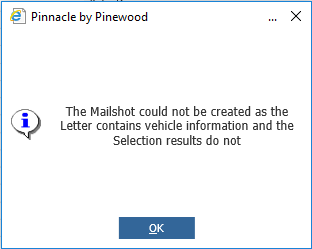
If you check the Selection Type column of your selection it will be showing ‘Customer’ instead of ‘Customer & Vehicle’

When creating the selection you need to have vehicle information as search criteria.
Go to CRM > Selections > Search, click the ‘Saved Selection’ tab and double click into your selection.
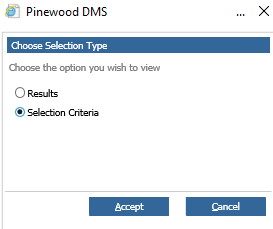
In the pop up choose Selection Criteria and click the Accept button.
NB - If the selection criteria circle is greyed out it means when the selection was created it was only ticked as a results based selection so you would need to start a new selection
It will show the following screen.
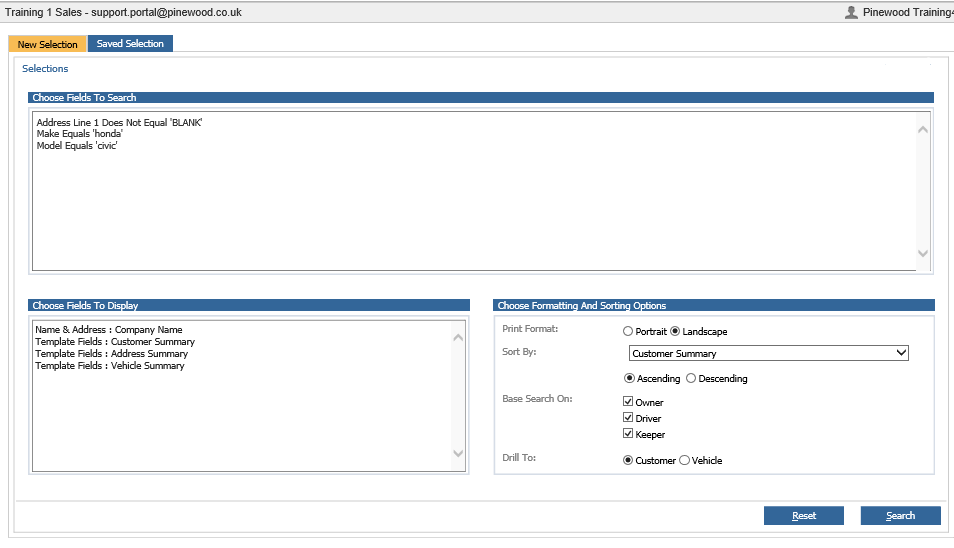
Now in the Choose fields to search you will have to add vehicle search criteria and click the 'Search' button.
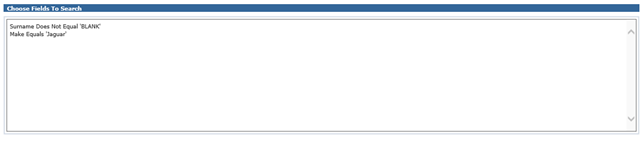
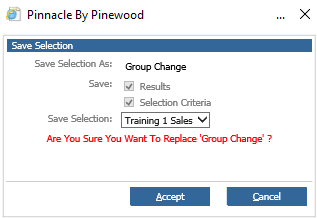
Now you can save the selection, it will ask if you are sure you want to replace the existing selection click Accept again
Go back to CRM > Processing > Letters in The Mailshot tab you will now see another selection of the same name but the Selection Type column has ‘Customer & Vehicle’ populated

You can delete the old selection if you have no use for it but the new selection will work