
The distribution module has been developed to enable larger parts departments to effectively manage and control of their stock. It enables the use of Vans runs to trade and internal customers. It also gives users detailed reports on sales analysis of each van run and measures how effective parts employees are at correctly picking the right parts.
The reporting suite also gives detailed analysis on peak times for when parts are being ordered allowing more effective management and control of orders.
Set up Required
**Please Note: Before distribution can be activated it is important for the site to clear down and process any outstanding customer orders from the customer order screen.**
Once this has been done, distribution can be turned on. This is done in Parts > Parameters > Department Details > Department Details 2, enable by selecting the box for Distribution.
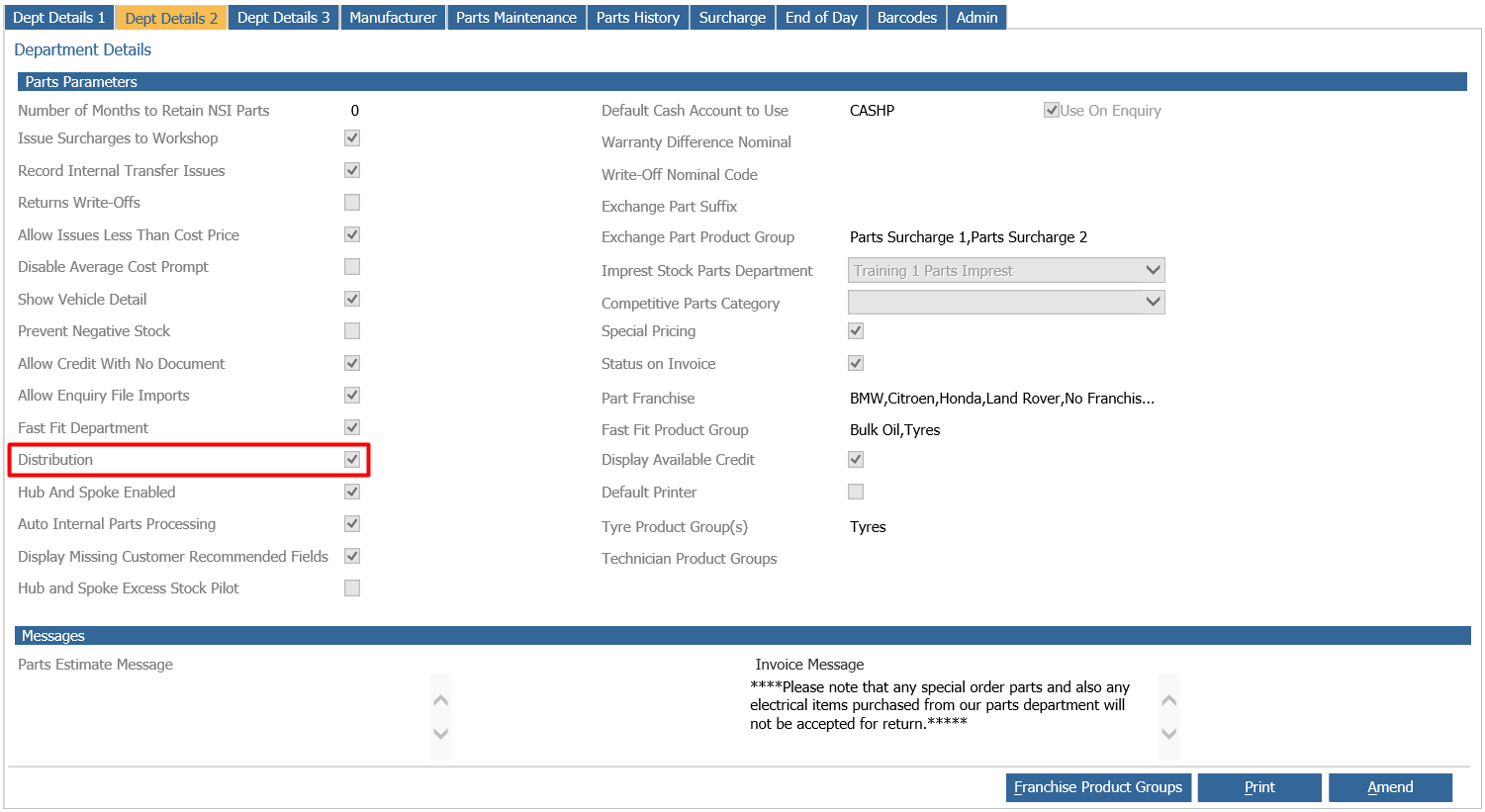
Parameters
Parts - Distribution - Parameters - Internal Sales
Distribution > Parameters > Internal Sales 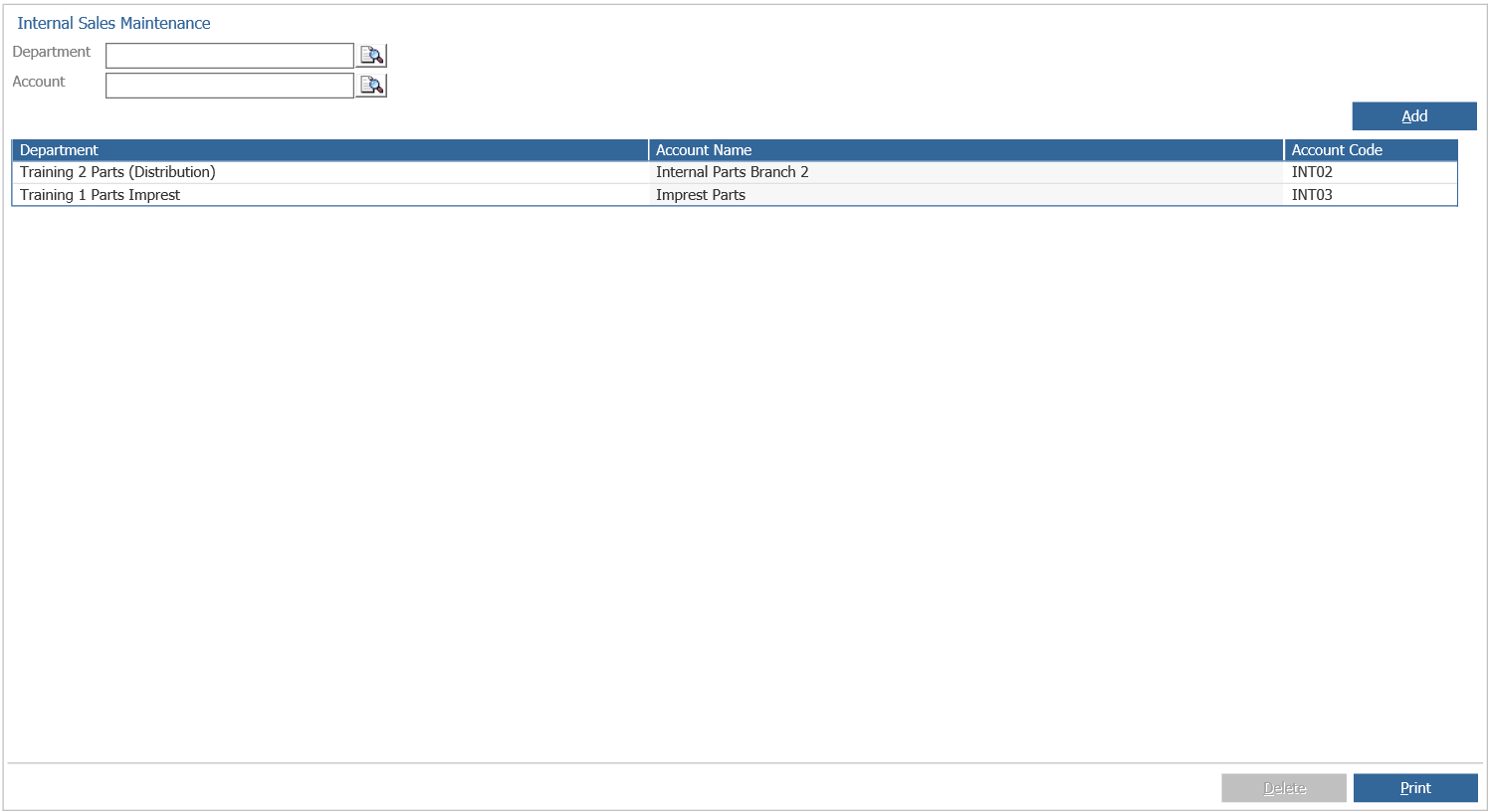
To be able to transfer parts to other departments within the same dealer group, the internal sales parameters are required.
Add the department that the system will sell parts to by clicking on the search icon next to the Department field.
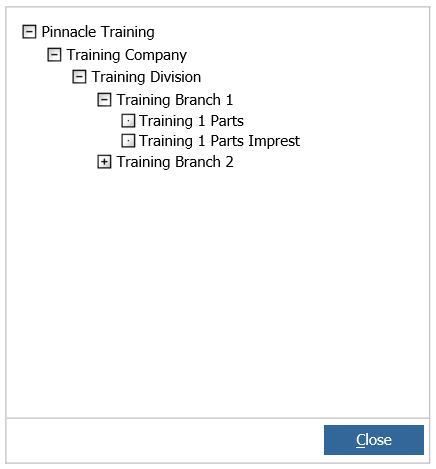
Select the required department from the resulting company structure window.
Select the parts department for internal sales to take place.
Next, the sales ledger account for the internal sale needs to be selected using the sales ledger search facility.
After the department and account have been selected, pressing ‘Add’ will add the entry to the lower portion of the screen.

Entries can be deleted with a single click, then select ‘Delete’.