
Parts departments have the option to add alternative suppliers to a parts supplier record
should they have suppliers that supply from multiple distribution centres. For ease of use in this
scenario you are able to have multiple alternative suppliers against a supplier record which
you can select from during the receipts process.
Within Parts > Maintenance > Supplier Maintenance > Suppliers and select a part record there is a field for Alternative suppliers;
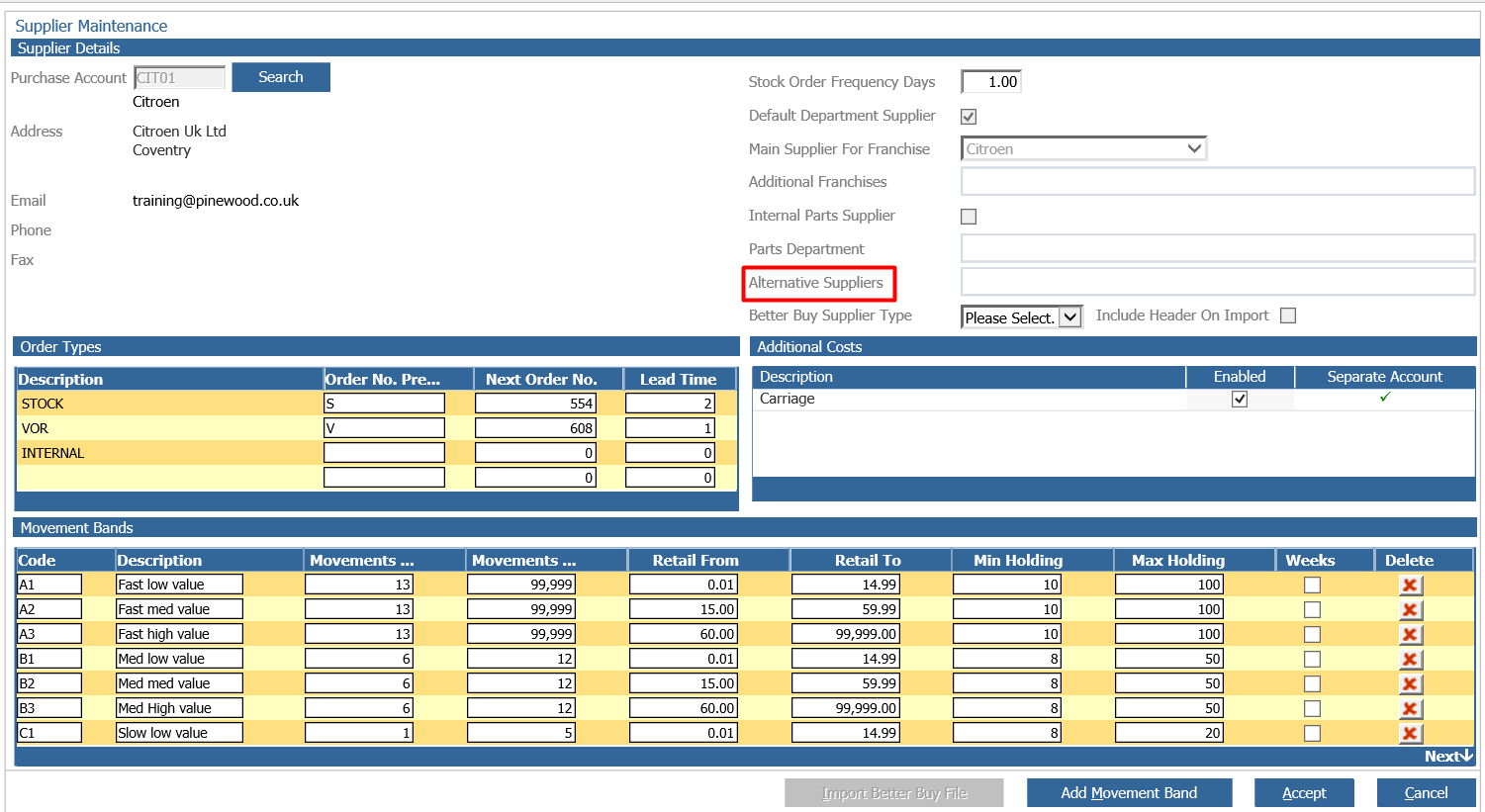
If you drill into this alternative supplier’s box, you will get a pop up where you can select existing valid suppliers from the list or search for them if you know the supplier code. You can then choose to add them and build up the list of alternative suppliers that will show against the supplier selected when receipting in parts.
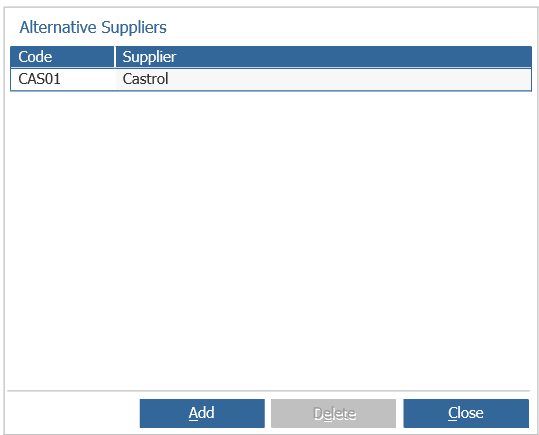
**Please note: that you can only add alternatives to a supplier record that already exists you will
not be able to do this on creation of a new supplier. You will also not be able to add alternatives
to a supplier record that is an internal record.**
Within the receive ordered parts screen or through the process orders screen you can now select an alternative supplier. When opening the screen, you won’t see any changes but if you select a supplier that has been set up with alternatives associated the supplier drop down will appear.
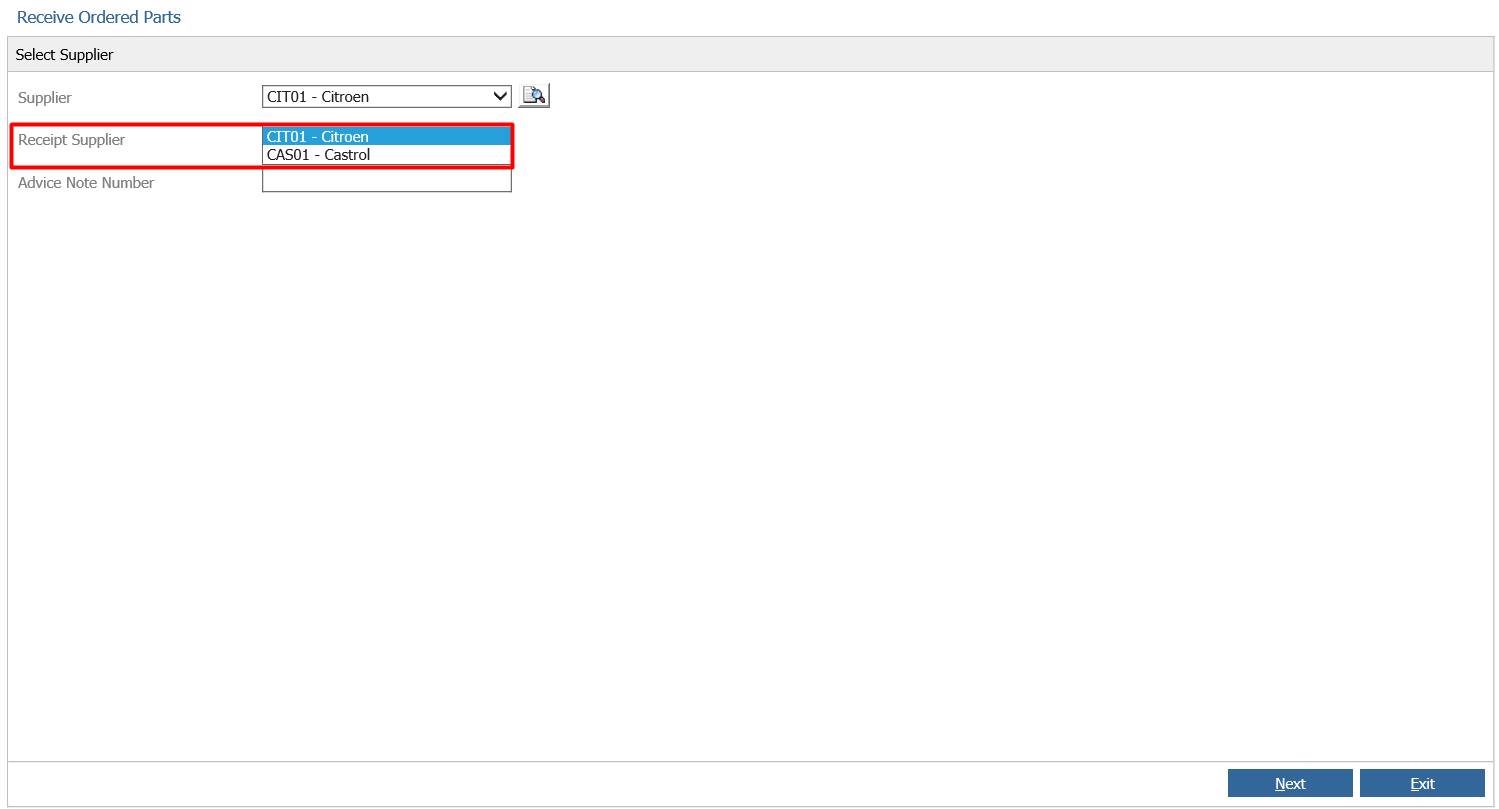
If you select an alternative as the Receipt Supplier when the parts are receipted in, then they
will be against this supplier.
Should you only partially receive an order, any parts not receipted in against this Receipt
Supplier will stay against the original Order Supplier until such time as they are receipted in.