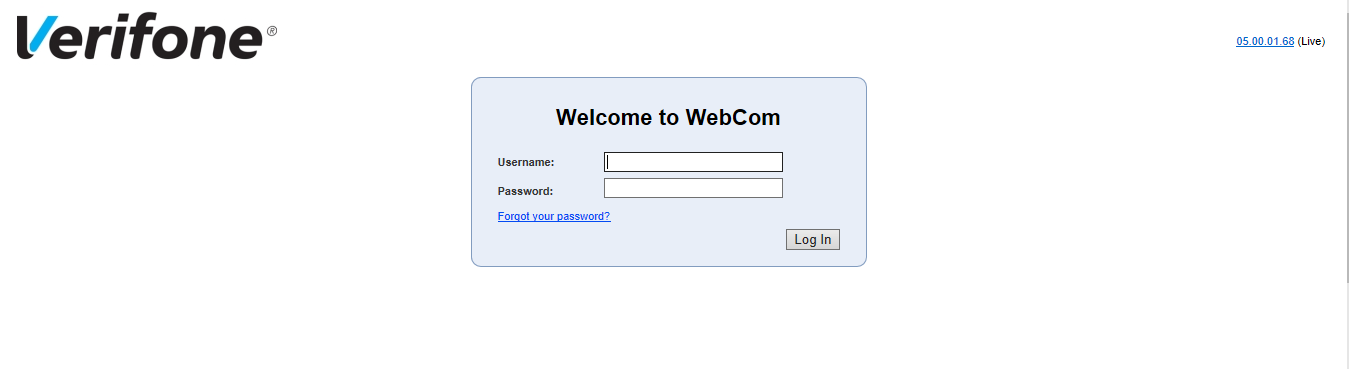
In your web browser navigate to https://reports.paywareocius.com and log in using your username (email) and password. This is not provided by Pinewood.
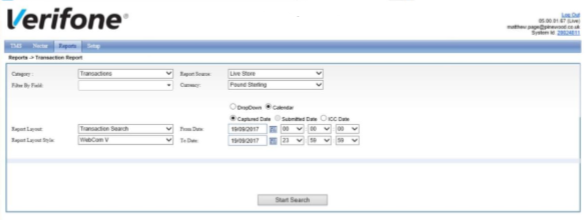
After logging in navigate to the ‘Reports’ menu button at the top of the page and click ‘Transactions’.
Select a date range and if you wish to look at transactions processed today, select ‘Live Store’ from the ‘Report Source’ field otherwise, select ‘Submitted Transactions’ from the same field and this will report on transaction submitted to the bank on previous days. Click ‘Start Search’. Either, a report will be displayed on screen or if the content is too large, a copy of the report will be sent to your email address.