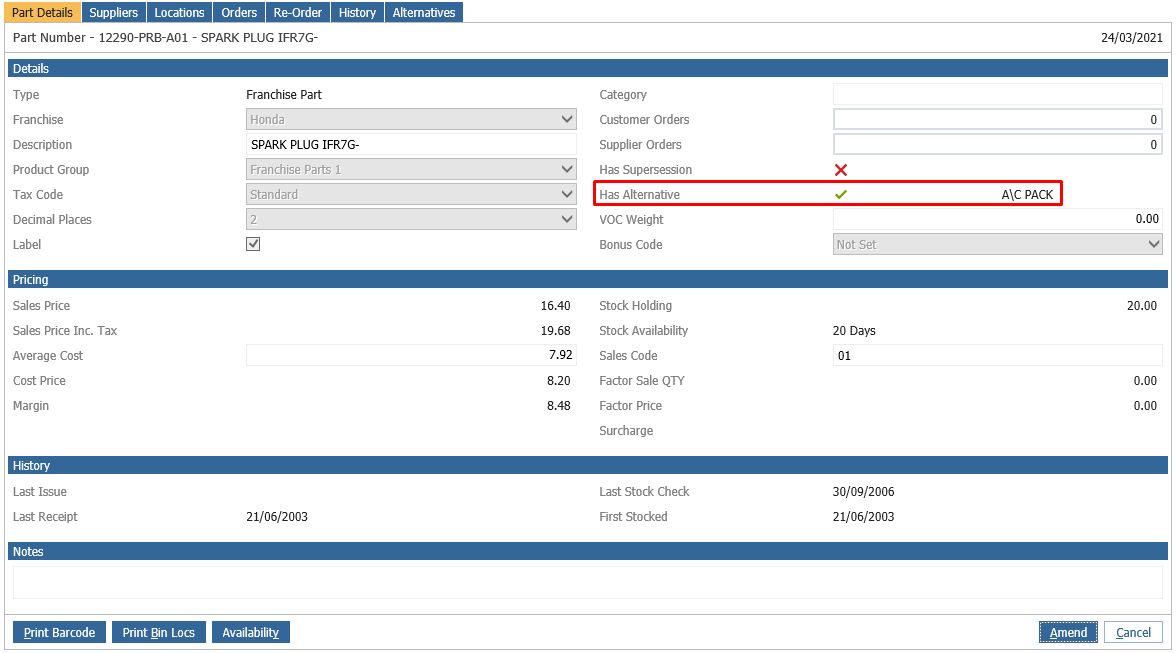
When creating a parts invoice for over the counter sales if the parts has alternative available a popup window will appear when the part number is searched for.
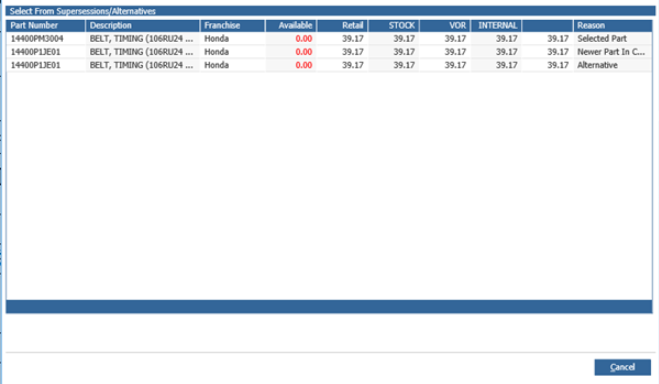
This window will list all parts and the prices of each so that the customer can choose which part suits their price range the best. From here if an alternative is chosen double clicking on that line will replace the part that was searched for with the alternative.
An Alternative parts can be added to a part record within Parts > Maintenance > Create/Amend under the Alternatives Tab:
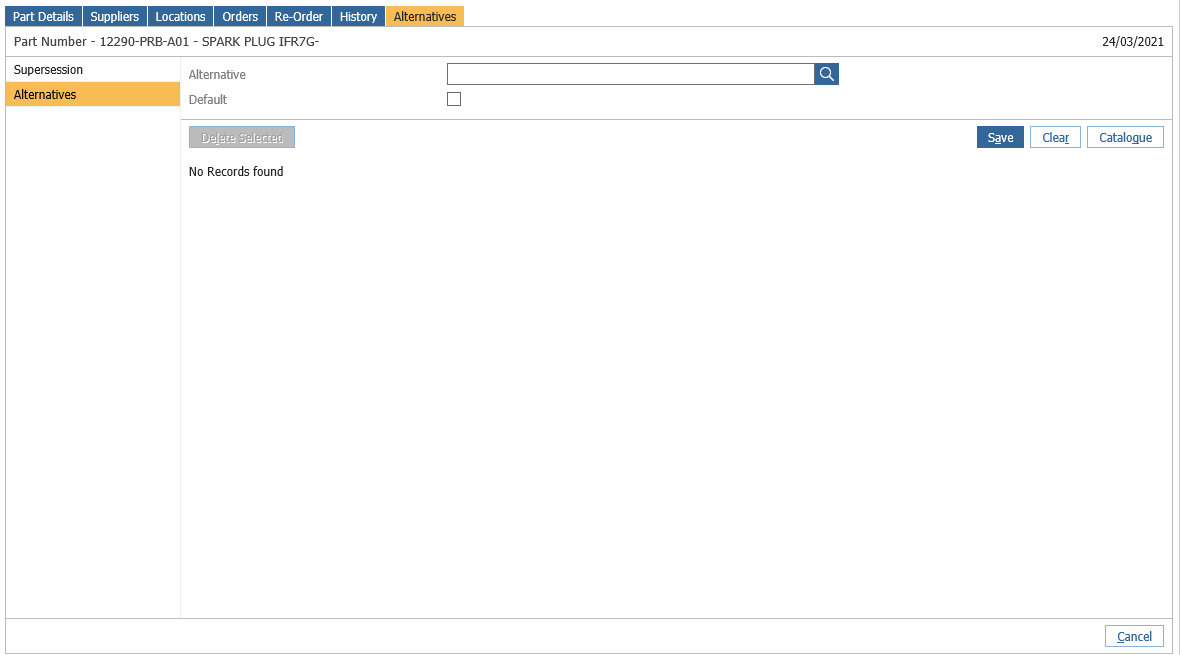
To add an alternative part, search it within the search box and then drill into it to add it as an alternative:
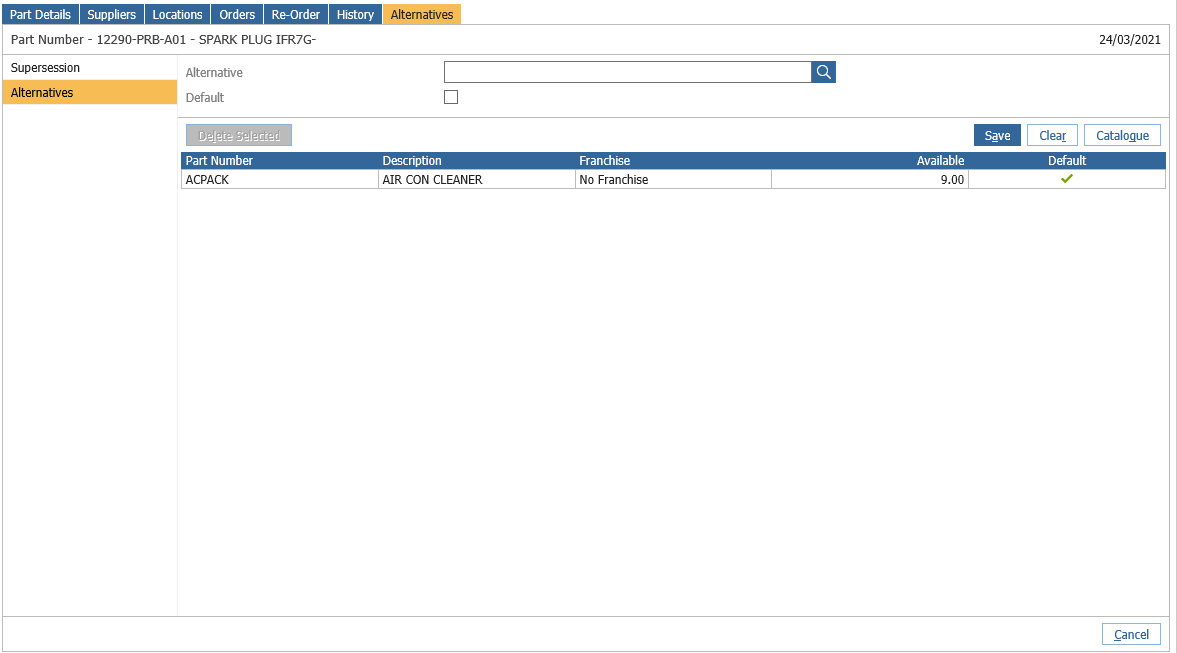
On the Part Details tab, the part will now show as having an alternative: