
Types of Supply can be used for the analysis of parts sales, cost of sales and discounts to sales types other than Retail, Trade, Internal, Warranty or Menu Pricing ie. sales to other dealers or sales to other dealers within their group.
These types of supply are then linked to sales ledger accounts within the parts parameters
(Parts > Parameters > Type of Supply).
Once setup is complete for each type of supply created, an extra report is available within the End Of Day routine.
Initially, set up needs to be done in the Nominal Ledger parameters before the types of supply parameters can be completed on this screen:
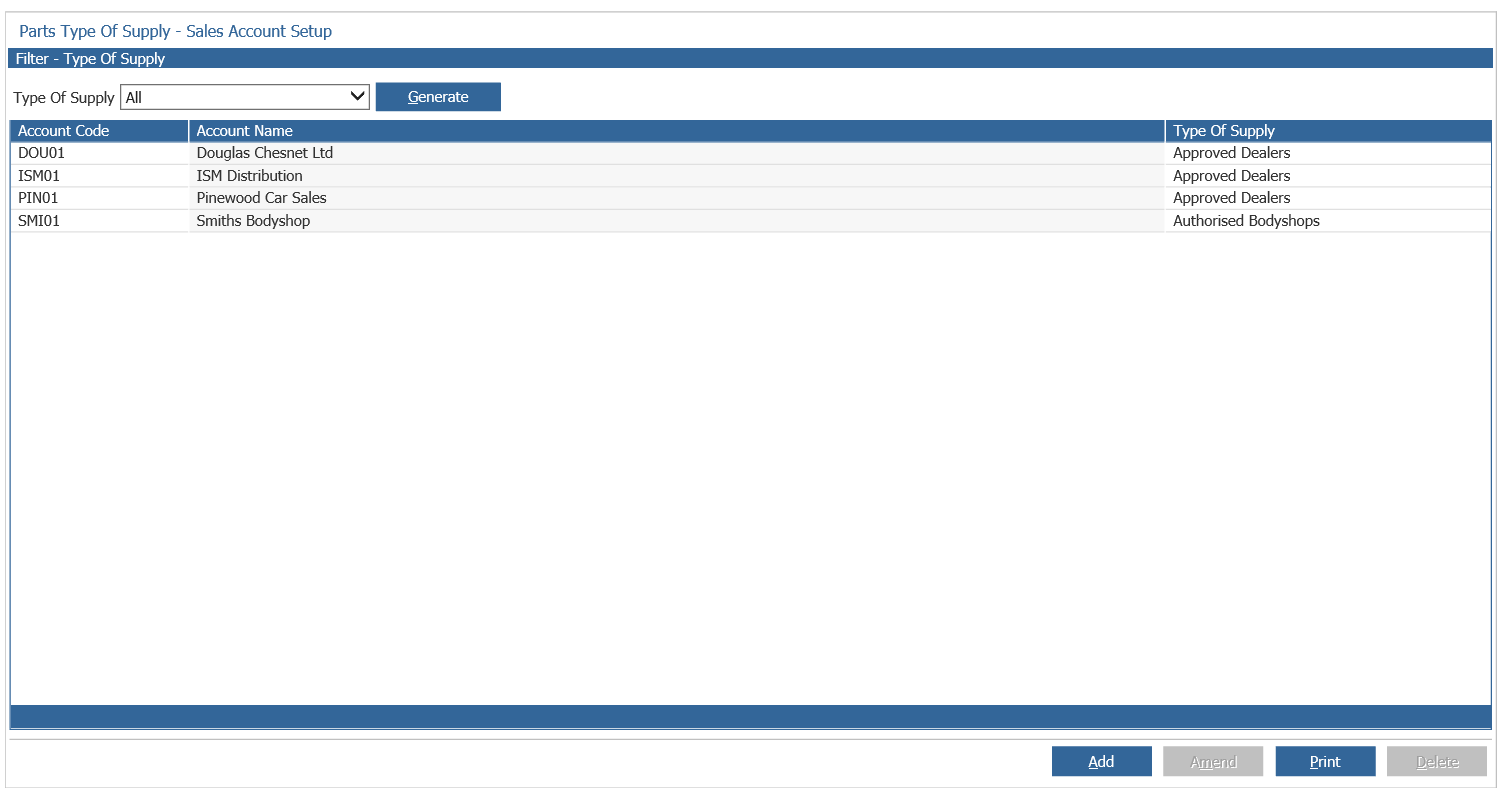
To link an account to a type of supply select 'Add' and you will be displayed with the following window:
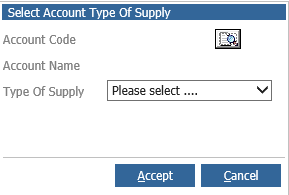
The account code must be selected and then the type of supply can be chosen. Select 'Accept' to save any changes.
Invoices produced against the accounts set in these parameters will form the new reports in the End Of Day routine for each type of supply. The counter sales report will have the sales to accounts not within the type of supply parameters.