
Manufacturer Bonus Codes is only available when Distribution is turned on.
Manufacturer Bonus Codes allows the creation of bonus codes, which can then be globally attached to part records.
With a code attached to the required parts, a recommended order for a specific bonus code can be generated.
To create Manufacturer Bonus Codes go to: Parts > Parameters > Manufacturer Bonus Codes.
Maintain Codes
The initial screen you will see is the Maintain Codes tab:
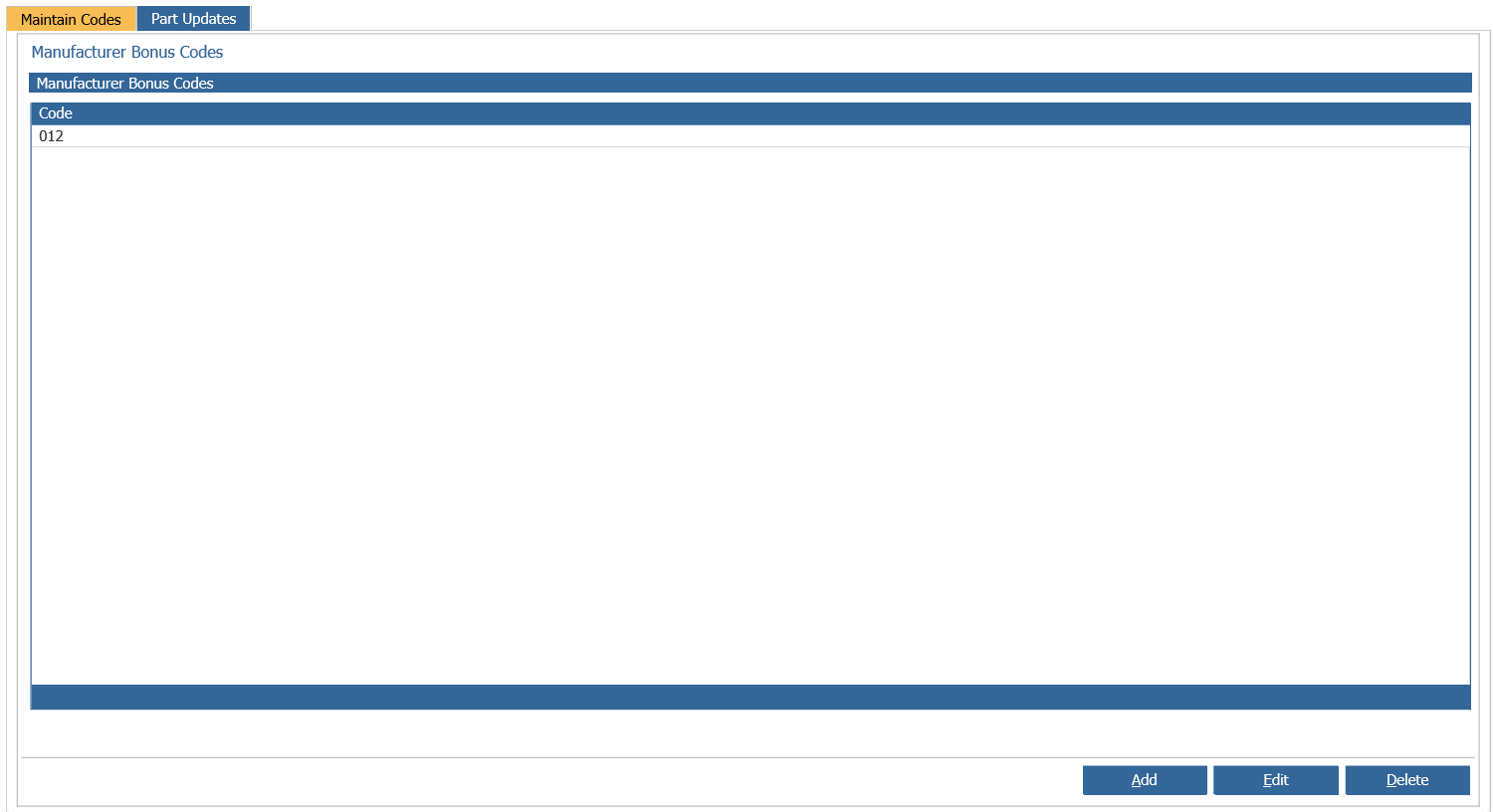
In here you will be able to view any previously created codes as well as creating new ones. By simply clicking on the 'Add' button at the bottom of the screen you will be given the option to enter in a code:
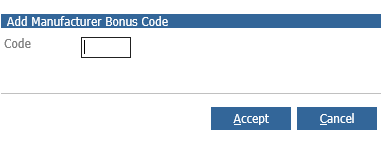
Once you have entered in the code click 'Accept' and you will see it will have populated on the initial screen. You also have the option to amend and delete a code.
Parts Updates
After the code has been created it can be attached to the required parts using the Part Updates tab.
A saved selection must be created and the parts within this selection can then be updated.
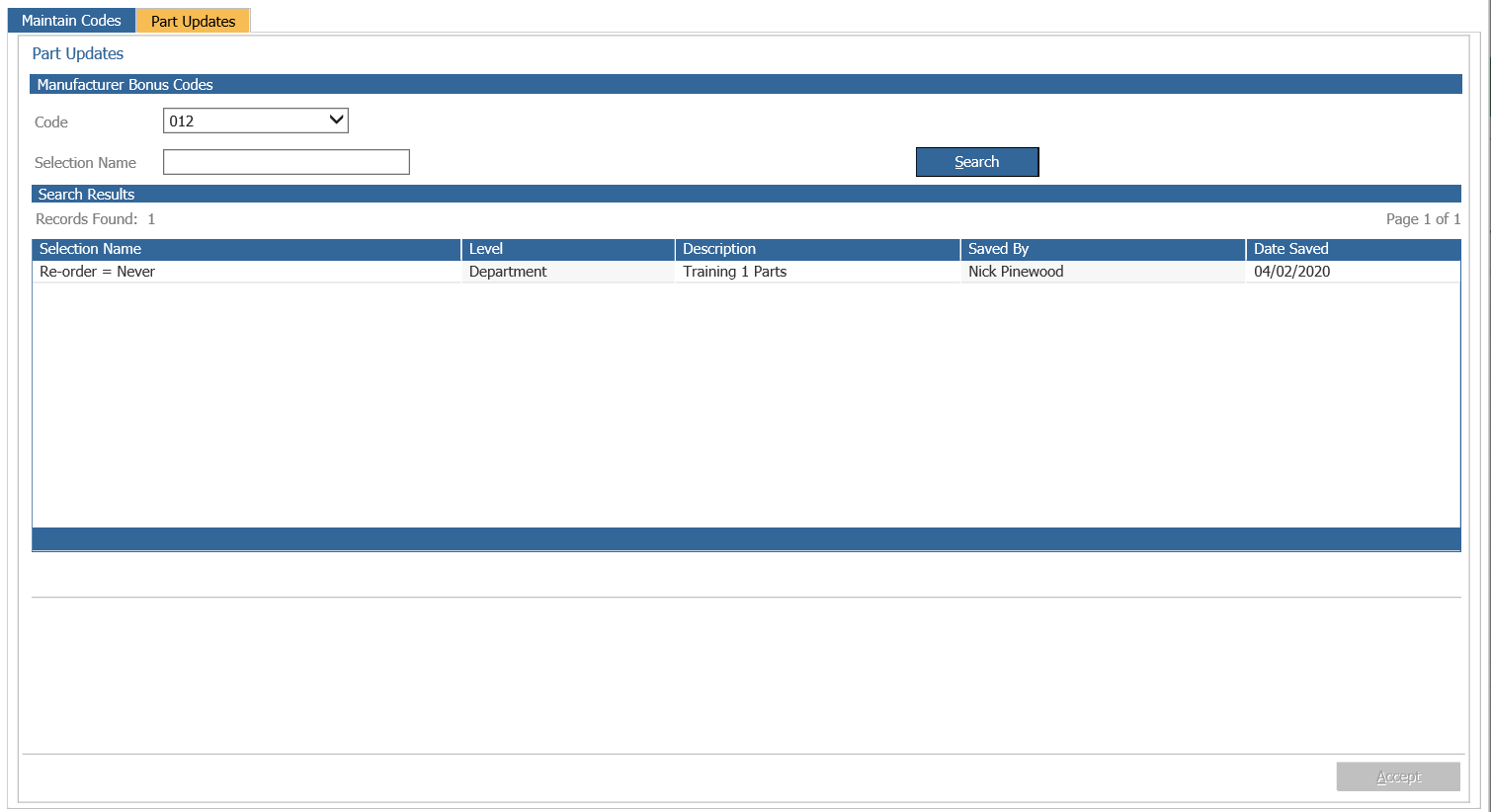
Select the code that the parts in the saved selection will be updated with, then select the required saved selection. Pressing 'Accept' will then update the part records within the saved selection.
The recommended order can then be filtered to only show parts with bonus codes attached.
Only one bonus code can be attached to any part record at any one time.