
The Excess Report can be accessed through: Parts > Reporting > Valuation > Excess Stock
The report is presented in the same format as the valuation report but is filtered to only
include parts that have an excess stock holding.
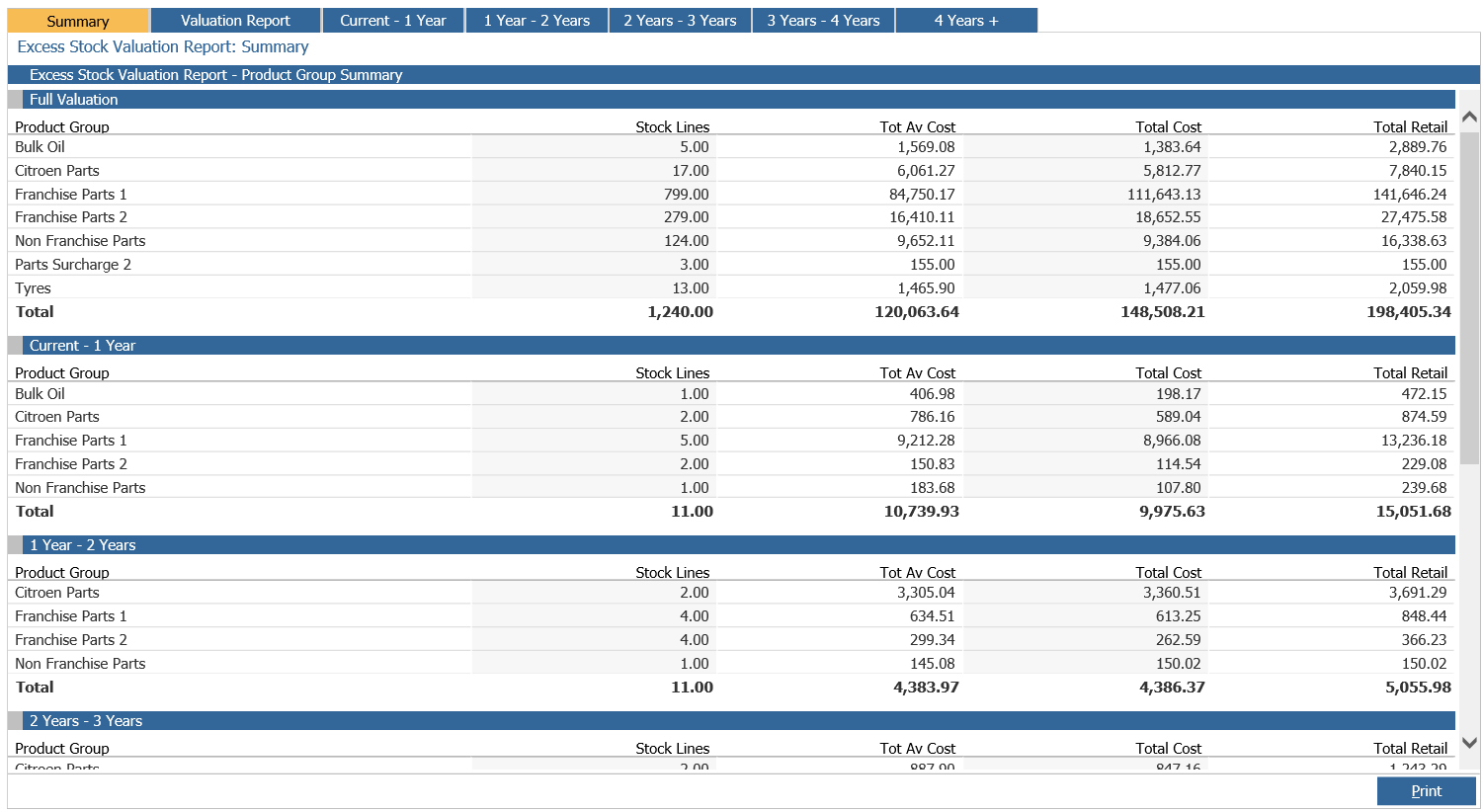
The report will dynamically calculate the current excess stock upon entry. Excess stock is
calculated as being any part where the current stock holding means that the stock availability
is greater than the maximum holding days.