
The parts in transit report can be accessed via Parts > Distribution > Reporting > Parts In Transit
The parts in transit report will display any parts that have been dispatched via internal transfers, but have not been receipted in at the requesting branch.
Also included are any parts on delivery notes to accounts that have been set as consolidated. These will remain on the report until invoiced, as part of the End of Day.
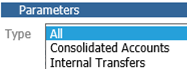
The report can be filtered to show either internal accounts or consolidated accounts.
The results will display the date the delivery was dispatched and the delivery note number.
It will also display the part number, description, quantity, issue total and the average cost total of the parts.
All values will be held in the Internal Transfer Suspense Nominal.
Parts > Distribution > Reporting > Parts In Transit
Select a type of either Internal Transfers or Consolidated Accounts from the drop down menu, then click ‘Generate’ to produce the report.
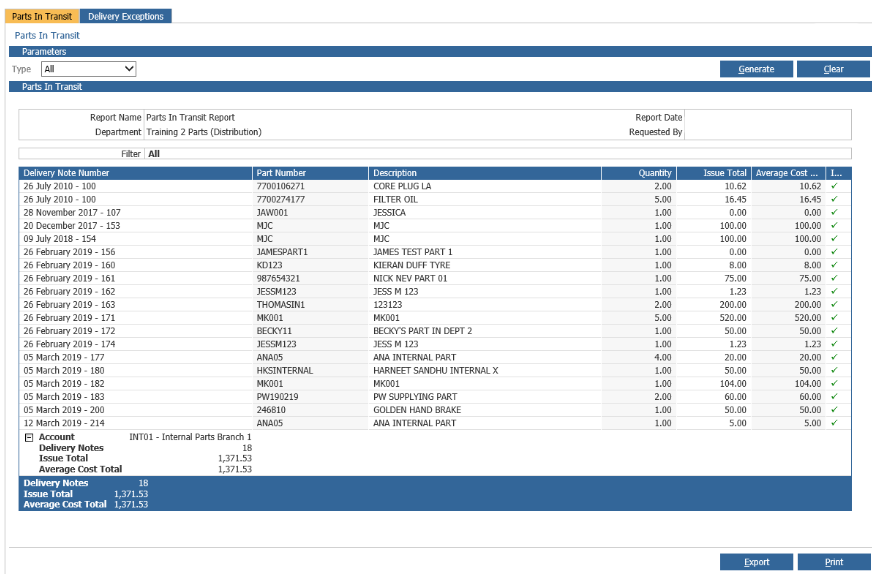
The report can be printed or exported to Excel.
