
Once a selection has been saved on the system, it can easily be retrieved by selecting the
Saved Selection tab at the top of the screen.
The currently saved selections will automatically be displayed.
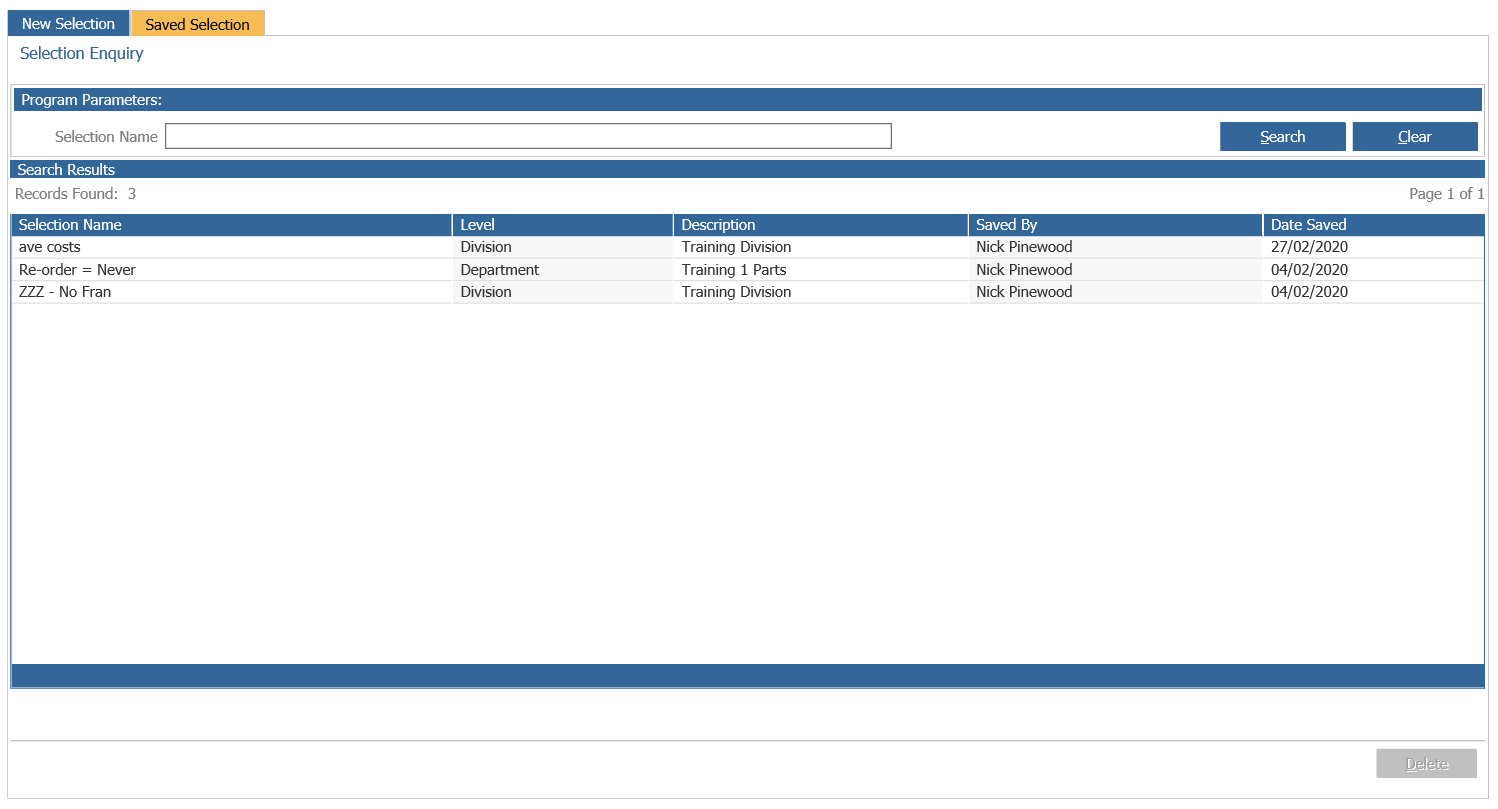
To delete a report, single click it and select ‘Delete’.
To access a report, select it with a double click. If both the results and the selection criteria
have been saved, the system prompts the user to choose which option to view.
If only the results have been saved, the report can be viewed. If only the search criteria has
been saved the screen will show the criteria and a new report can be generated.
Download a Saved Selection
Once a saved report has been accessed, a new option appears at the bottom of the screen.
The ‘Download’ option can be used to export the selection into Excel.