
Question
How do I link a Customer to a Sales Ledger Master Account?
Answer
To link a Sales Ledger Master Account to a Customer go to: CRM > Enquiry and search for the customer. Then click the Customer tab on the CRM record.
Click Amend:
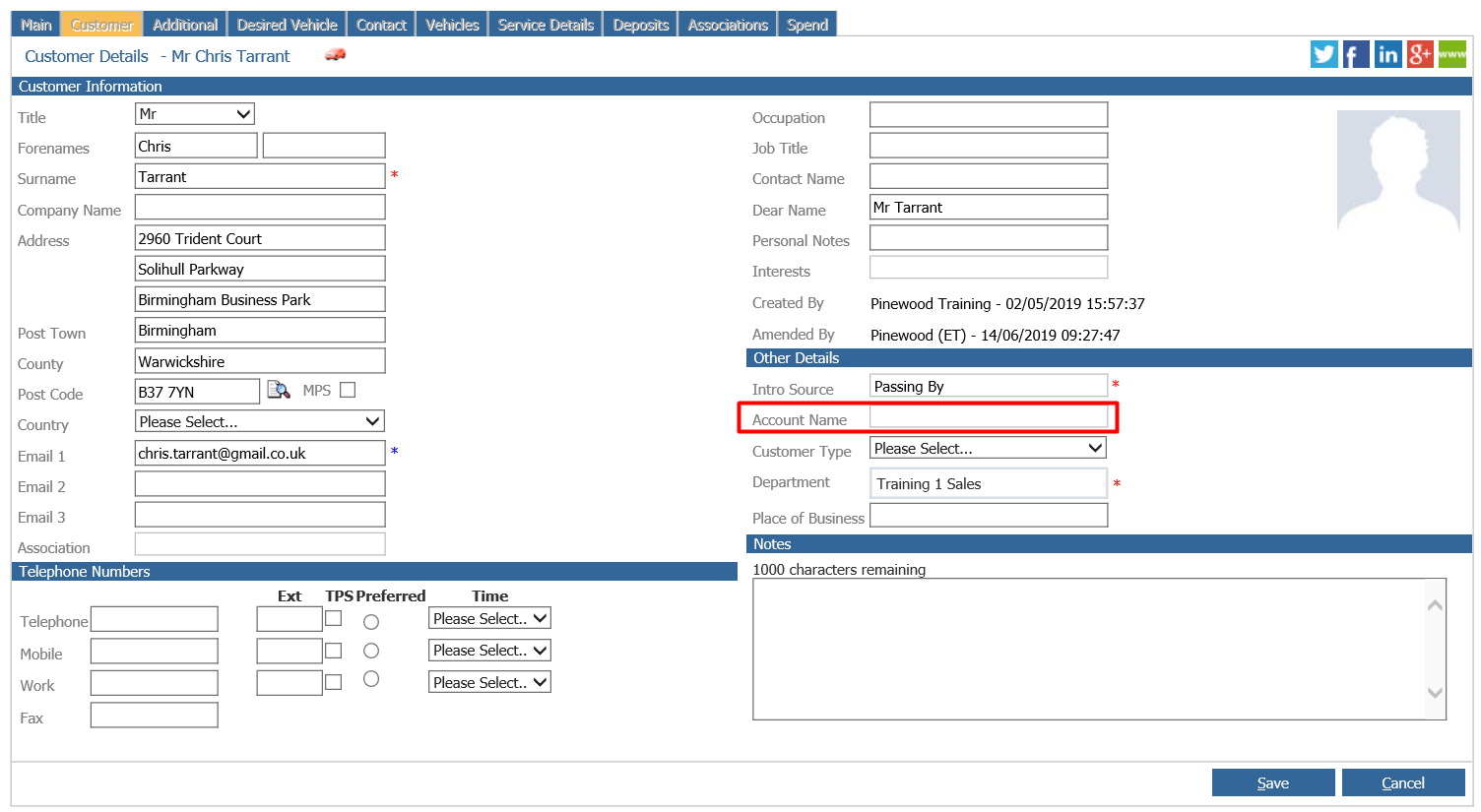
Then click the Account Name box and in here you are able to search for the Sales Ledger Master Account to link to the customer:
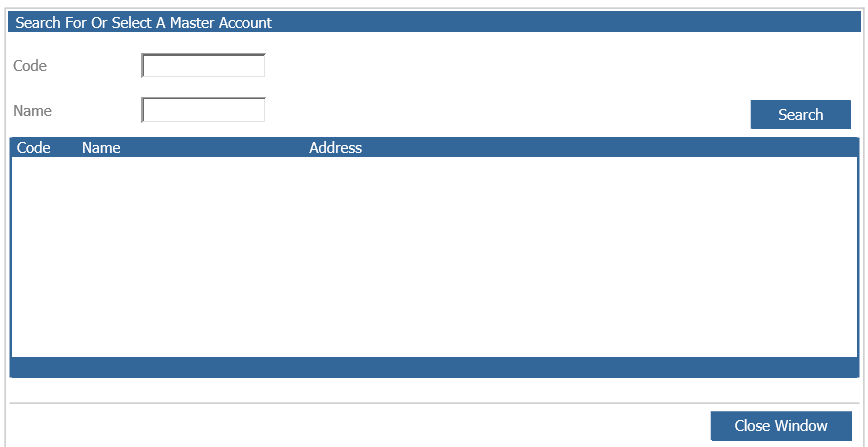
Find the account using the search fields and select the account.

The account name is then populated. Click Save.
The account is then linked to the customer, this will be the default account used when raising workshop and parts invoices when this customer is selected.