
Question
How do I Update a Customer Complaint?
Answer
If a customer has an open complaint, as indicated by the  icon, you are able to update this by going to CRM > Enquiry, searching and drilling into the customer and then selecting the Contact tab:
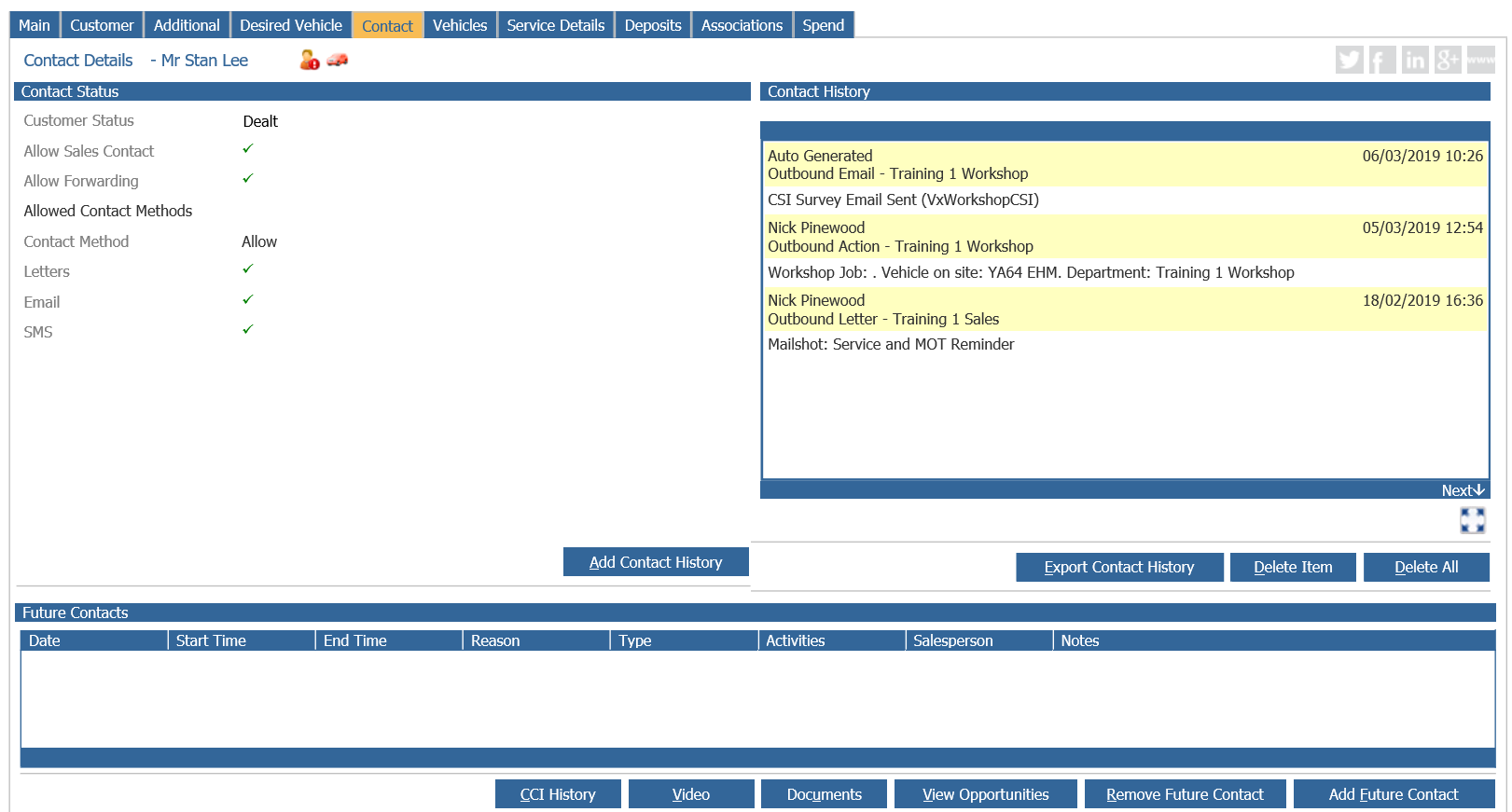
Click the Add Contact History button and in Contact Reason you will need to select the option your system has for Updating a Customer Concern (please note this may be called something different in your own system):
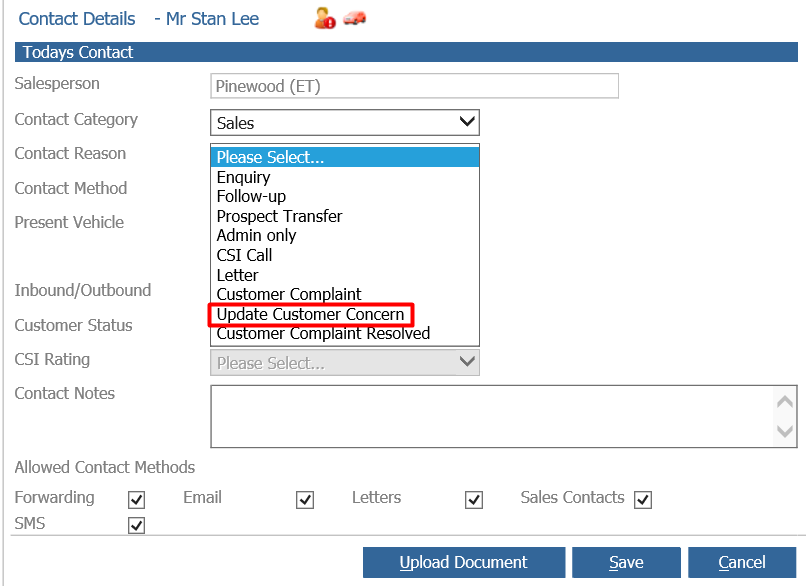
Fill the rest of the information out as is relevant and then click Save, a pop up will then appear:
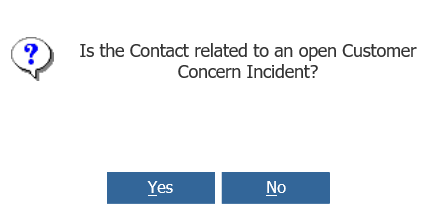
Click Yes and the Customer Care Incident window will open:
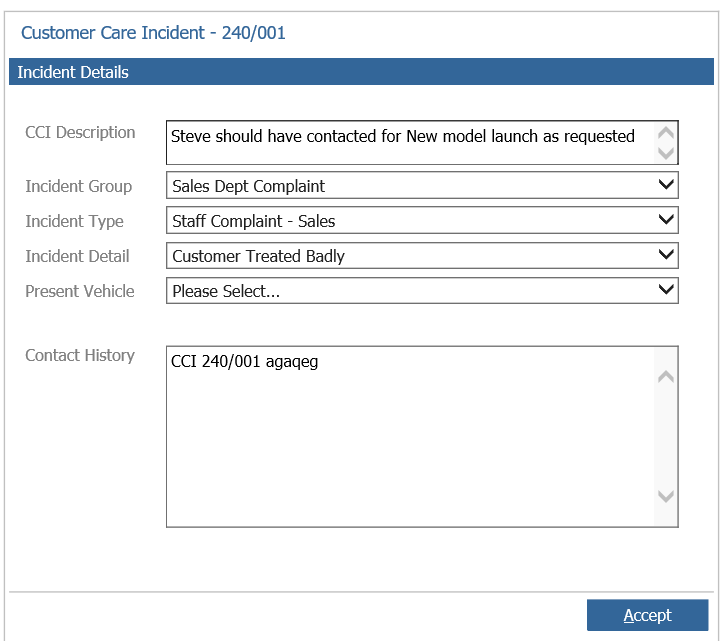
Update the notes as necessary and click Accept. This will then update the Customer Concern and the Contact History will show in red letters to indicate this is part of the open customer complaint.