
If you find that the View in Browser link at the top of your Pinewood generated emails is leaving you with a blank page please ensure you are not doing this on a test email from the test facility. For example if you were testing the booking confirmation email this would be in CRM - Parameters - Communications - Workshop. Then into the Book confirmation tab. Example below:
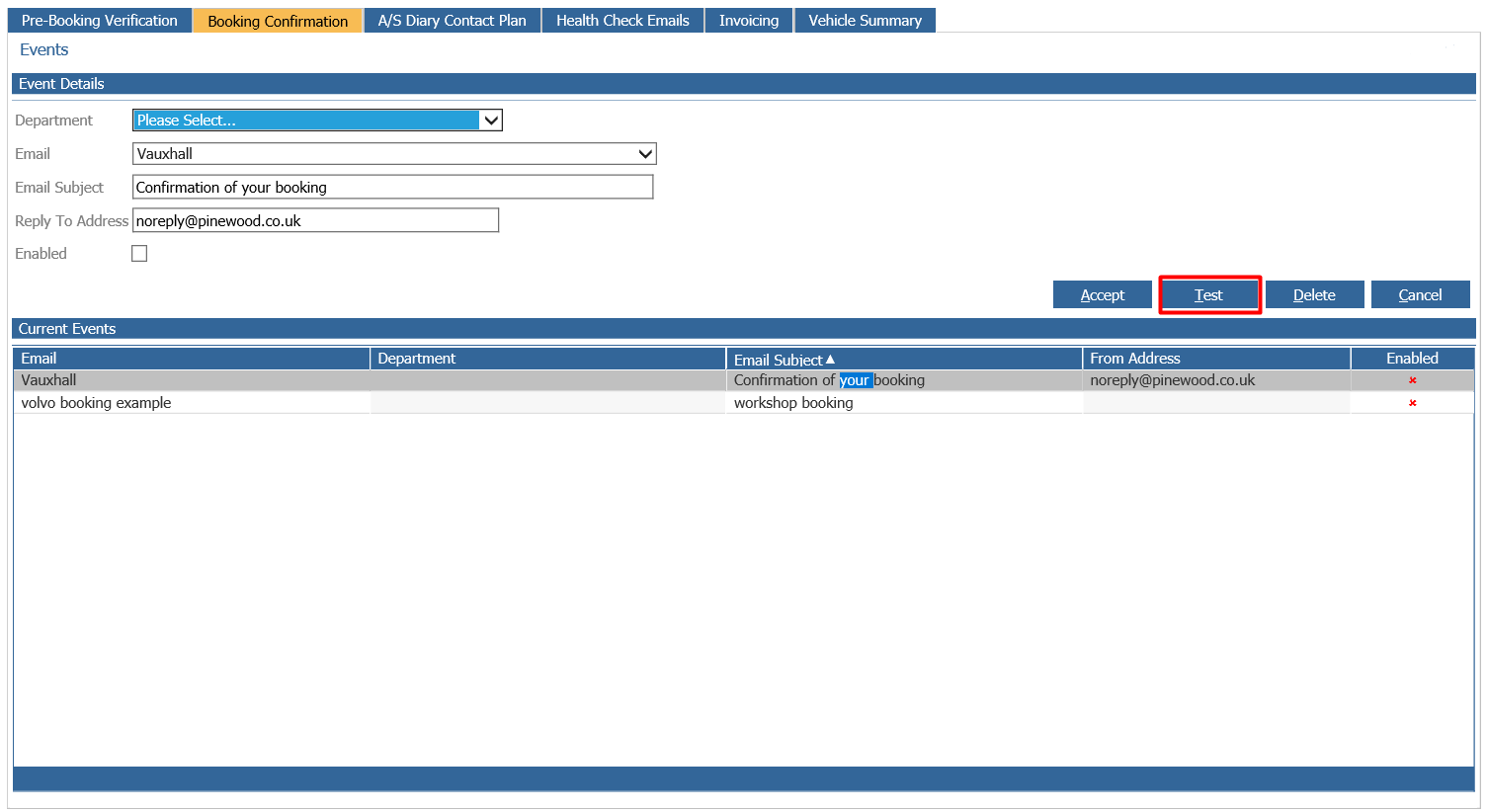
As the View in Browser link does not work in the test email facility.
If you find the link is not working in a normal system generated email then please contact the support team who will look into this for you.