Question
How do I amend Access Levels to allow the CRM Deposits Tab to be displayed?
Answer
Workshop and Vehicles deposits can be viewed and added within CRM > Enquiry > Deposits
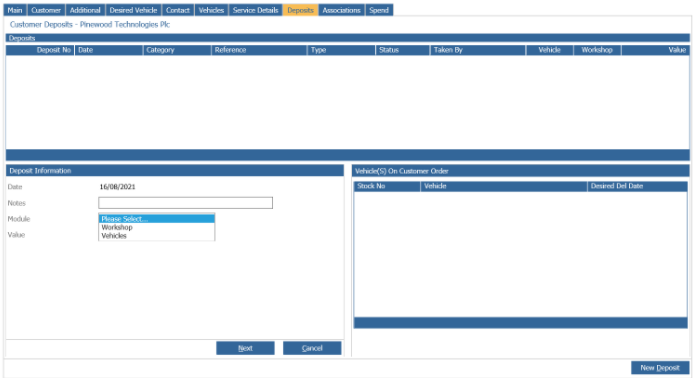
In order to access the Deposits Tab you must go into Accounts > Sales Ledger > Ledger Parameters >Transaction Parameters
Select amend in the bottom right corner and from here enter the updated Access Level. 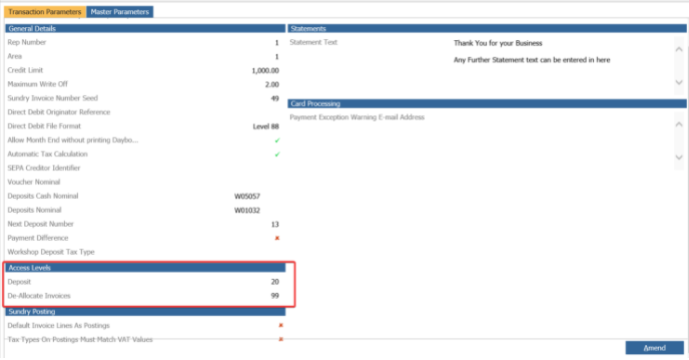
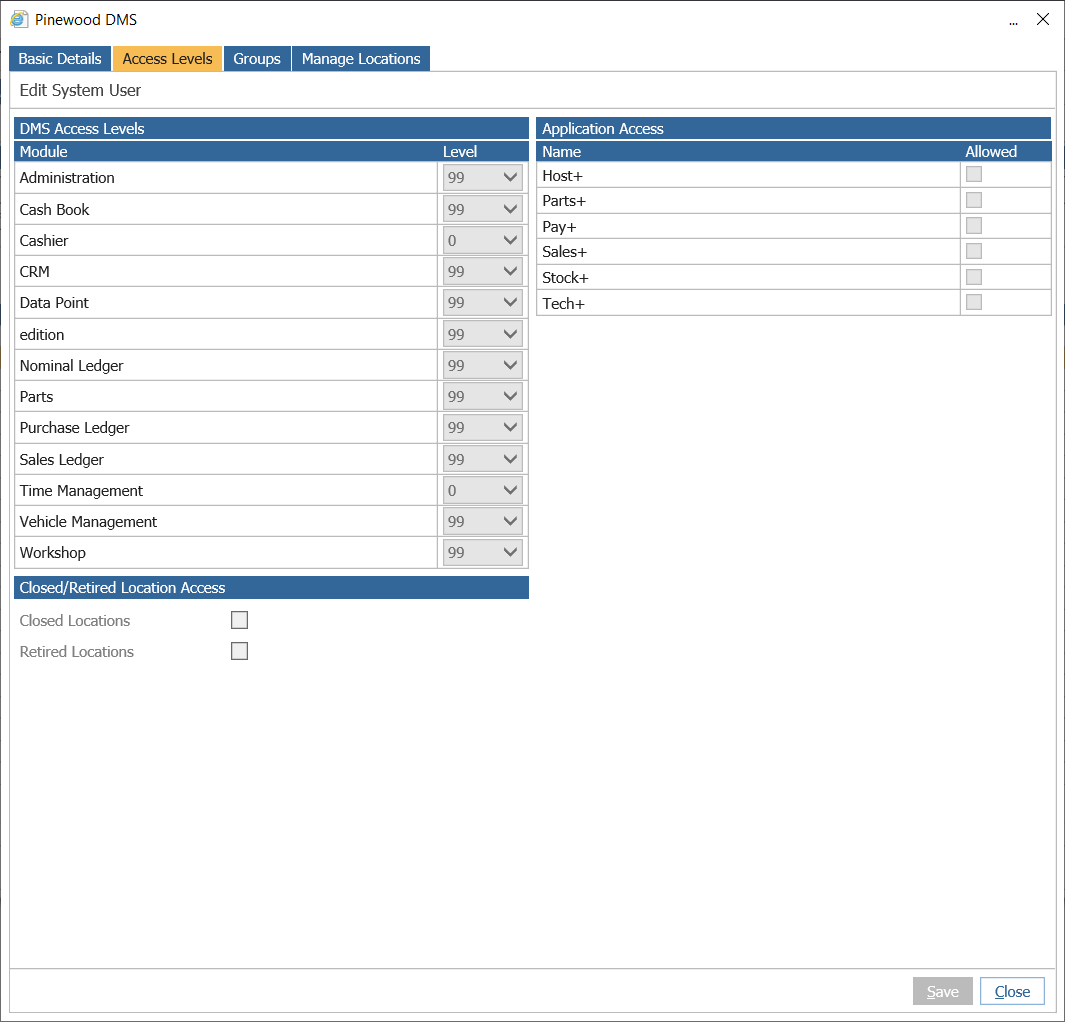
To find an individual user's access level to confirm you are setting the Deposits Tab to the correct level you must go into Administration > User Admin, search for a user and double click into their profile.
From here you can view the Access Levels tab: